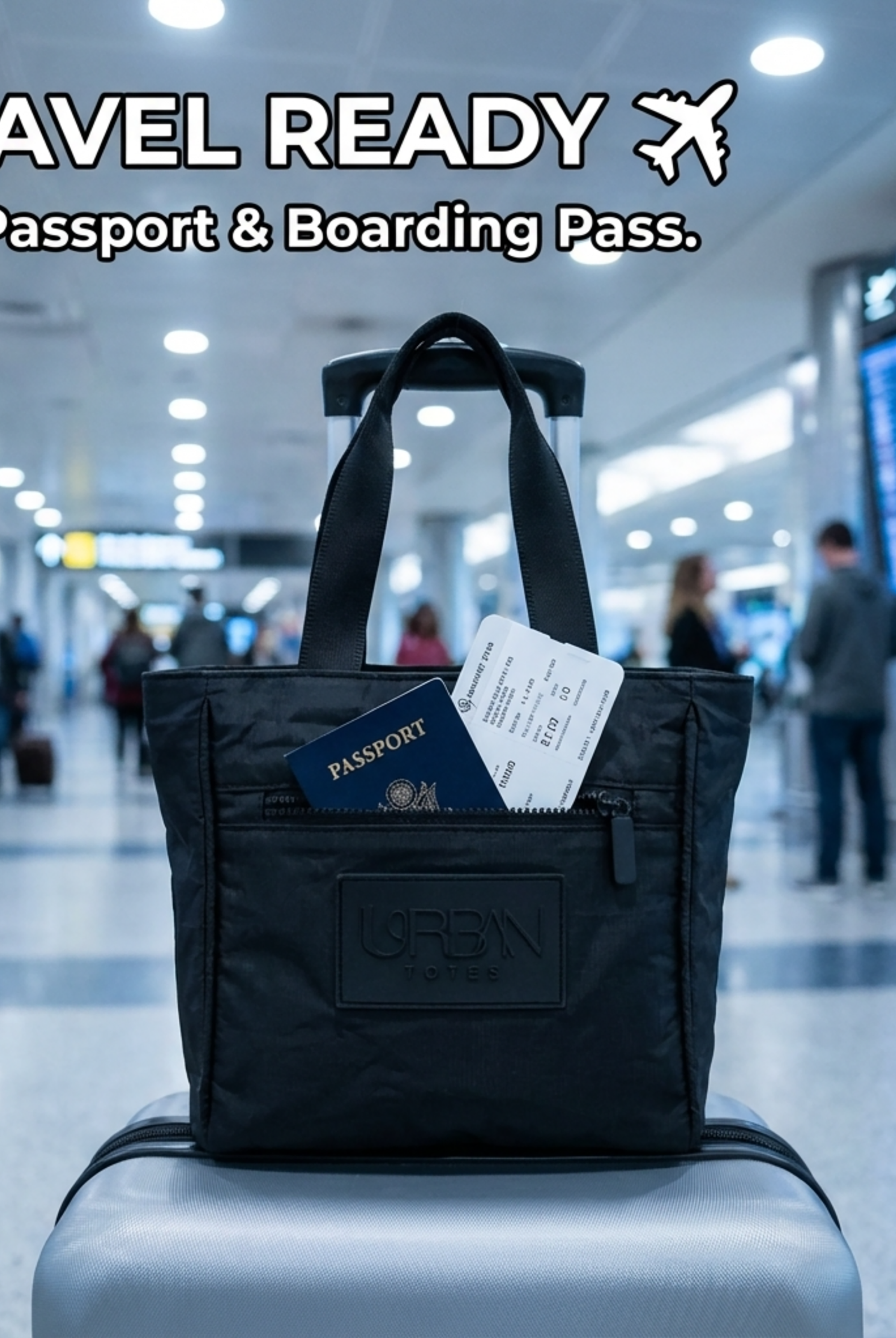
You should almost never put a laptop in checked luggage. The financial risk is over five times higher than keeping it with you because 34% of lost or stolen electronics were reported from checked luggage compared with 6% from carry-on bags (IATA-linked summary and study data).
That answer sounds simple until you're at the bedroom floor with an open suitcase, a stuffed carry-on, a child asking for their headphones, and a gate time that suddenly feels very close. Sometimes the temptation is real. You need space for snacks, medicines, paperwork, a comfort item, maybe a spare outfit for a toddler who always seems to spill juice at the worst possible moment.
So yes, there are moments when checking a laptop feels like the only workable choice.
Here, the practical answer matters more than the idealized one. The official rules leave a little room for checked laptops in some situations, but the smart reality is much narrower. Fire risk, rough handling, theft, and denied claims all pile onto one decision. If you still have to do it, there is a safer way to reduce the damage. It just starts with being honest that this is harm reduction, not a good plan.
Table of Contents
- That Last-Minute Packing Dilemma
- The Official Rules Versus the Smart Reality
- Unseen Risks Damage Theft and Denied Claims
- How to Pack a Laptop in Checked Luggage If You Absolutely Must
- The Smarter Alternative Finding Your Go-Anywhere Carry-On
- Your Pre-Flight Tech Checklist
That Last-Minute Packing Dilemma
The classic version goes like this. Your carry-on already holds wipes, chargers, passports, a cardigan for the freezing cabin, and the little zip pouch that keeps everyone's medications in one place. Your checked suitcase still has room. Your laptop is the awkward item left on the bed.
That's the moment people ask whether a laptop in checked luggage is fine.
Technically, sometimes it can be. Practically, it usually isn't. A laptop is one of those items that looks sturdy right up until baggage systems, stacked suitcases, and a rushed connection prove otherwise. Add the fact that it also contains a lithium battery, and this stops being just a packing question.
Practical rule: If you're debating between checking shoes or checking your laptop, check the shoes.
Busy women and moms hit a very specific trade-off here. You're not packing badly. You're making choices under pressure. You may need your personal item for the things you can't delay reaching, like a child's meds, boarding documents, or a clean shirt for an in-flight mess. That doesn't make the laptop safer in cargo. It just explains why so many smart travelers consider it anyway.
Why the temptation is understandable
A laptop takes up the kind of space that feels expensive at the airport. It's flat but inflexible. It doesn't squeeze into odd corners. It competes with all the everyday travel items no one mentions in minimalist packing guides.
For caregivers, the calculation can feel ruthless. Do you keep the device close, or do you free up room for what your family might need right now?
What actually helps
The best answer is to treat the laptop as the item that stays with you unless there's no realistic alternative. If that means changing the bag setup, using a more organized personal item, or redistributing smaller essentials, that's usually the smarter move. The rest of this guide is built around that exact tension: why checking it is risky, and how to reduce that risk if you're boxed into the decision.
The Official Rules Versus the Smart Reality
Airlines leave just enough room in the rules to create trouble.

What the rules allow
A laptop with its battery installed can be allowed in checked baggage under limited conditions. It needs to be fully powered off, protected from accidental activation, and packed in a way that reduces pressure or impact on the device. Spare lithium batteries and power banks do not belong in checked luggage. They stay in the cabin.
The rule that trips people up is simple. Permitted is not the same as wise.
For busy women and moms, that gap matters. On paper, checking the laptop can look like the practical choice when your personal item is already doing too much, carrying snacks, wipes, medicine, chargers, passports, and the small crisis-management kit every family trip seems to require. In real travel, though, the safer call is still to keep the computer with you and make room somewhere else.
A few points are worth keeping straight:
- Spare batteries stay out of checked bags: That includes power banks and loose lithium batteries.
- A checked laptop must be fully shut down: Sleep mode is not enough.
- Battery size can change what is allowed: If you travel with larger charging gear, check the watt-hour rating before you pack. This guide to choosing your Singapore power bank gives a useful breakdown of how those limits work in practice.
Why smart travelers are stricter than the rulebook
Crews can respond faster to a smoking or overheating device in the cabin than in the hold. That alone should shape the decision.
A laptop that looks off is sometimes only sleeping. I have seen travelers close the lid, slide the machine into a packed suitcase, and assume that was enough. It often is not. Pressure inside the bag, a shifted item, or a jolt during handling can wake the device or press the power button. If heat builds up in cargo, nobody is opening your suitcase mid-flight to deal with it.
That is the smart reality. The official rule gives you a narrow allowance. Experienced travelers usually treat that allowance as a last resort, not a green light.
The bag setup that solves the problem earlier
A lot of checked-laptop decisions start at home with the wrong bag combination. If your carry-on and personal item are poorly organized, the laptop becomes the thing you sacrifice first, especially when you are also packing around children.
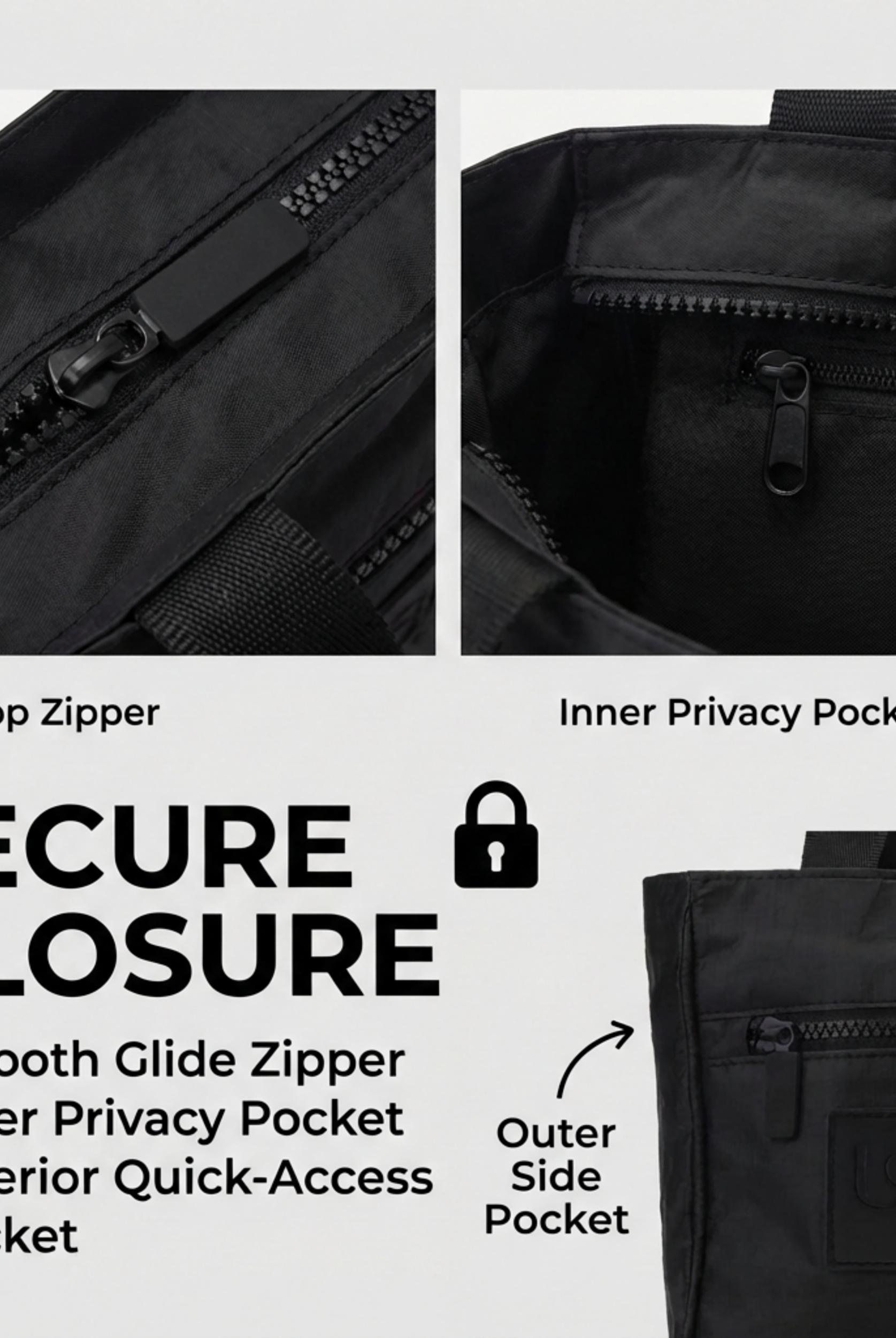
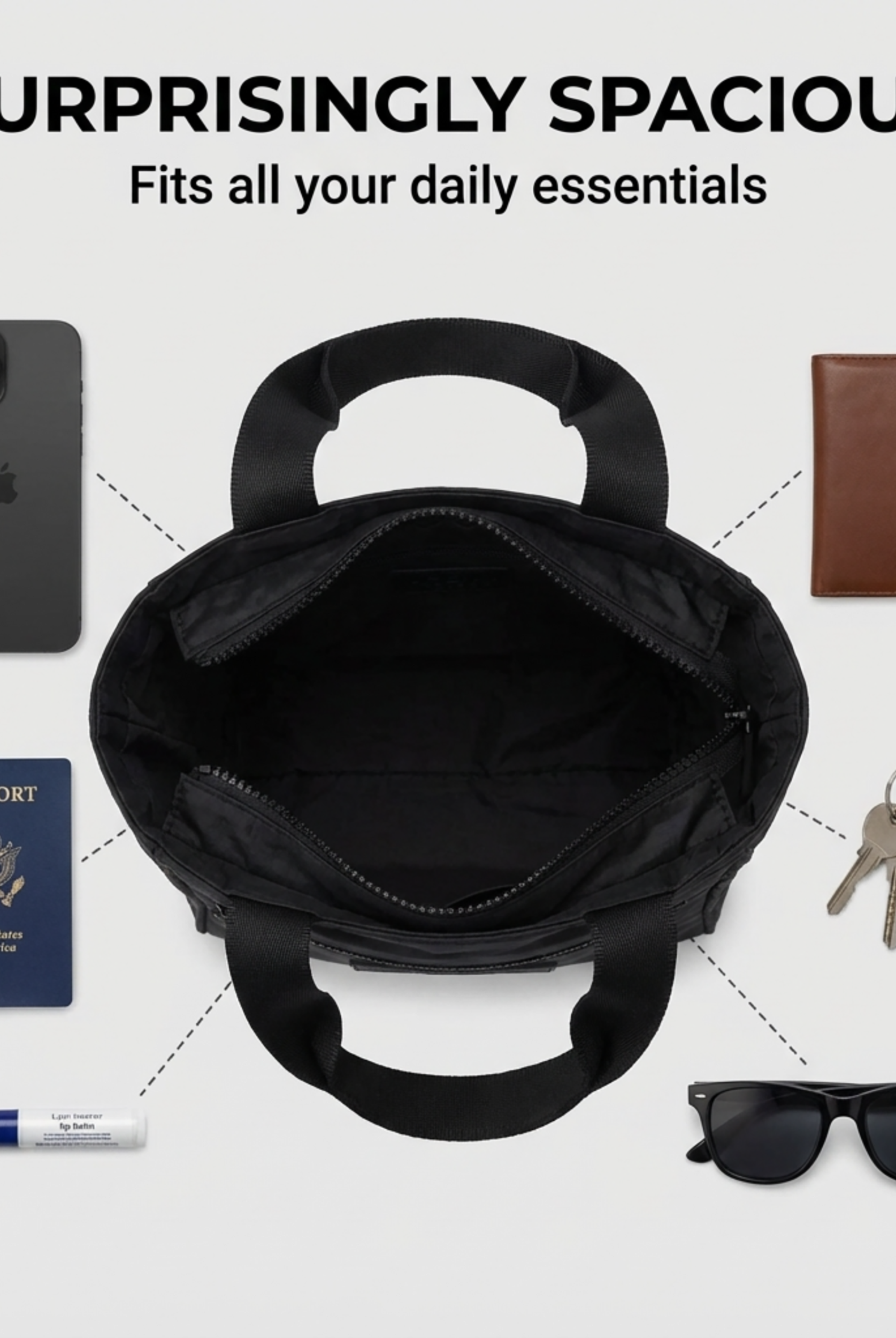
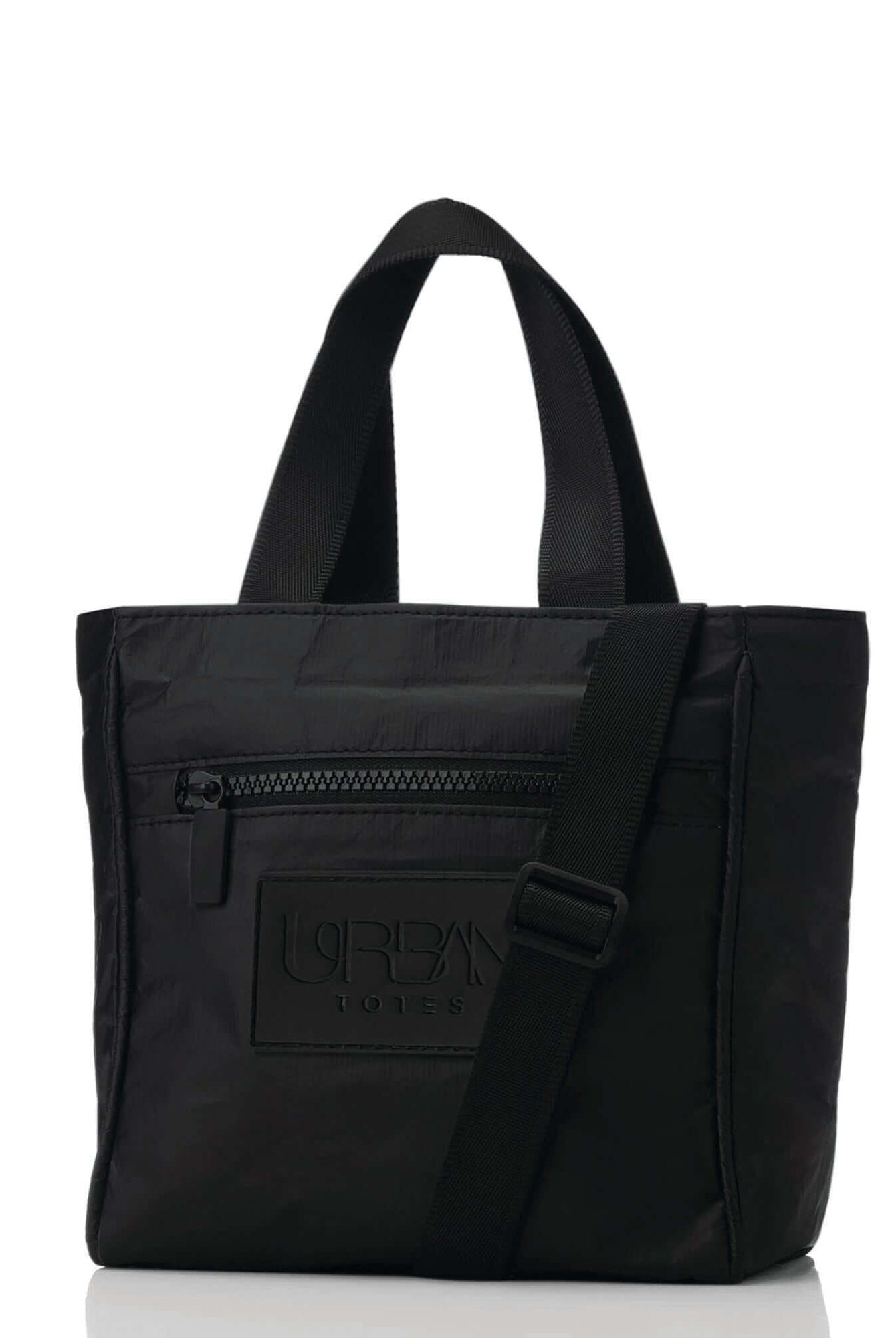
A better setup spreads the pressure. Keep the laptop in the bag that stays with you, then move the quick-grab items into a smaller organizer or crossbody so your larger bag is not clogged with phone, keys, lip balm, boarding documents, and earbuds. The Crossbody Tote Bag Mini Purse ($24.95, in stock) has a zip-top closure, an outside zipper pocket, and an easy-access pocket that can take those smaller essentials off your main bag.
If your usual problem is size, not quantity, check these weekender bag dimensions for airline planning before your next trip. Many “I have no choice but to check the laptop” moments come from a carry-on setup that was working against you from the start.
Unseen Risks Damage Theft and Denied Claims
The fire issue gets attention because it's dramatic. The more common travel headache is quieter. Your laptop arrives cracked, missing, soaked, or dead. Then the claim process starts, and that's where many travelers realize the system was never designed around protecting fragile electronics.

Damage happens in ordinary handling
A 2022 IATA report noted that over 1.2 million pieces of luggage were damaged globally in 2021, and a separate study found 34% of all lost or stolen electronics were reported from checked luggage, compared to 6% from carry-on bags, making the financial risk over five times higher (damage and electronics loss data).
Those numbers line up with what frequent travelers already know. Bags are dropped, compressed, stacked, and shoved through systems built for volume, not for delicate tech. A hardshell suitcase helps some. It doesn't create a padded suspension system for your screen.
A visible “Fragile” label may encourage more careful handling, but it doesn't stop conveyor belts from behaving like conveyor belts.
Theft risk is higher when your device disappears from view
The moment your suitcase goes down the belt, your control is over. High-value electronics are especially exposed in that window between check-in and carousel pickup. That's one reason general luggage security matters so much. If you want to tighten up your packing habits overall, this guide to travel bag security strategies is worth a read before your next trip.
The safest expensive device is the one that never leaves your sight.
Theft prevention tools are often discussed in broader cargo and transport safety too. For readers interested in suppression technology in other environments, Knight Tek's Fire Quit product range offers a useful look at how fire control products are approached when early intervention matters.
Claims are where the gamble gets expensive
The Montreal Convention sets a maximum liability limit of about 1,700 Special Drawing Rights, roughly $2,300 USD, for lost or damaged baggage, but most airline contracts of carriage explicitly exclude liability for fragile electronics like laptops in checked luggage. As a result, passengers who check laptops often have little realistic chance of full reimbursement when damage or theft occurs.
That's the part many travelers don't see coming. A reimbursement ceiling is not the same thing as a promise to pay for your device. Airlines routinely deny claims by pointing to fragile-item exclusions or improper packing language.
Here's the practical takeaway:
| Situation | What travelers expect | What often happens |
|---|---|---|
| Laptop comes back cracked | Airline covers repair or replacement | Claim may be denied as fragile electronics damage |
| Laptop is missing from checked bag | Full reimbursement | Payout may be capped or denied |
| Device was poorly padded | Some partial coverage | Airline may cite packing issues |
Checking a laptop isn't just a tech risk. It's a paperwork risk too.
How to Pack a Laptop in Checked Luggage If You Absolutely Must
A lot of women end up here for a reason. The diaper bag is full. The carry-on already has medications, snacks, a change of clothes, chargers, and the things a child may need right now, not after landing. In that squeeze, the laptop starts to look like the one item that can be pushed into the checked suitcase.
It is still the riskier choice. But if checking it is the only workable option on this trip, pack it like you expect the bag to be dropped, stacked, and squeezed.

Start with battery safety
As noted earlier, a checked laptop needs to be fully powered off and protected from turning on by accident. A real shutdown matters. Sleep mode is not enough, and neither is closing the lid alone.
Use this order:
- Shut the laptop down completely. Wait until the screen is dark and the machine is fully off.
- Take out every spare battery item. Power banks, loose batteries, and backup battery packs stay in your carry-on.
- Use a rigid padded sleeve. It adds structure, helps protect the corners, and reduces the chance of a button getting pressed in transit.
Battery size matters too. Larger lithium batteries may need airline approval, and very large ones are not allowed at all. If you are traveling with a high-power workstation or gaming laptop, check your battery rating before you pack instead of finding out at the airport.
Build protection around the weak points
Checked bags take hits from more than one direction. The hard drops are a problem, but steady pressure does damage too. A laptop gets cracked when it sits against the suitcase wall, gets pinned under shoes, or takes a corner impact.
The safest spot is the middle of the suitcase with soft items on every side.
Pack it this way:
- Put the laptop in a sleeve first. A bare laptop wrapped in clothes is better than nothing, but a padded sleeve gives you a real first layer.
- Pad the bottom of the suitcase. Start with folded sweatshirts, sweaters, or dense clothing.
- Place the laptop in the center. Keep it away from the outer shell, corners, and top layer of the bag.
- Add soft clothing around all sides. Focus on the edges and screen side, since those are common failure points.
- Keep hard items far from it. Shoes, toiletry kits, curling irons, chargers, and belt buckles should not touch the laptop.
A simple rule helps. If an item would hurt to press against your own ribs, it should not sit next to your computer in a checked bag.
Mistakes that undo careful packing
A few habits cause trouble fast.
- Do not use the outside laptop pocket of a checked roller. That section has almost no protection.
- Do not pack a power bank in the same suitcase. That can create a security problem before your bag even gets loaded.
- Do not stack heavy items over the computer. Boots, full toiletry bags, and hair tools add pressure in exactly the wrong place.
- Do not skip a backup. Even perfect packing protects the device only. It does not protect your files if the laptop goes missing or refuses to start.
If this keeps happening because your current airport setup runs out of room, it may be time to switch to a more organized slim laptop bag for travel days.
The quickest packing formula to remember
| Step | What to do |
|---|---|
| Power | Fully shut down the laptop |
| Sleeve | Use a rigid padded sleeve |
| Placement | Put it in the center of the suitcase |
| Cushioning | Surround it with soft clothing on all sides |
| Separation | Keep spare batteries and power banks in carry-on |
This does not make checked luggage safe for a laptop. It lowers the odds of damage when you are out of better options. The better long-term fix is a carry-on setup that leaves room for your computer and the rest of real life.
The Smarter Alternative Finding Your Go-Anywhere Carry-On
After all that, the obvious question is whether there's a better answer than complicated damage control. There is. The better answer is a carry-on system that lets you keep the laptop with you without sacrificing the rest of what your day requires.

Why the right carry-on solves the real problem
Most women don't check a laptop because they want to. They do it because their current bag setup forces a bad choice. A disorganized tote becomes a pile. A personal item without structure turns every essential into a space battle. Then the laptop becomes the piece that gets pushed out.
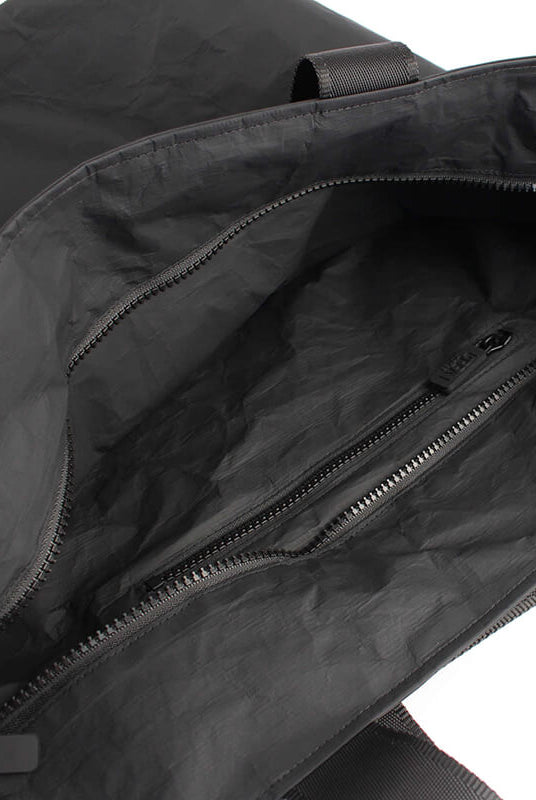
A travel-ready carry-on changes that by giving every category a home. Tech stays protected. Medications stay reachable. Snacks, wipes, cords, and travel documents stop tangling together at the bottom of the bag.
The FAA's requirement for any checked portable electronic device is that it be completely powered off and protected to prevent unintentional activation (FAA device guidance). The cleanest way to avoid having to manage that checklist at all is simple: don't check the device.
What to look for in a better setup
A good airport bag does a few practical things well:
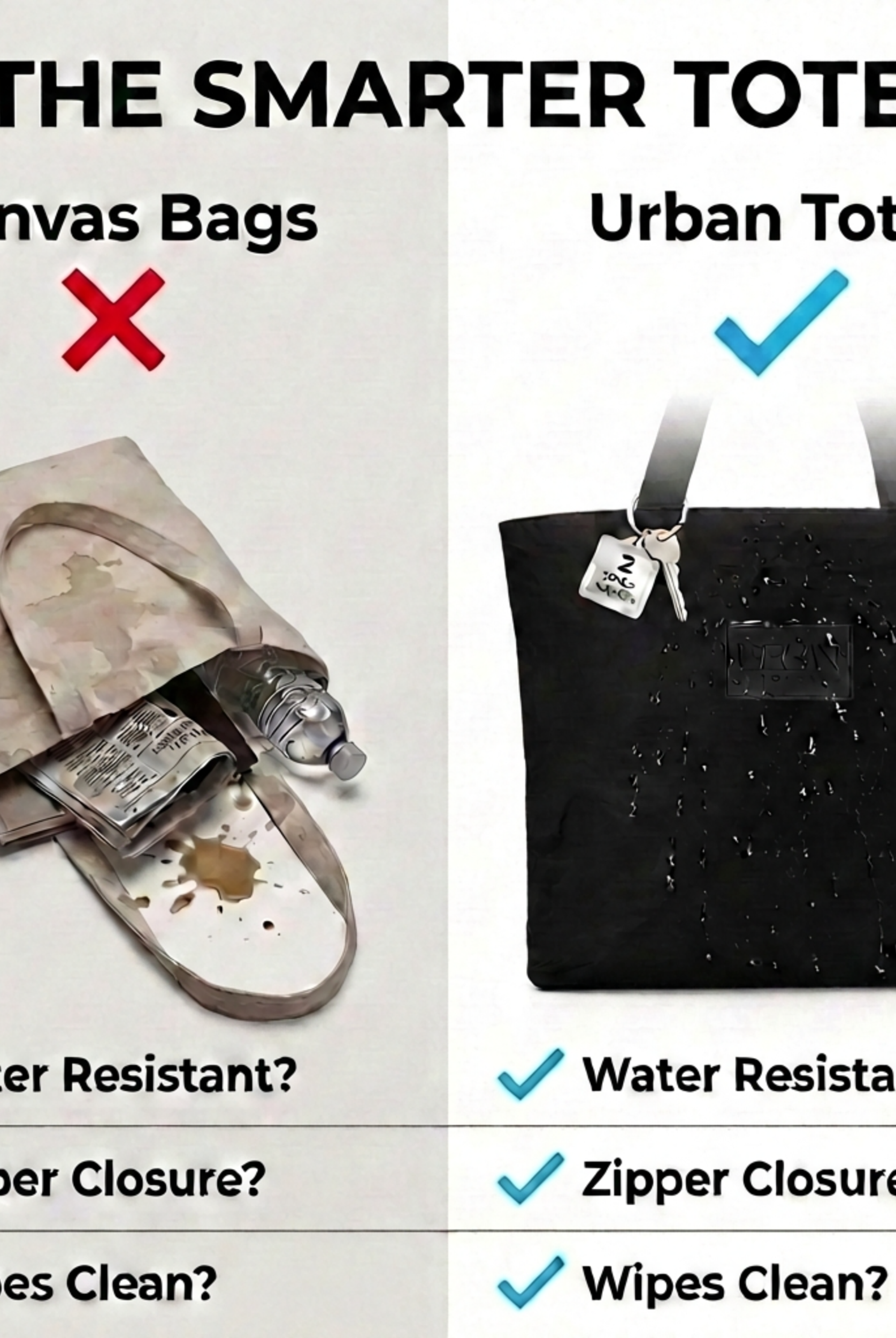
- Secure closure: A zipper closure matters when you're bending to pick up a child, sliding a bag under a seat, or moving through security.
- Multi-pocket organization: Separate compartments reduce the “everything everywhere” problem that makes repacking stressful at the gate.
- Lightweight construction: A bag that starts heavy only gets harder once you add a laptop, chargers, snacks, and water.
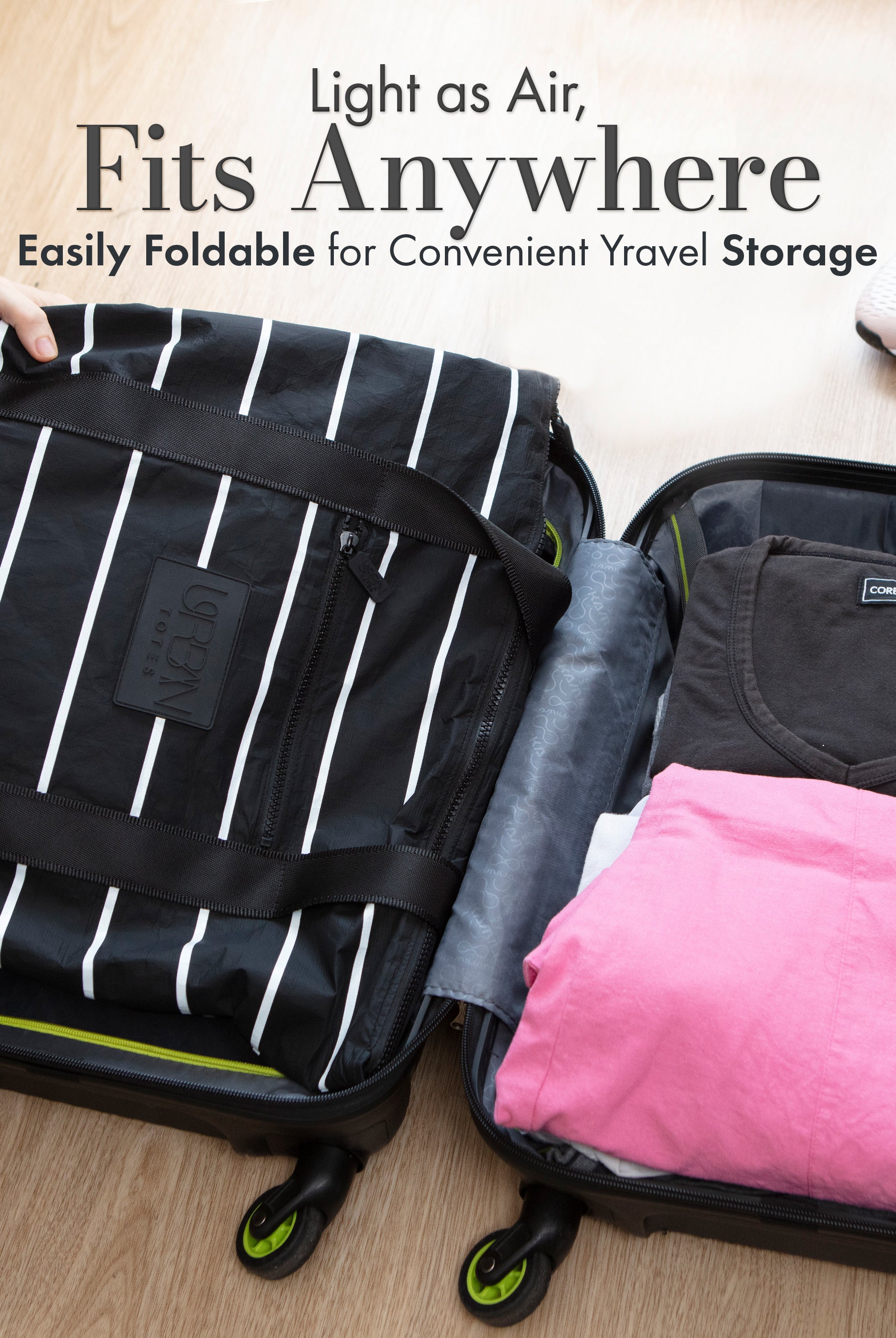
- Packable flexibility: A foldable extra bag can help on the return trip when souvenirs, beach gear, or kid extras multiply.
That mix is why many travelers move toward a more organized everyday carry instead of trying to become heroic packers. It's not about carrying more. It's about carrying smarter.
A real-world carry strategy for women on the move
Think through the airport in stages.
At check-in, you want documents and IDs easy to reach. At security, your laptop needs to come out quickly. At the gate, you need room for chargers, a water bottle, and whatever your family suddenly needs. On board, you want the important items in one place, not scattered across three bags.
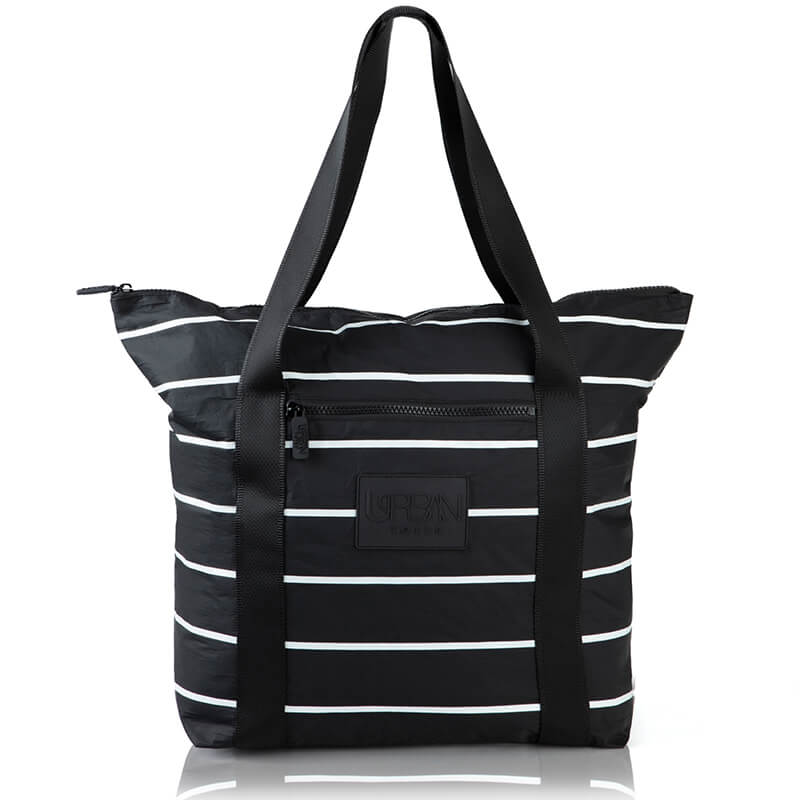
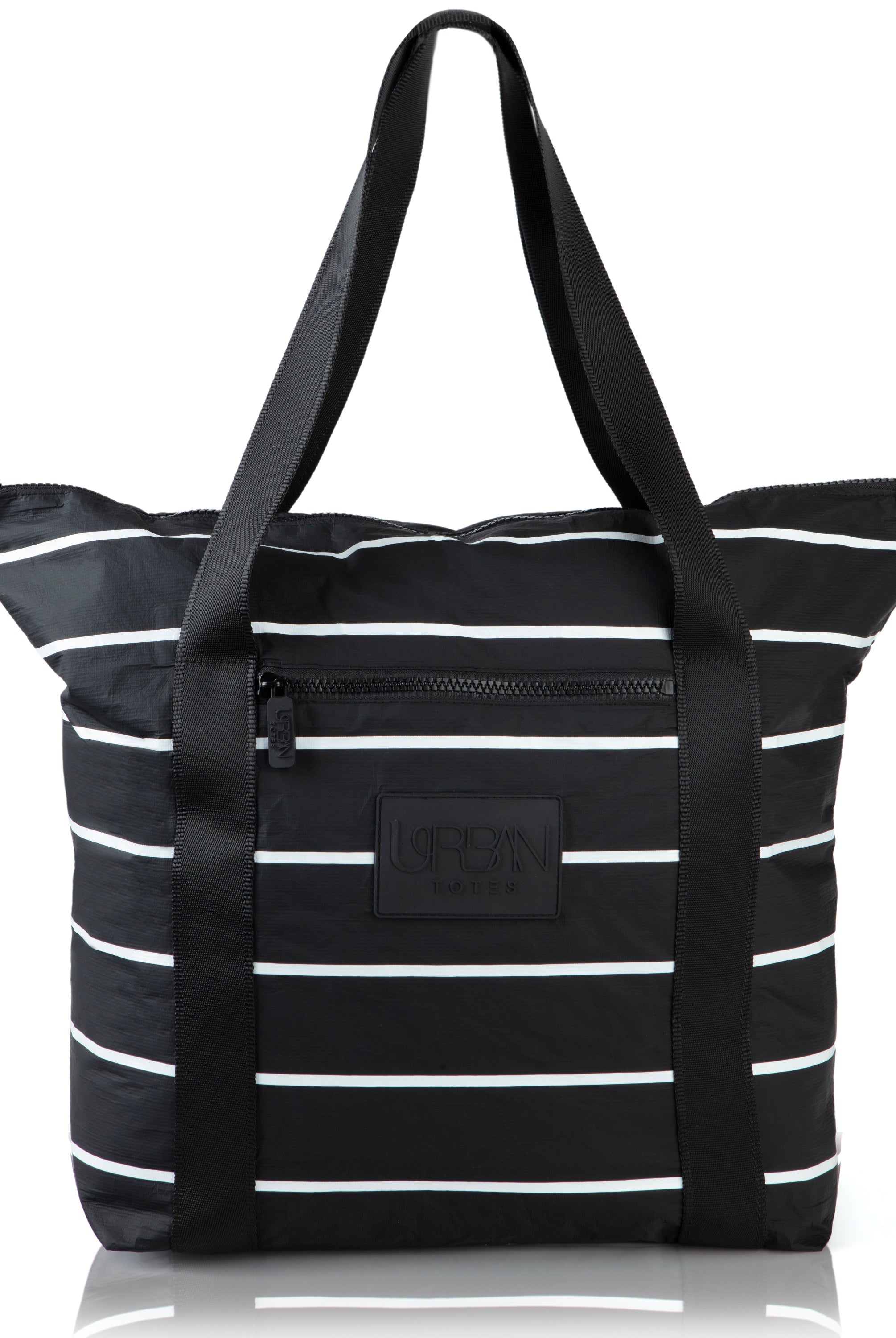
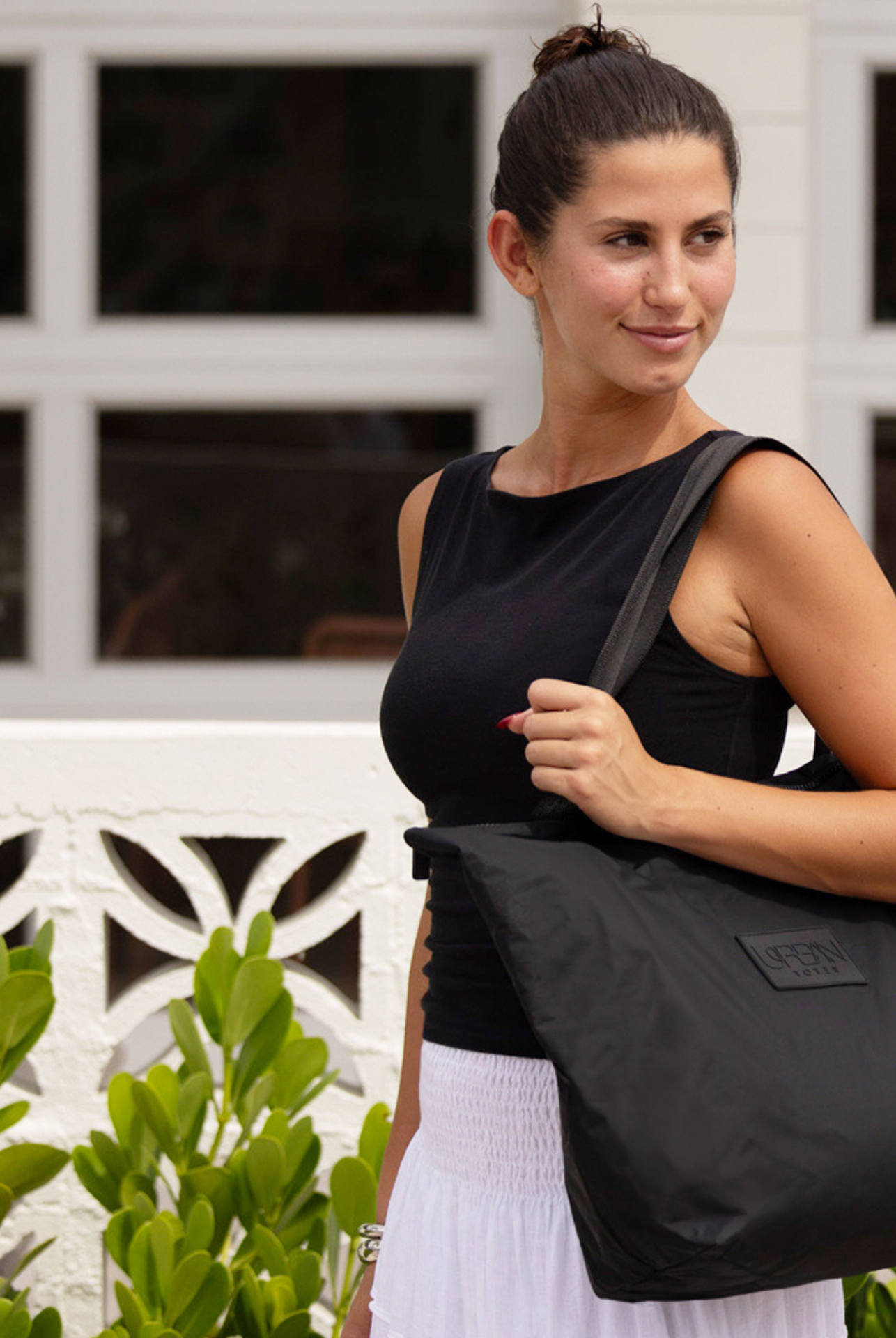
A thoughtfully designed option like Urban Totes, a woman-owned Boise-made brand, fits that everyday travel reality with lightweight, water-resistant, organized bags designed around zipper closures and multiple compartments. The point isn't that a bag can remove every travel hassle. It's that a functional, stylish, travel-ready layout can eliminate the specific chain reaction that leads to checking fragile tech in the first place.
If you're comparing shapes and carry styles, this article on the carry-on travel backpack question is a helpful place to start.
The smartest travel bag doesn't just hold your stuff. It keeps your priorities from fighting each other.
For moms especially, that matters. You shouldn't have to choose between carrying your child's essentials and protecting the device that holds your work, bookings, photos, and life admin. “Go Anywhere. Tote Everything.” only works when the bag helps you stay organized enough to do both.
Your Pre-Flight Tech Checklist
Before you leave for the airport, give yourself one quiet minute and run through this list.
Ask the first question honestly
Can the laptop go in your carry-on instead?
If the answer is yes, do that. It's the cleanest choice for safety, security, and peace of mind. If the answer is no, make sure it's because of a real constraint, not because your bag setup is working against you.
If you must check it
Use a last-pass check before you zip the suitcase:
- Power status: Confirm the laptop is completely shut down.
- Battery rule: Remove every spare battery and power bank from the checked bag.
- Physical protection: Place the laptop in a padded sleeve and center-load it inside soft clothing.
- Weight placement: Keep shoes, bottles, and heavier items away from the device.
- Data backup: Make sure anything important is saved elsewhere before you leave home.
A small dose of organization before the trip saves a lot of chaos later. If you want your essentials to stay separated and easier to grab, a guide to using a tote bag organizer with zipper can make your whole airport routine calmer.
Travel is already a lot. Your bag shouldn't make it harder.
Find your perfect go-anywhere bag at Urban Totes. Shop the full collection and take on whatever the day brings.