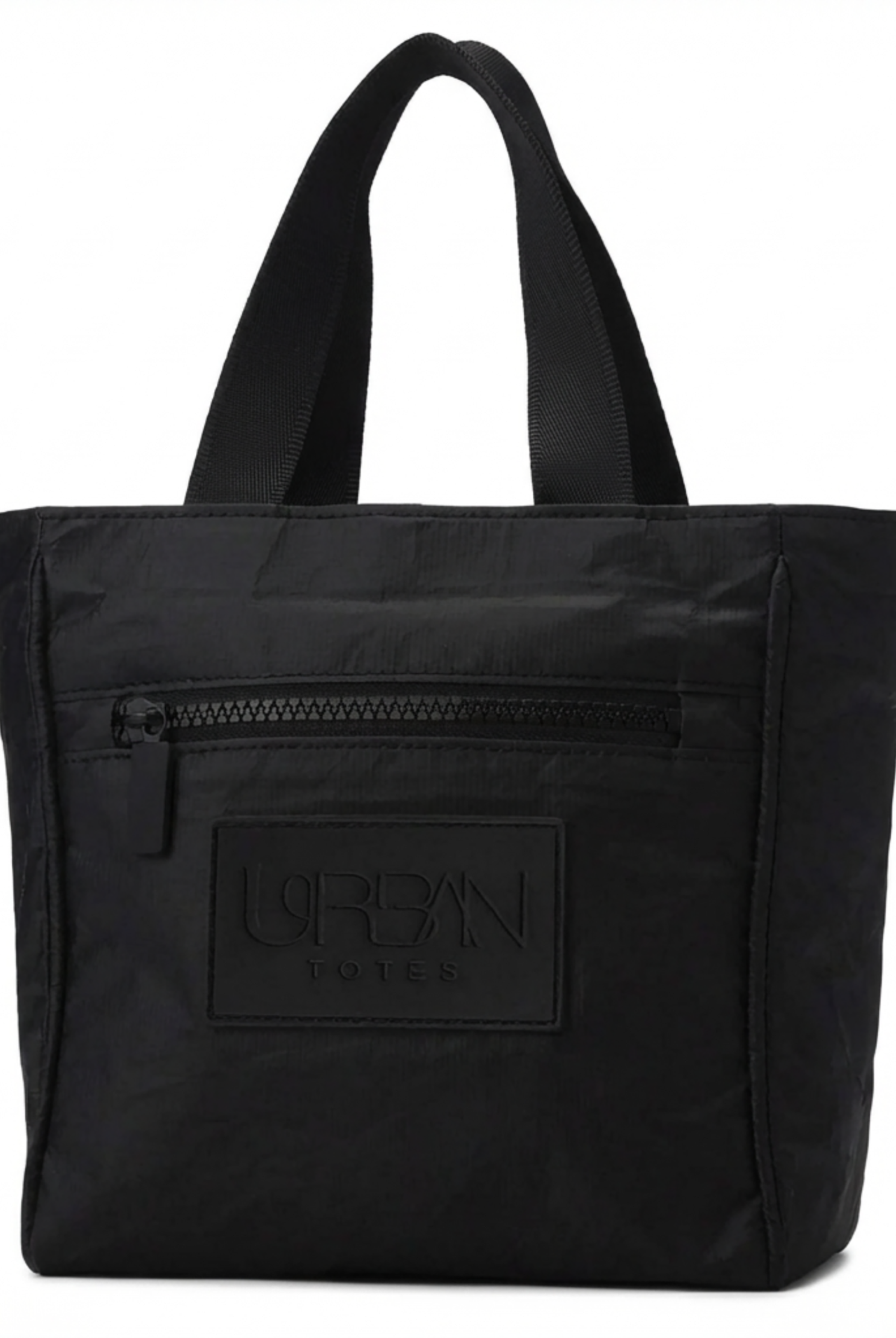
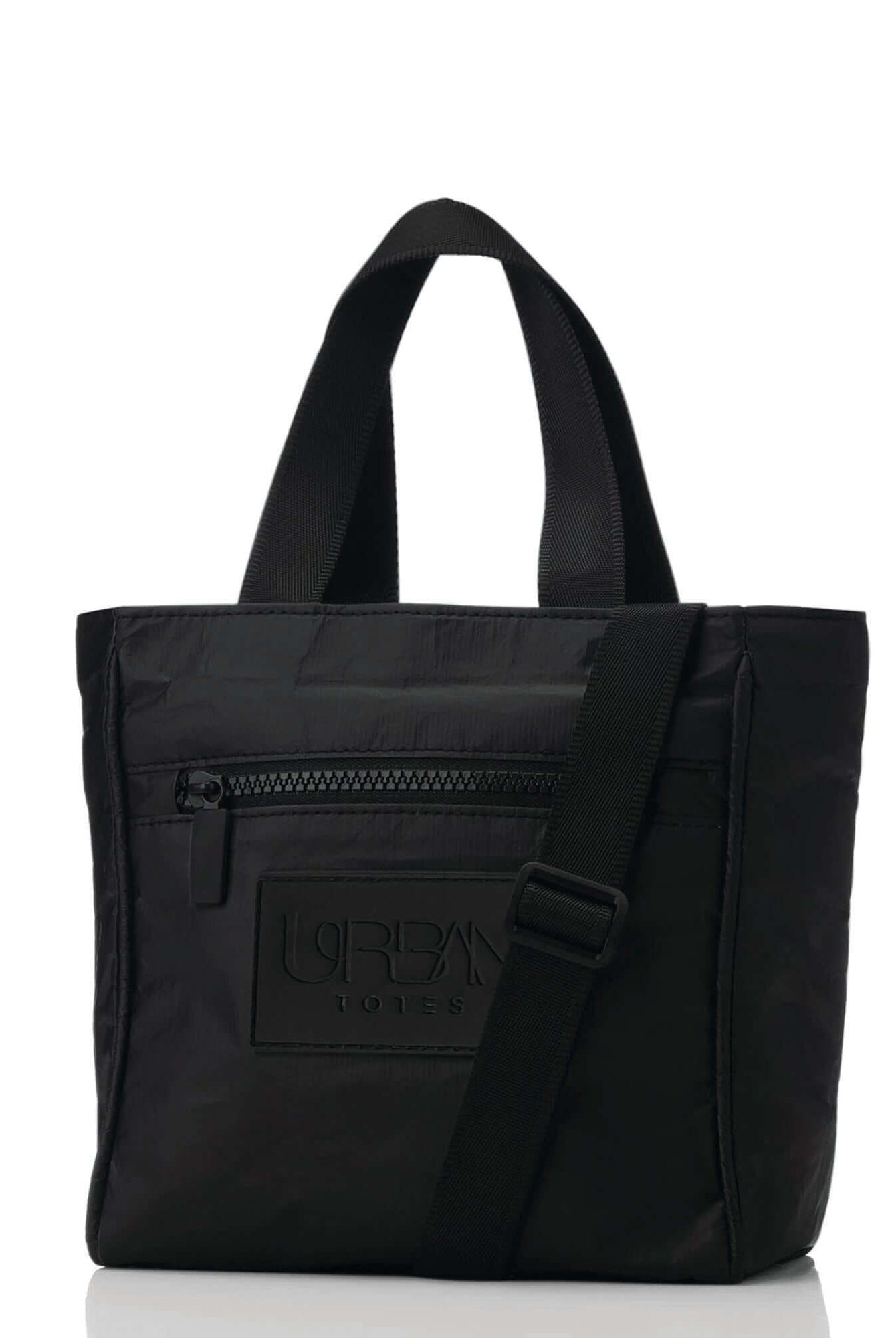
The train doors are closing, your coffee is tilting, and your phone is buried under a charger, notebook, and yesterday's snack wrapper. Meanwhile, your laptop is pressed against the bottom of a soft tote with nothing but fabric between it and the platform. A polished work bag shouldn't create a second job before the workday begins.
The best work tote with laptop compartment combines device protection, comfortable carry, secure closure, and usable organization in one silhouette. It should move from school drop-off to the office, from an airport terminal to dinner, without looking like you packed your entire life by accident. This guide focuses on the details that decide whether a tote works during real commutes, not just whether a product page says “laptop compatible.”
Table of Contents
- Why Your Work Tote Needs More Than Just a Laptop Sleeve
- Understanding What Makes a Work Tote Truly Work Ready
- How to Evaluate Laptop Fit Padding and Protection
- Comparing Organization Weight Materials and Security Side by Side
- Choosing the Right Tote for Commute Travel and Hybrid Work
- Why Urban Totes Stands Out for Everyday Carry
- Your Final Checklist Before You Buy
Why Your Work Tote Needs More Than Just a Laptop Sleeve
A laptop sleeve is only the starting point. If it's loose, lightly padded, open at the top, or sitting directly on the bottom seam, it may hold your computer without giving it meaningful separation from the rest of your daily load. A water bottle, lunch container, or overstuffed notebook can push into the device from every direction.
That's why a proper work tote needs a dedicated padded compartment, ideally with independent access from the main cavity. You should be able to remove your laptop at a security checkpoint or on a crowded train without pulling out every other item first. Independent tote testing treats this layout as a practical differentiator, not a decorative extra, particularly for bags designed around 13-inch devices and larger laptops measuring up to 15.6 or 16 inches. Business Insider's work-bag guidance makes the same practical distinction between fitting a laptop and making the computer easy to access.
Practical rule: A laptop compartment should protect the computer from the bag, not just reserve space for it.
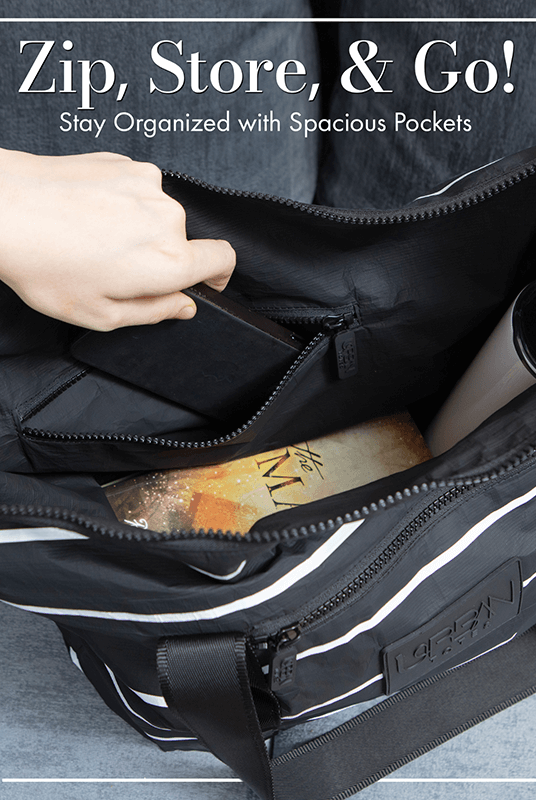
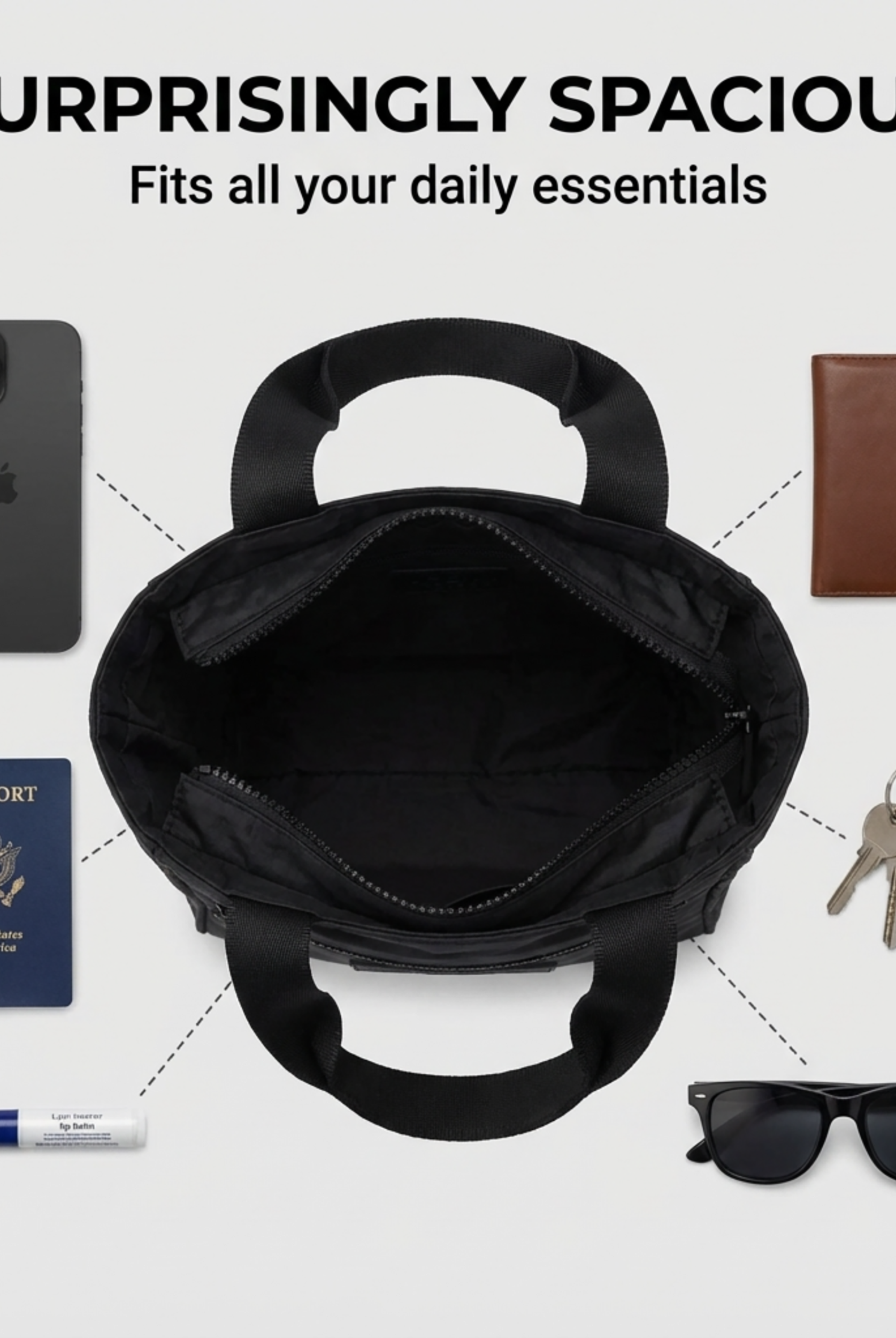
Organization matters just as much. A tote with one large cavity turns your morning into a bottom-of-the-bag search for keys, earbuds, lip balm, and a charging cable. A tote with separate zones lets your laptop stay flat, your documents stay presentable, and your personal essentials remain reachable.
For a useful real-life breakdown of that layout, compare a bag with compartments to a single-cavity tote before you shop. The difference becomes obvious when you're carrying coffee in one hand and trying to find your access card with the other.
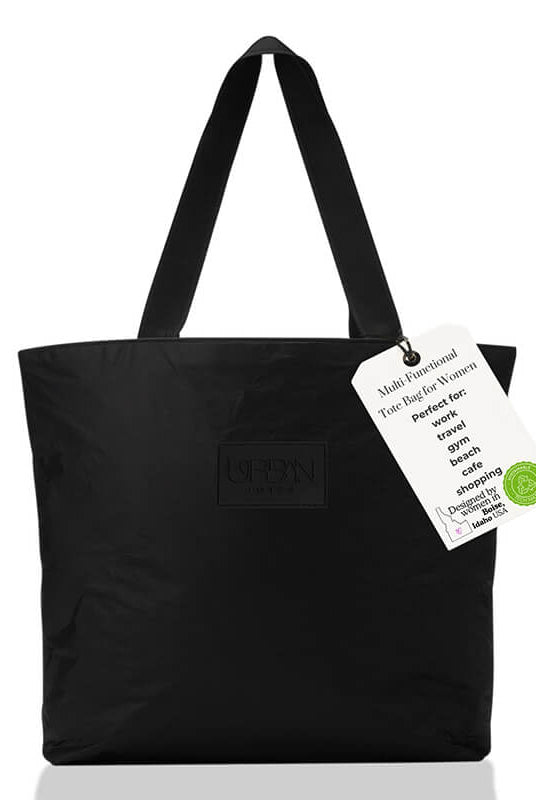
Urban Totes brings a woman-owned, Boise-based perspective to this problem. The brand's go-anywhere approach is rooted in practical movement, from school drop-offs and farmers markets to office commutes and beach days. A stylish tote still has to earn its place on your shoulder.
Understanding What Makes a Work Tote Truly Work Ready
The laptop bag category has grown into a durable market rather than a passing office trend. One estimate valued the global laptop bag market at USD 2.66 billion in 2024 and projected it to reach USD 3.46 billion by 2034, showing continued demand for bags built around portable computers and commuting routines, according to Intel Market Research's laptop bag market estimate. Another estimate placed the market at USD 2.8 billion in 2026 and projected growth to USD 4.4 billion by 2033, with a 6.7% CAGR, as reported in Dataintelo's laptop bag market breakdown.
Totes occupy a smaller but meaningful position inside that category. In one breakdown, backpacks held 38.4% of global laptop-bag revenue in 2025, briefcases held 21.6%, messenger bags held 15.8%, sleeves held 14.2%, and the remaining category, including totes, rolling cases, and hybrids, held 10.0%. The same source identified Asia Pacific as the leading region with 35.6% of revenue in 2025, while another forecast placed North America at 27.4%, reinforcing that laptop-carry demand spans major commuting and business markets.
Work ready means a complete carry system
A work-ready tote does four jobs at once:
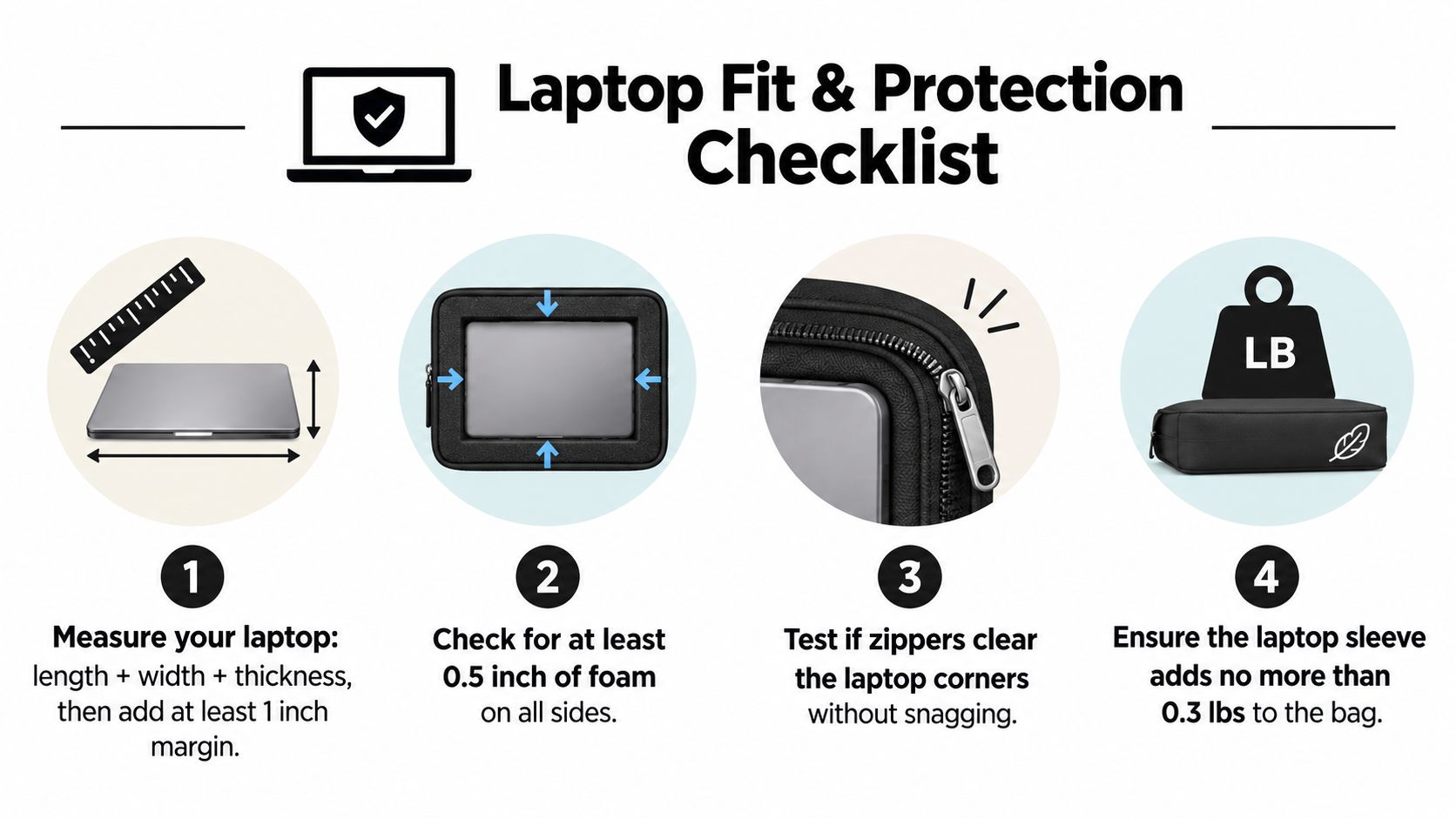
- Protects your computer: The sleeve needs sufficient clearance, padding, and separation from the bottom seam.
- Controls your essentials: Chargers, pens, credentials, headphones, and personal items need dedicated places.
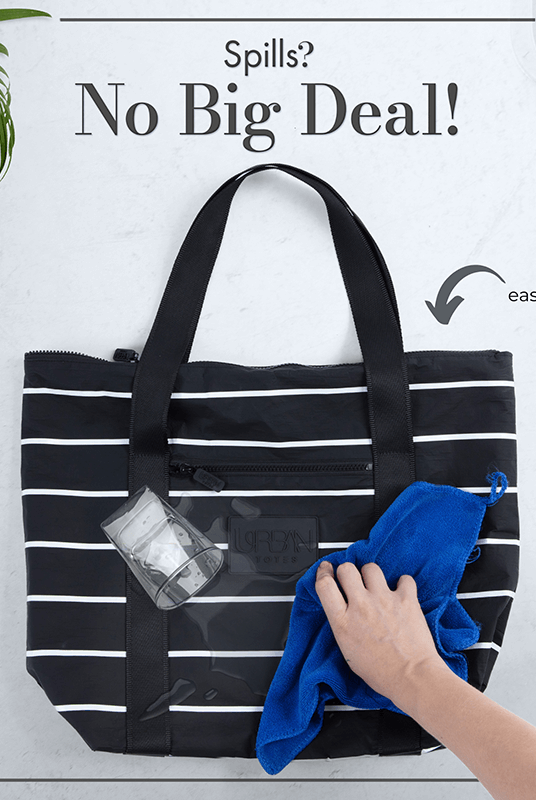
- Handles daily exposure: Water-resistant materials and secure closures help the bag cope with drizzle, spills, and crowded travel.
- Stays comfortable: A lightweight body and shoulder-friendly straps matter once the bag is full.
That combination explains why the laptop compartment is now part of the tote's core value proposition. Shoppers want professional presentation and device protection without giving up the open, adaptable feel that makes a tote useful beyond the office.
Materials affect the whole day
A lightweight, water-resistant tote can be more practical than a rigid bag if your routine includes planes, playgrounds, or a walk between stations. The right tote bag material should support the way you carry, clean, fold, and store the bag.
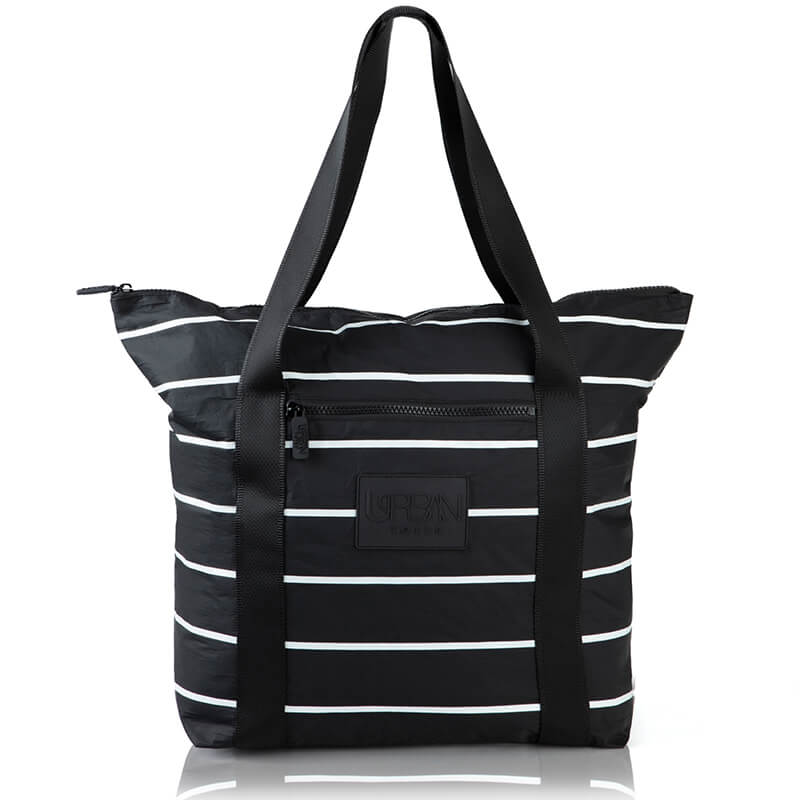
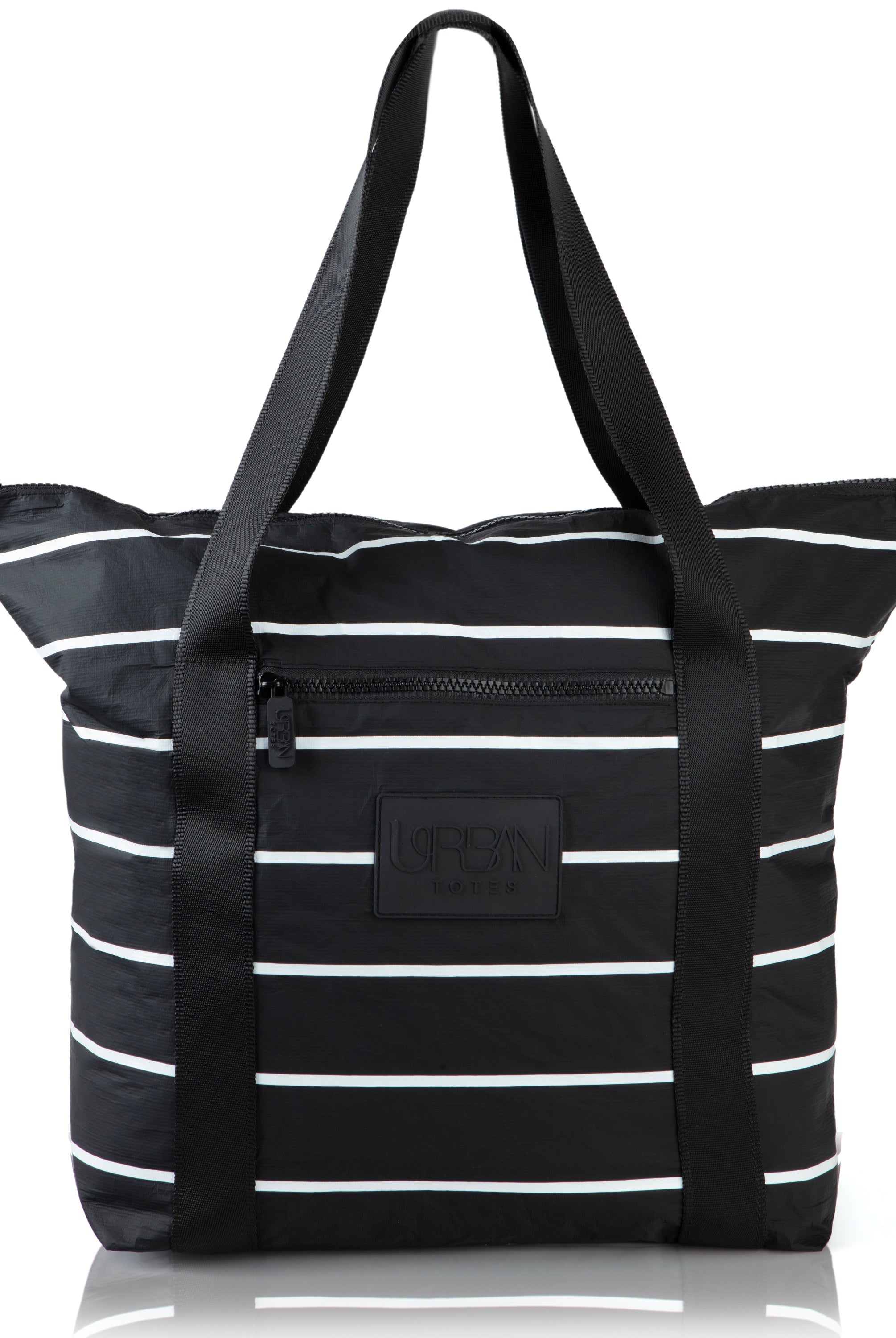
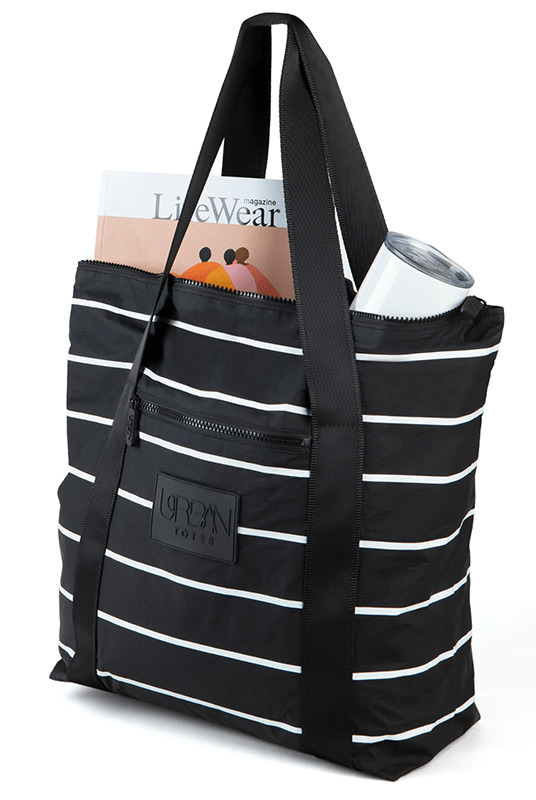
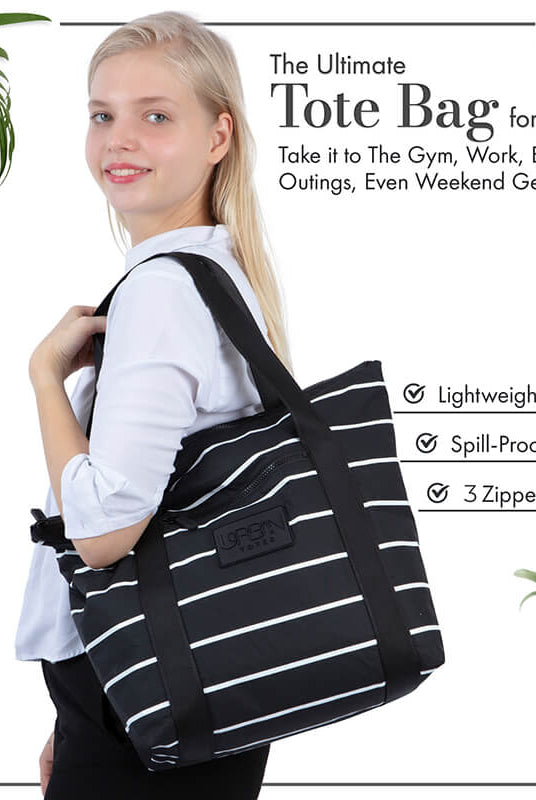
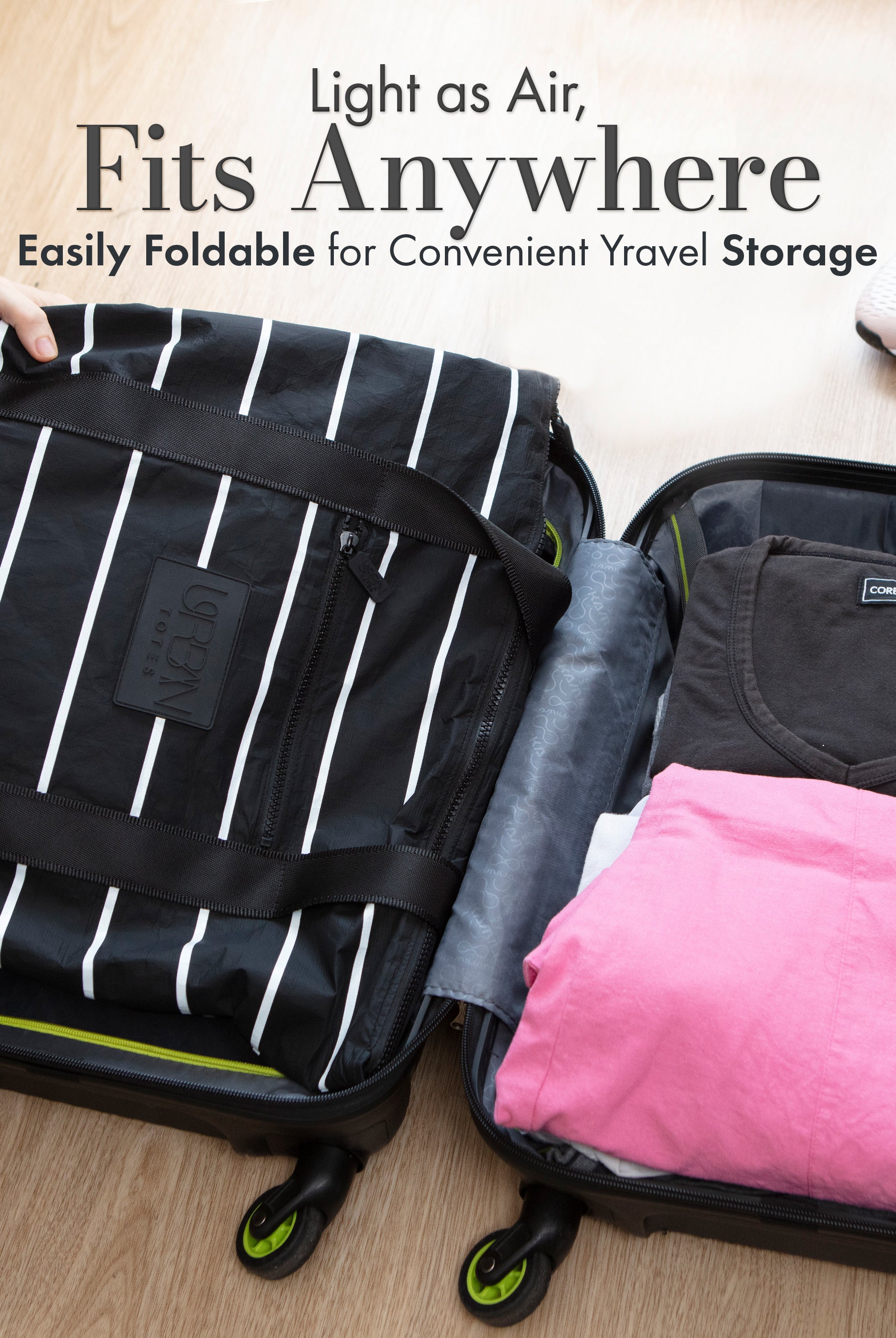
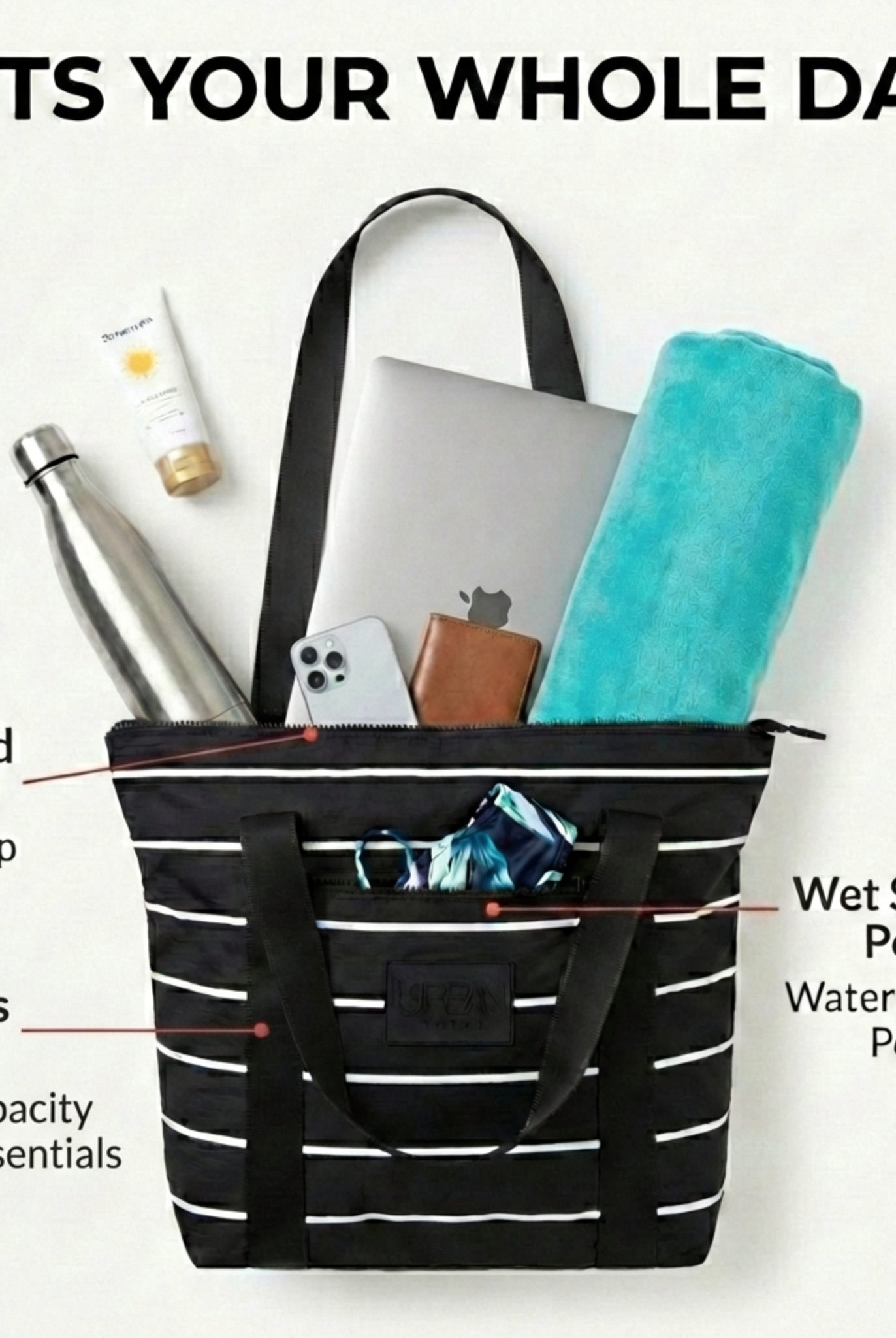
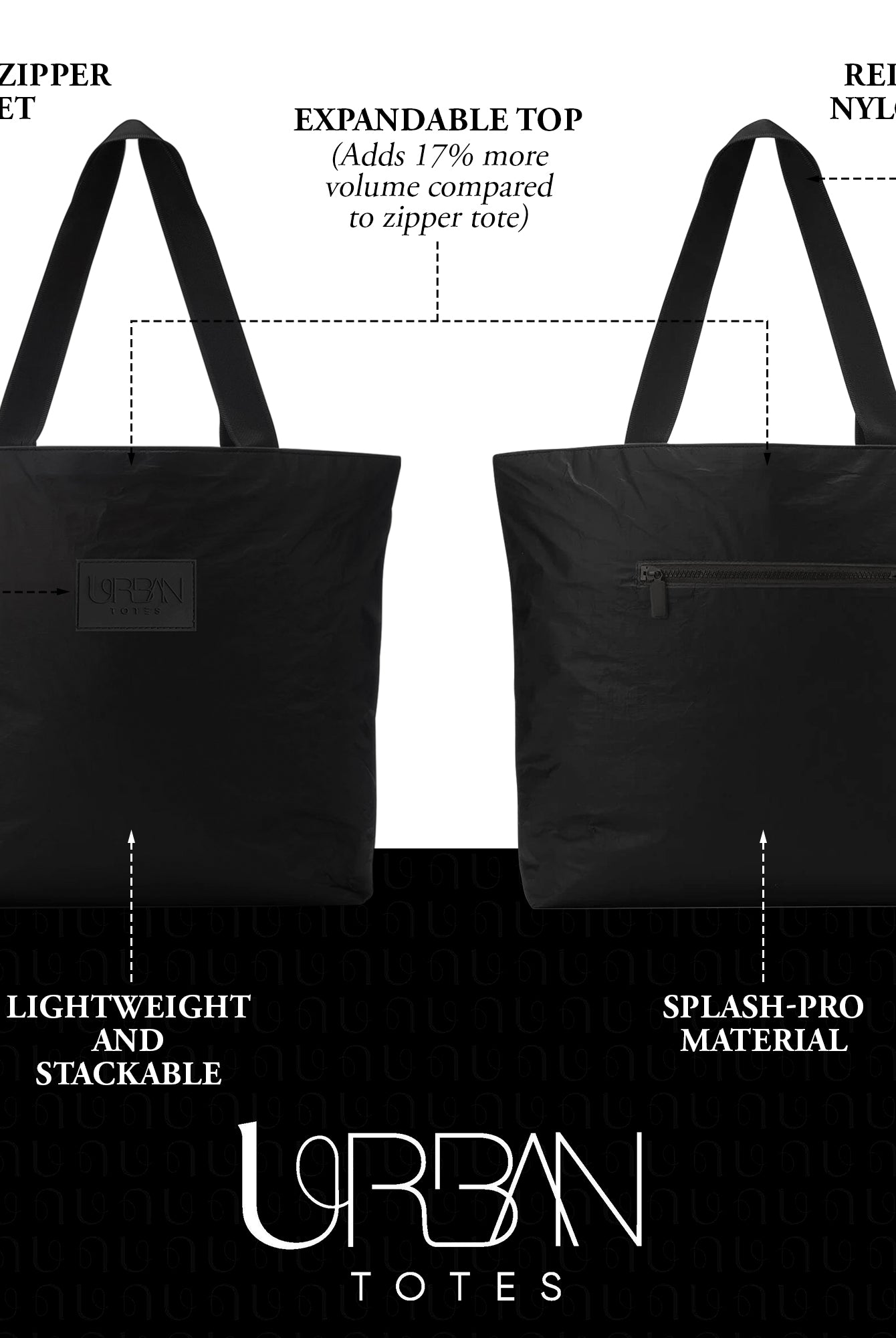
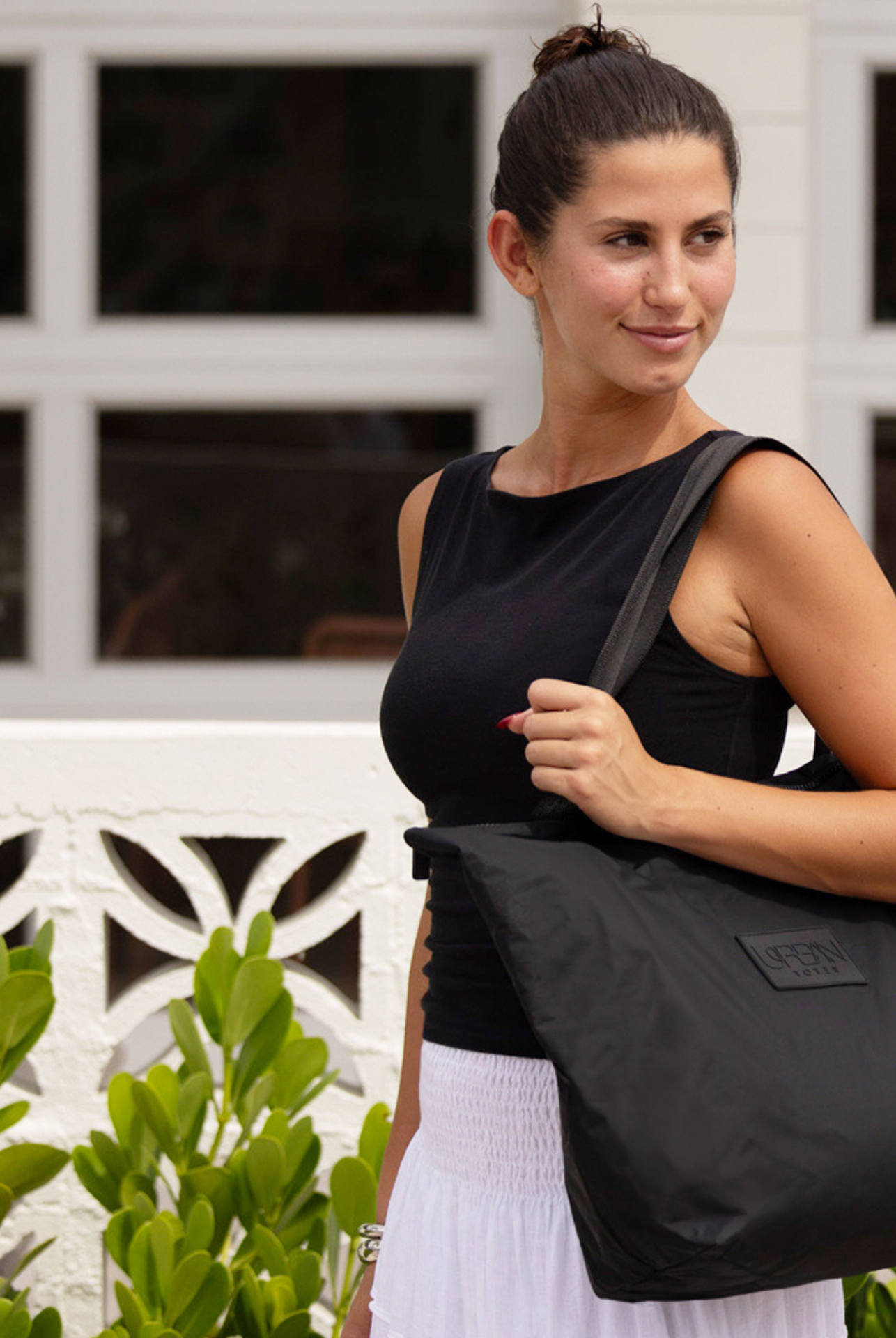
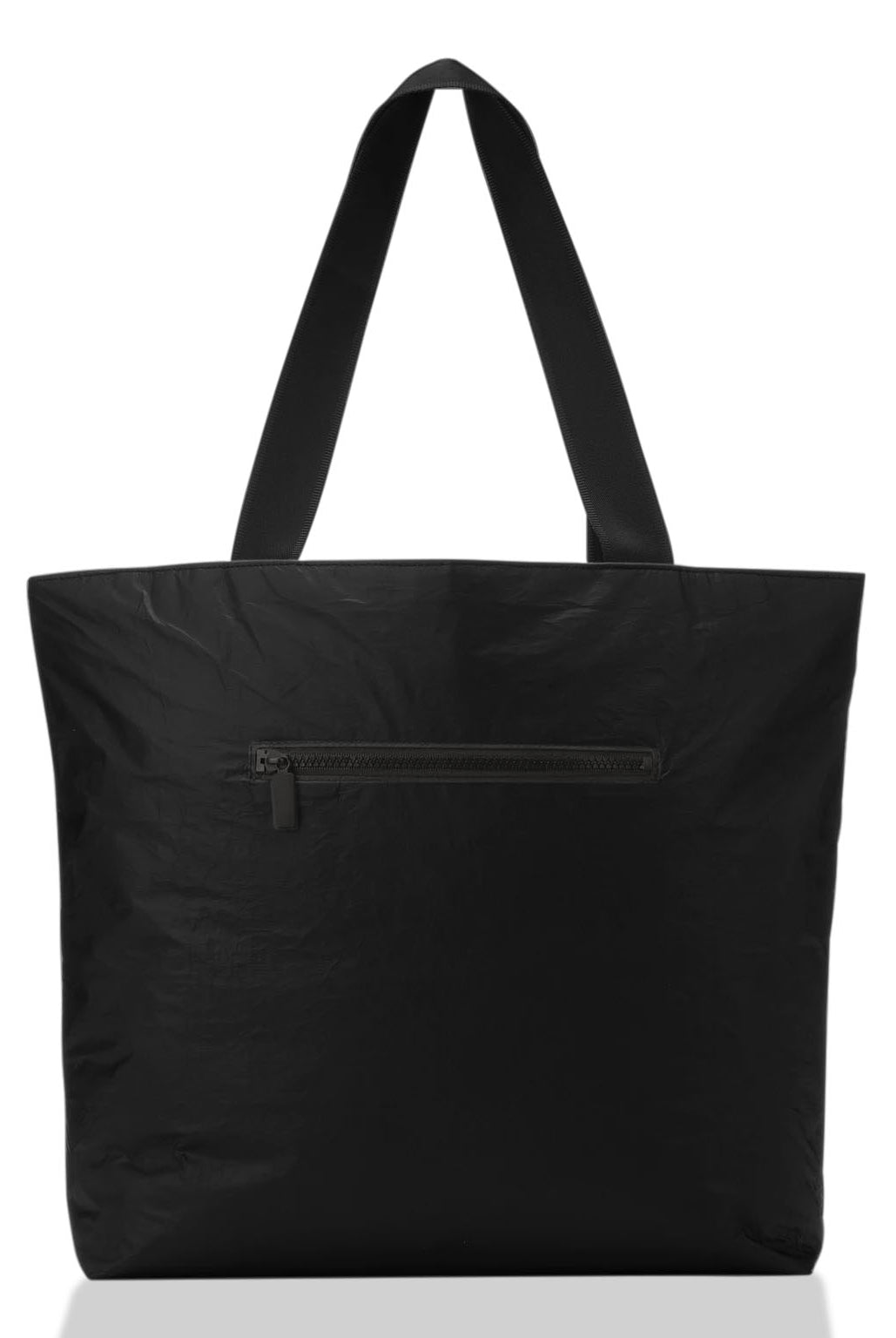
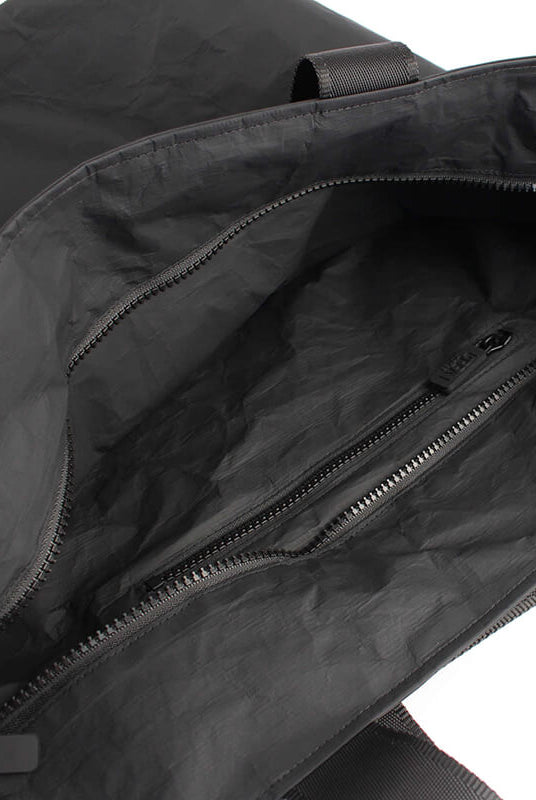
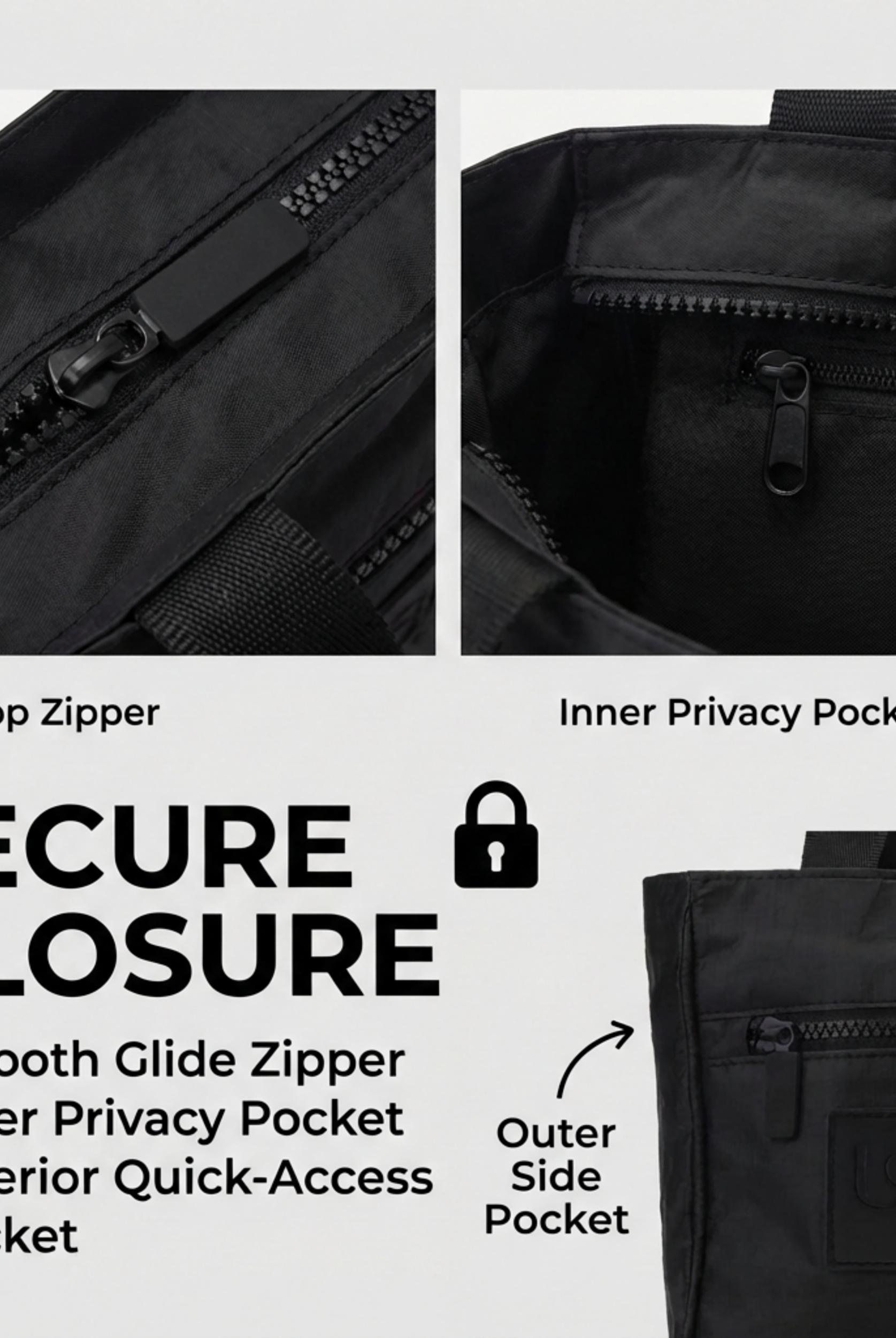
The Go Anywhere Day Trip Tote Bag by Urban Totes illustrates this broader system with three large zippered compartments, dedicated iPhone and key pockets, comfortable silky straps, a water-resistant and easy-to-clean construction, plus packable and foldable functionality. It's positioned for work meetings, playground outings, beach trips, and travel, so its usefulness isn't limited to the office.
How to Evaluate Laptop Fit Padding and Protection
Your laptop's measurements matter more than the size printed in a tote's product title. Measure its actual width, height, and thickness, then allow an additional 1 to 3 cm of margin so it does not press against the compartment walls. For a 15-inch laptop averaging 36 × 25 × 2 cm, the compartment should measure at least 38 × 27 cm, following Bag-Haven's laptop backpack measurement guide.
Diagonal screen size is only a starting point. A compartment listed for a 15.6-inch laptop may still fail if its opening is narrow, its corners catch, or its sleeve presses against the tote's seams. Check the internal clearance and opening shape before buying. If you are comparing larger devices, review these 15-inch laptop cases alongside the tote's stated dimensions.
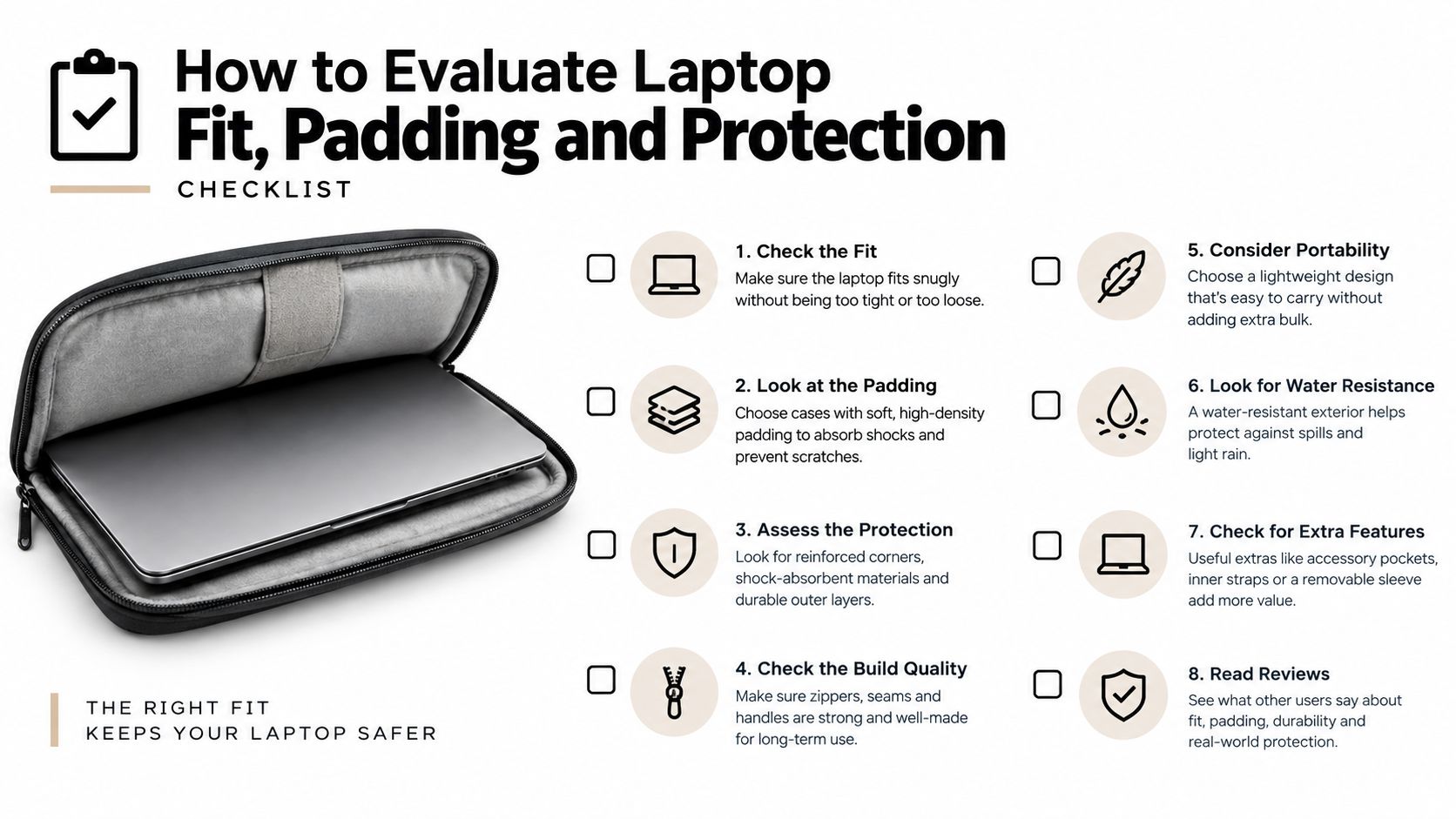
Six checks that separate fit from protection
1. Clearance: A 13-inch device can suit a compact tote, while a 15.6- to 16-inch laptop needs a roomier compartment and wider opening. Extra space is useful only when it does not let the computer slide around.
2. Padding on both sides: The laptop should not rest against a thin outer wall. Dense padding on both sides absorbs pressure from chargers, books, and other items packed nearby.
3. Suspension above the base: A floating sleeve keeps the laptop from sitting directly on the bottom seam. That gap matters when you place the tote on a floor, train step, or airport bench.
4. Structured base: A firm bottom helps the tote hold its shape and stops heavier contents from collapsing into the computer zone.
5. Separate access: An independently accessed sleeve speeds up security checks and lets you remove the laptop without emptying the tote during a crowded commute.
6. Case compatibility: Measure the laptop with its protective shell attached. A slim computer that fits alone may need extra room once enclosed. For another device-protection reference, CTF's MacBook cases can help you judge how much clearance your tote should provide.
A sleeve is not protective just because it's padded. Choose the combination of dense padding, suspended placement, secure access, and a stable base. Those features determine how the compartment handles an overloaded tote, a hurried set-down, and the daily knocks of commuting.
Comparing Organization Weight Materials and Security Side by Side
A work tote earns its keep through the details you touch repeatedly. The laptop sleeve protects the main device, but the rest of the layout determines whether your day feels calm or chaotic. Expert work-tote roundups commonly favor designs with 5 to 6 interior pockets or 2 to 3 main compartments, alongside zip pockets, slip pockets, key leashes, and bottle storage, as summarized by Wirecutter's laptop tote review.
Use this table as a shopping filter rather than a checklist you must satisfy perfectly.
| Criteria | What to Look For | Why It Matters for Commuting |
|---|---|---|
| Laptop organization | A padded, isolated sleeve with independent access | You can remove your device without unpacking the tote |
| Pocket density | Several dedicated pockets, plus separate main zones | Chargers, documents, keys, and personal items don't merge into one pile |
| Closure | A full zipper closure across the main opening | Your contents stay contained while walking, boarding, or bending down |
| Material | Water-resistant, easy-to-clean fabric or leather | Drizzle and everyday spills become manageable rather than disastrous |
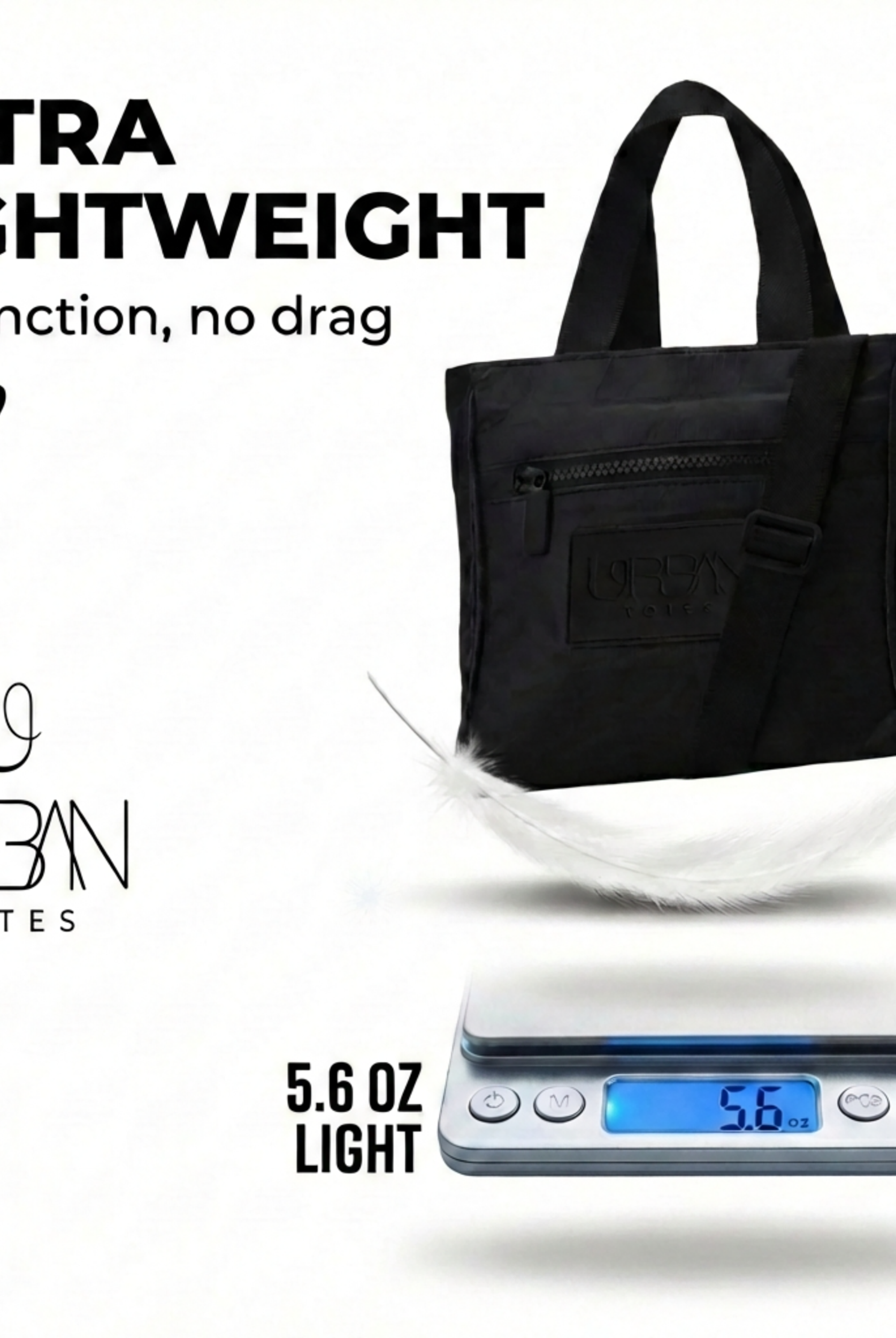
| Empty weight | Prefer a lightweight body before adding your daily load | The bag leaves room for the things you actually need to carry |
| Carry comfort | Straps that sit comfortably on the shoulder and allow easy access | You can move through stations, drop-offs, and errands without constant adjustment |
| Shape | Enough structure to stand or protect the laptop zone, without excessive bulk | The tote stays usable without becoming awkward for all-day carry |
| Travel flexibility | Packable or foldable construction when your routine changes | The same bag can join a weekend trip or disappear into luggage |
The weight tradeoff deserves attention. Recent buying guidance favors an empty weight under 2.0 pounds for nylon and under 2.5 pounds for leather, according to The Strategist's work-bag guidance. Those thresholds are useful because a tote's capacity can tempt you to keep adding items long after the bag stops feeling comfortable.
A roomy tote isn't automatically a better tote. Extra capacity only helps when the structure and organization keep the load controlled.
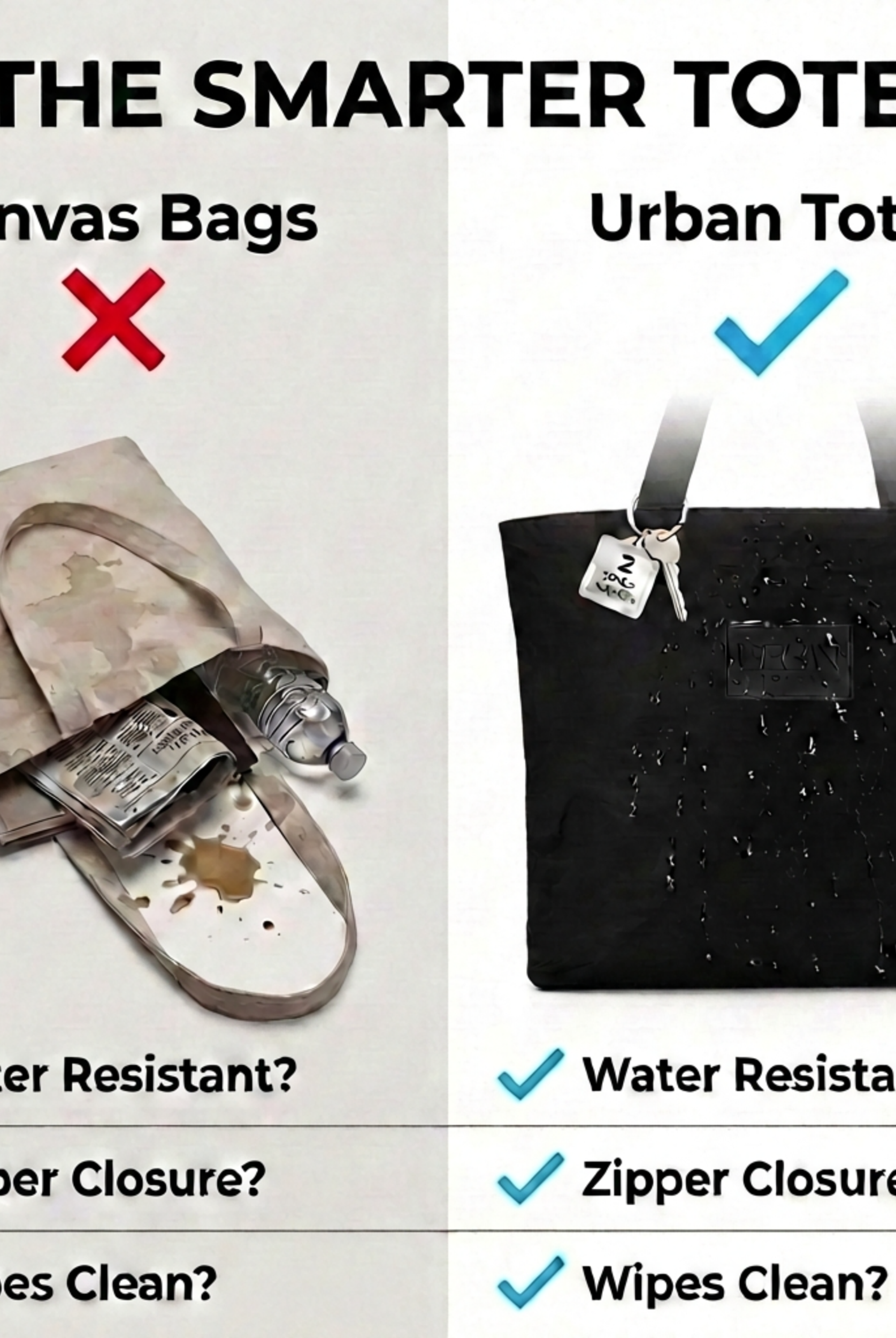
Materials also shape your maintenance routine. Water-resistant fabric suits a commute that includes drizzle, coffee spills, or a child's sticky hands. Leather can look more formal, but a structured leather tote may feel heavier and less forgiving when you're carrying it from the office to a grocery run.
Security is more than a zipper on the laptop pocket. A travel bag security guide can help you think through closure placement, quick-access pockets, and how the bag behaves when it's under a seat or beside you on public transit. I prefer a zipper closure on the main compartment, a secure pocket for small valuables, and a key leash whenever possible.
Choosing the Right Tote for Commute Travel and Hybrid Work
The right tote changes with your route. A woman commuting by train, flying for work, and handling school pickup may need the same core features, but she won't use them in the same order.
The daily commuter
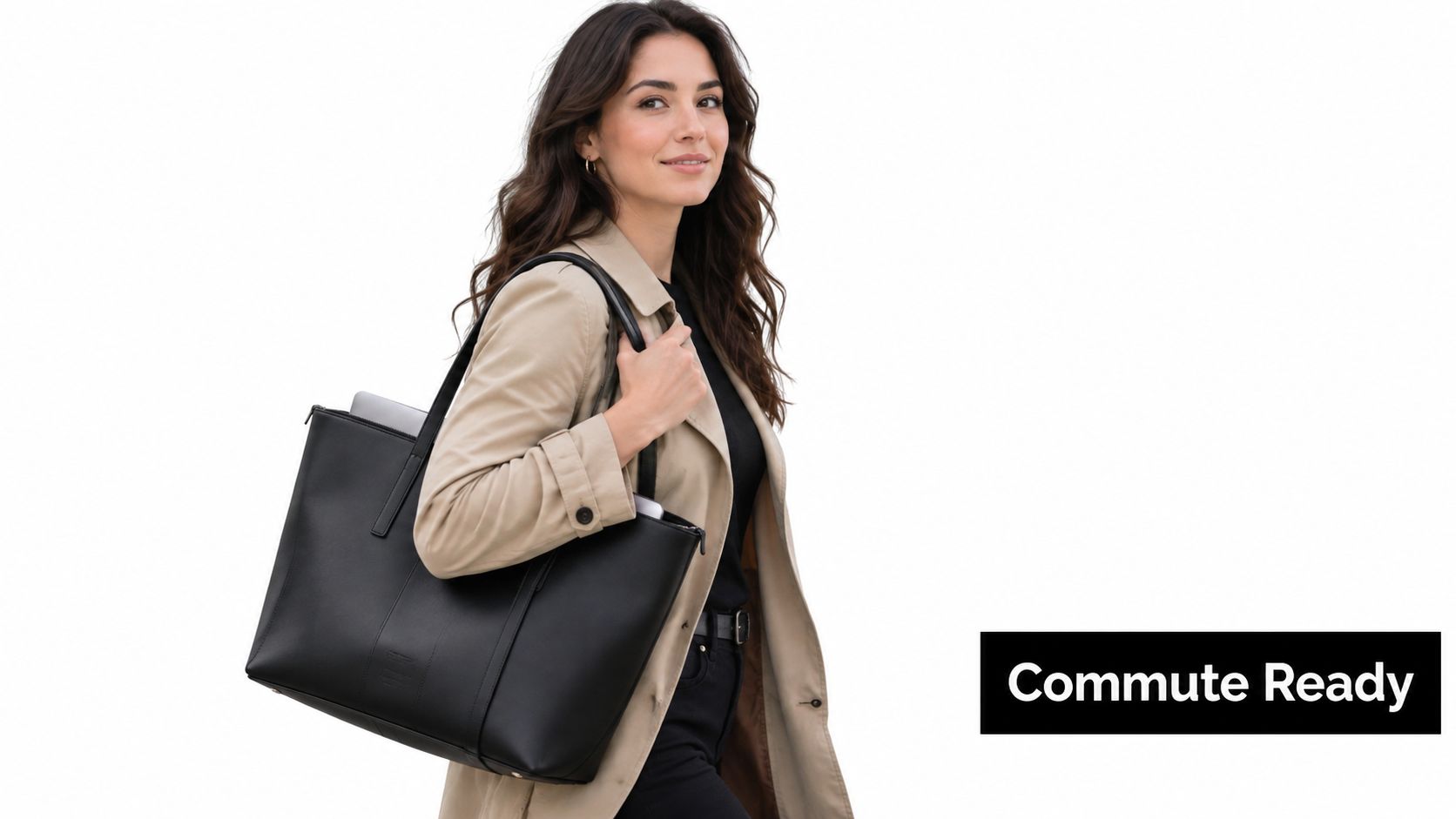
You're standing between train cars with one hand on the pole and one shoulder carrying your entire workday. Prioritize a lightweight body, secure zipper closure, easy laptop access, and a stable compartment. A narrow profile also helps the tote stay close to your body instead of swinging into another passenger.
Your ideal layout has a separate laptop zone, one zip pocket for your wallet or transit card, and smaller spaces for keys and headphones. You don't need maximum capacity. You need fast access and enough structure to prevent the contents from collapsing into the computer.
The traveler
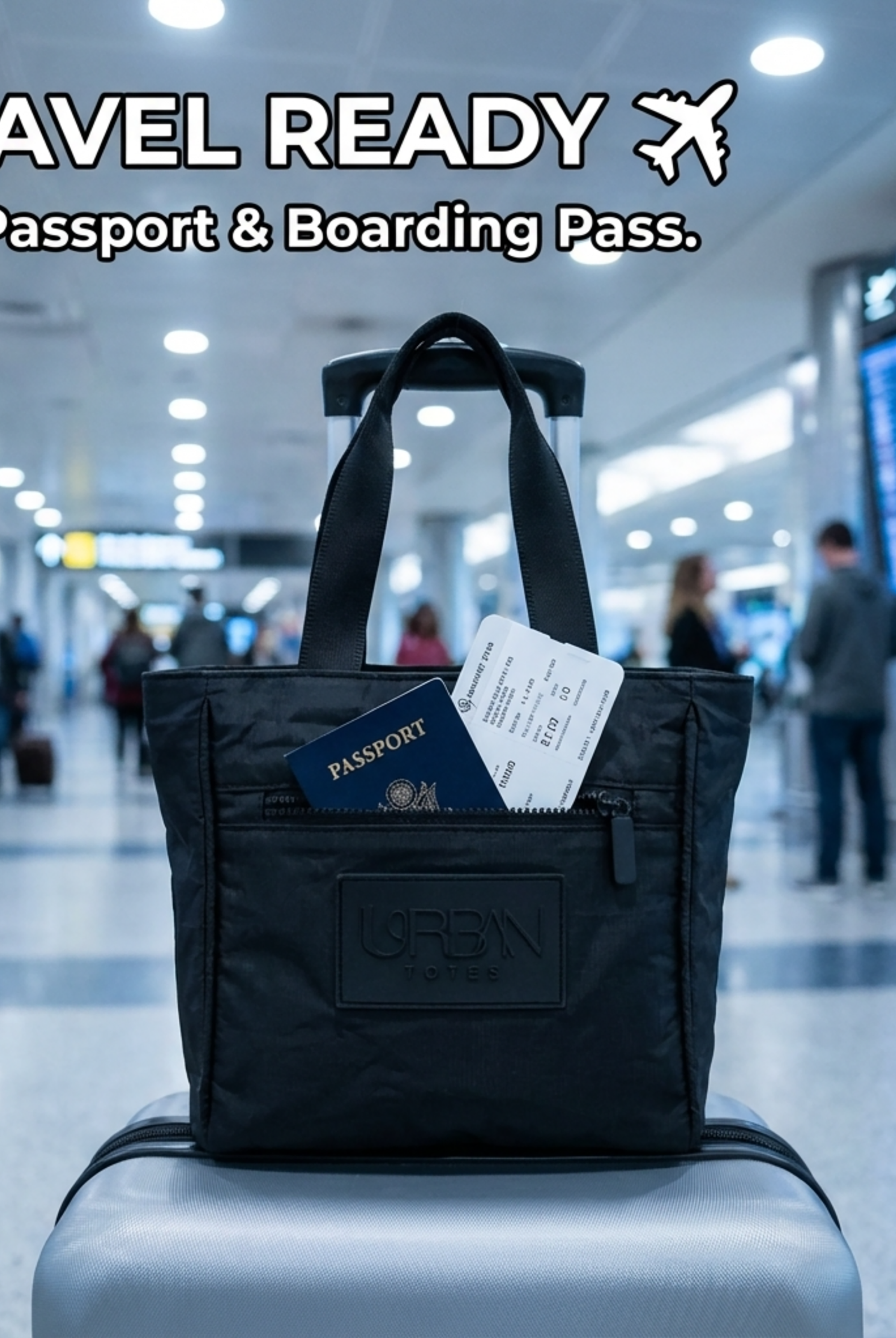
At the airport, the best work tote becomes an under-seat command center. You'll want a packable, foldable design that can handle travel days, plus water-resistant material, separate compartments, and a laptop sleeve that doesn't require a full repack at security.
Keep chargers and documents in different zones from snacks or a spare layer. If you regularly pair a tote with a rolling suitcase, look for a trolley sleeve, though don't assume every travel-ready tote includes one. The best carry-on tote bags balance access with a shape that doesn't become a bottomless pit.
The hybrid worker
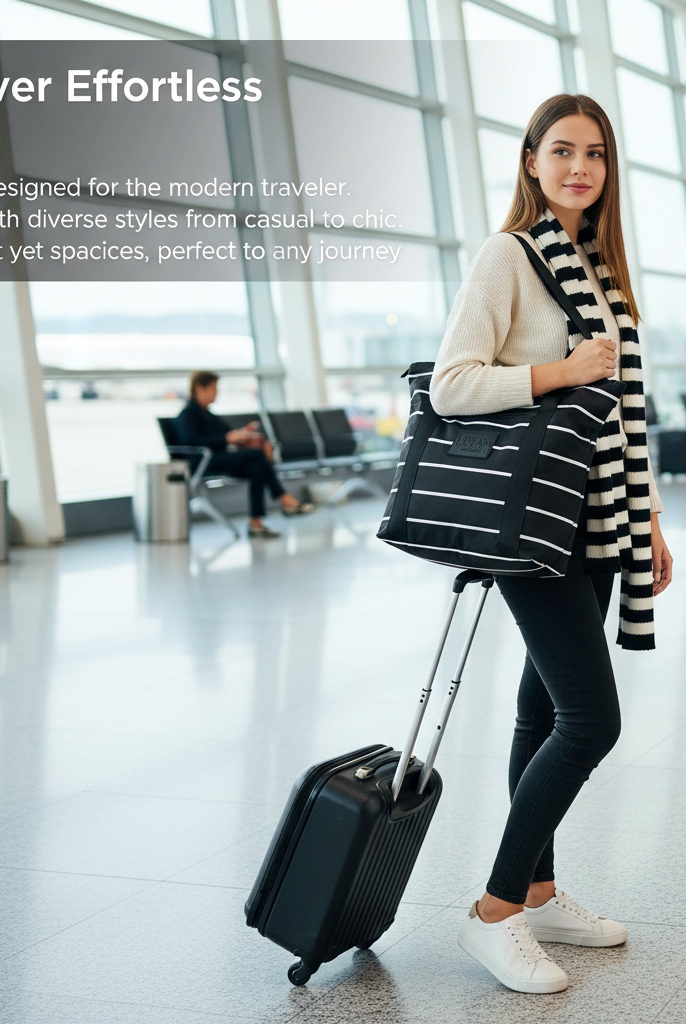
Your day might begin at a desk, move to a coffee shop, stop at school pickup, and finish over dinner. A versatile tote should look polished enough for work while remaining practical for errands and personal items.
Choose organization that can shift with the day. A laptop compartment handles the computer, large zippered sections separate work gear from personal items, and water-resistant fabric gives you more freedom to move without treating the bag like delicate office equipment.
Don't overbuy on size. A larger tote can carry more, but it can also invite overpacking and make the laptop harder to locate. Match the bag to your actual routine, then leave enough room for the one unexpected thing your day always seems to add.
Why Urban Totes Stands Out for Everyday Carry
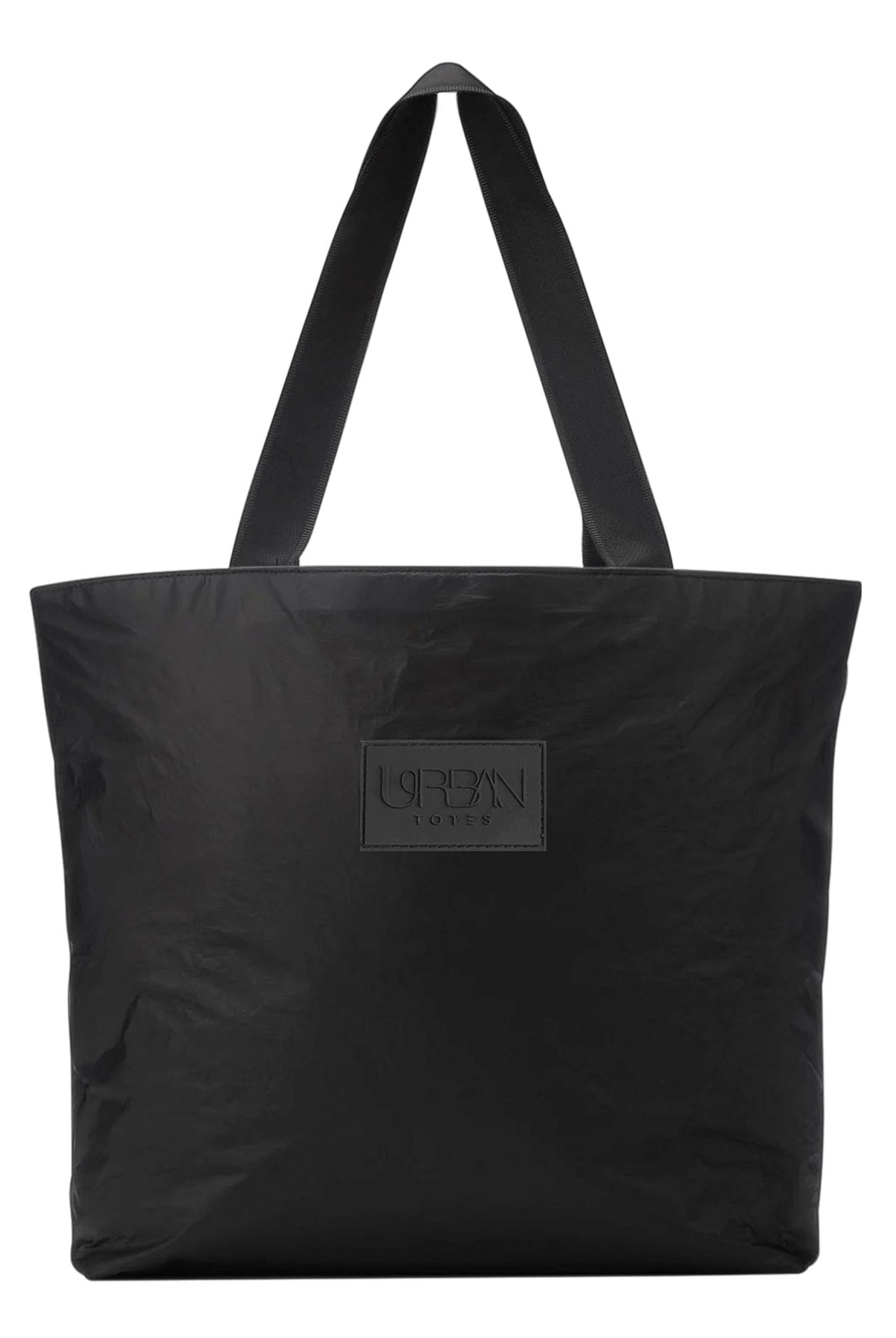
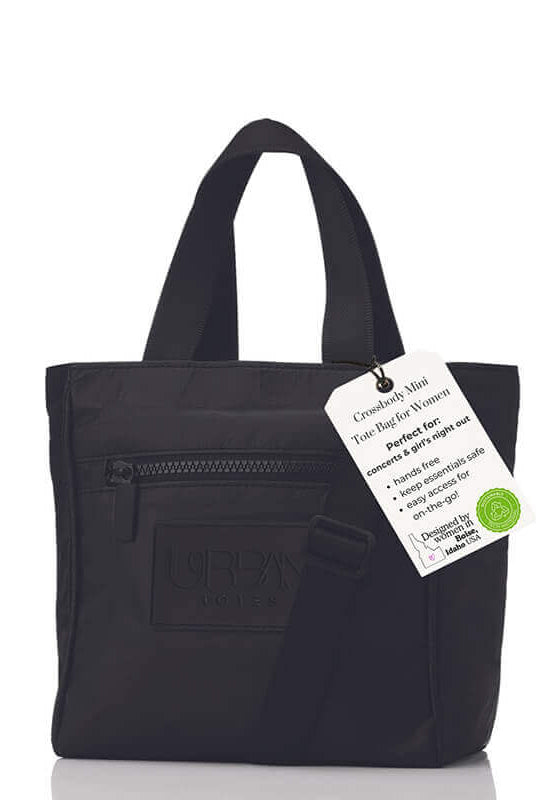
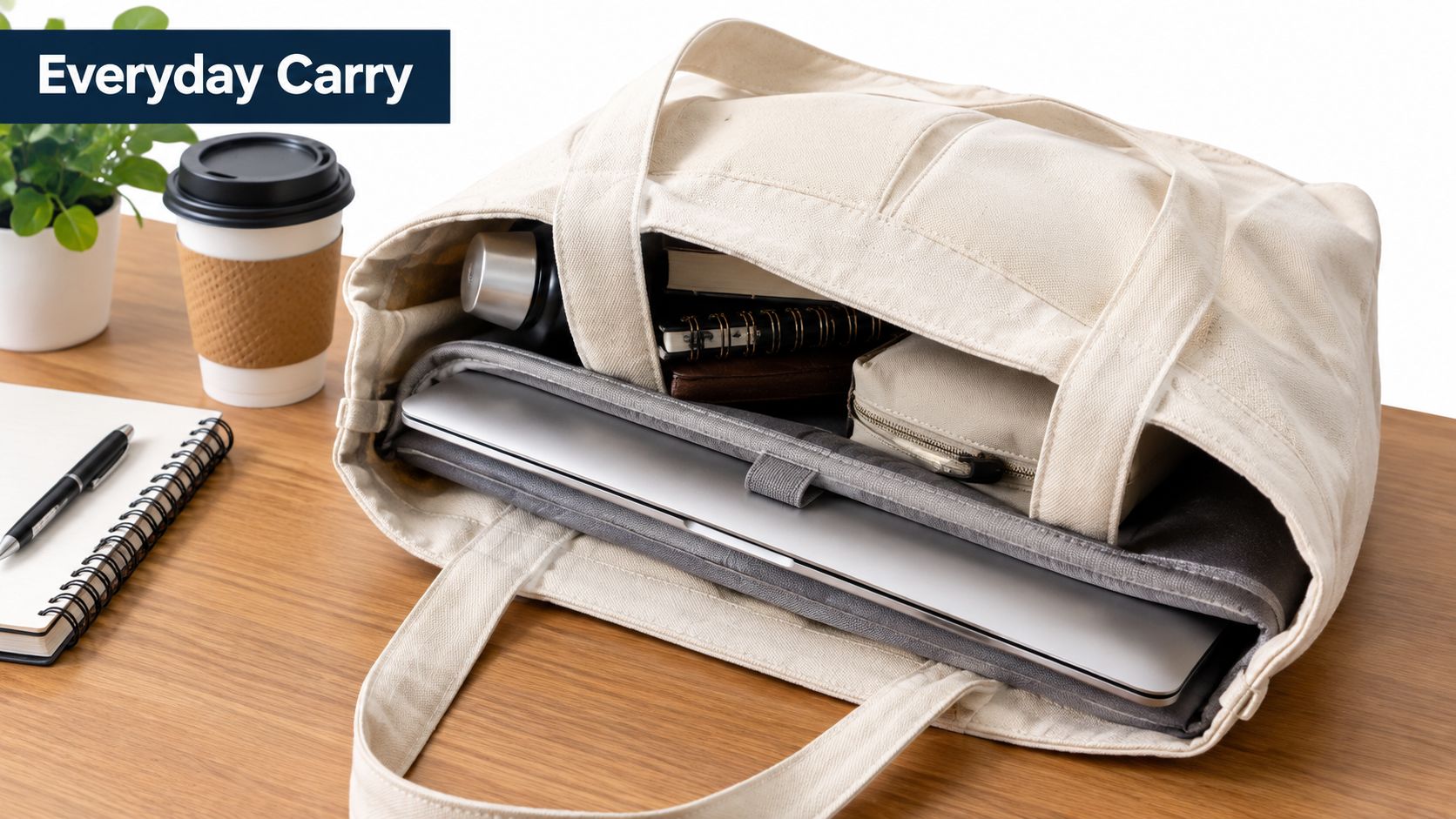
Urban Totes fits the everyday-carry side of the work-tote category. The Go Anywhere Day Trip Tote uses three large zippered compartments with dedicated iPhone and key pockets, while the OG Zipper Tote offers inside and outside zipper pockets, a foldable and packable format, and a water-resistant, easy-to-clean design. Both are positioned for movement beyond the office, including errands, beach days, travel, and family routines.
The distinction between these formats is practical. The Day Trip Tote suits someone who wants clear separation between larger groups of items. The OG Zipper Tote suits a person who prefers a roomy carry-all shape with quick-access zipper pockets and a stated size of 19 inches wide by 14.5 inches high.
Where the design makes sense
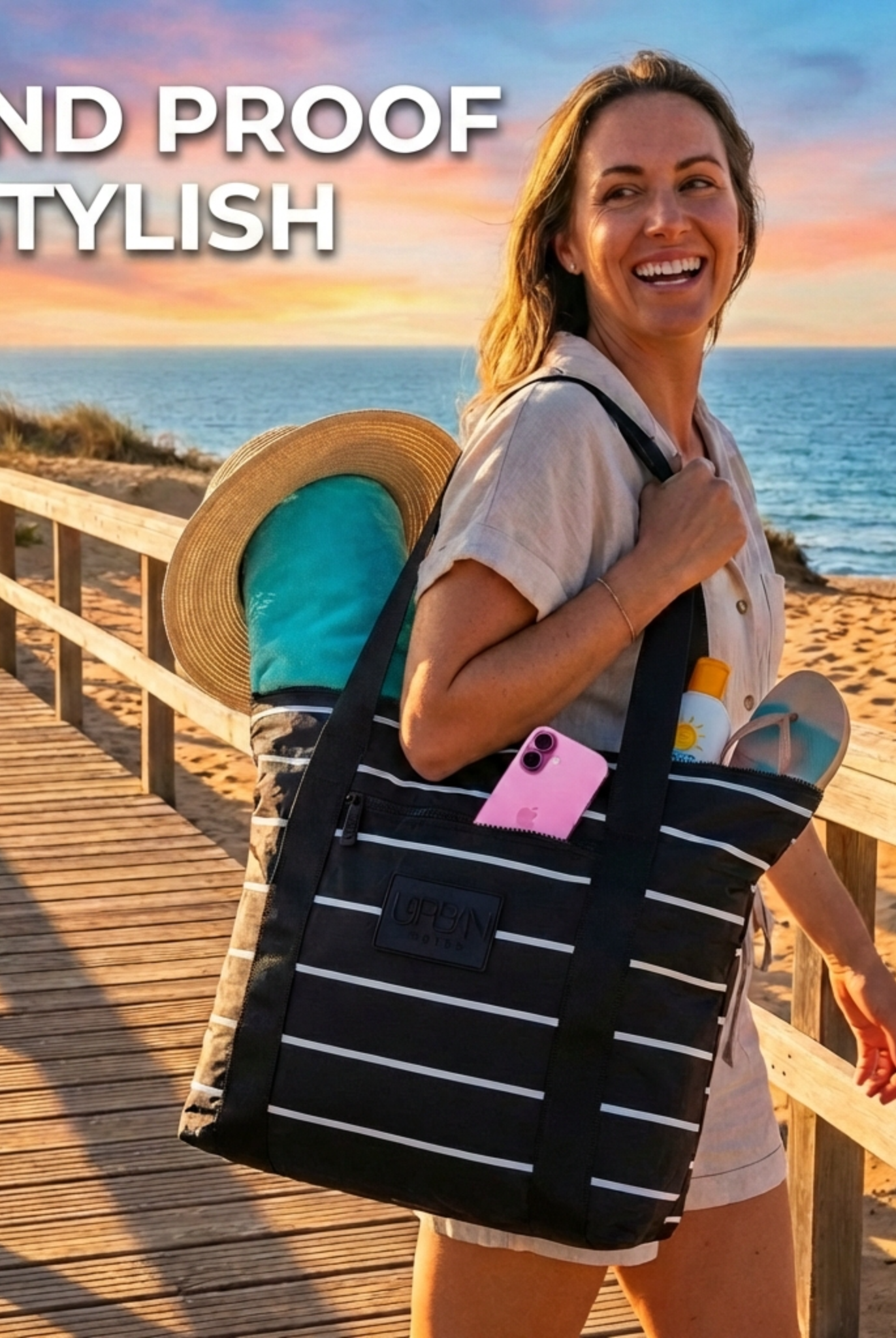
For a Boise-made, woman-owned brand, the positioning feels grounded in real routines rather than a single office dress code. A water-resistant, lightweight, packable tote can move from a farmers market to a school pickup, then fold into luggage for a weekend away.
The practical features are straightforward:
- Organization: Multiple compartments and dedicated phone and key pockets reduce searching.
- Security: Zipper closures keep the contents contained while you're walking, traveling, or setting the bag down.
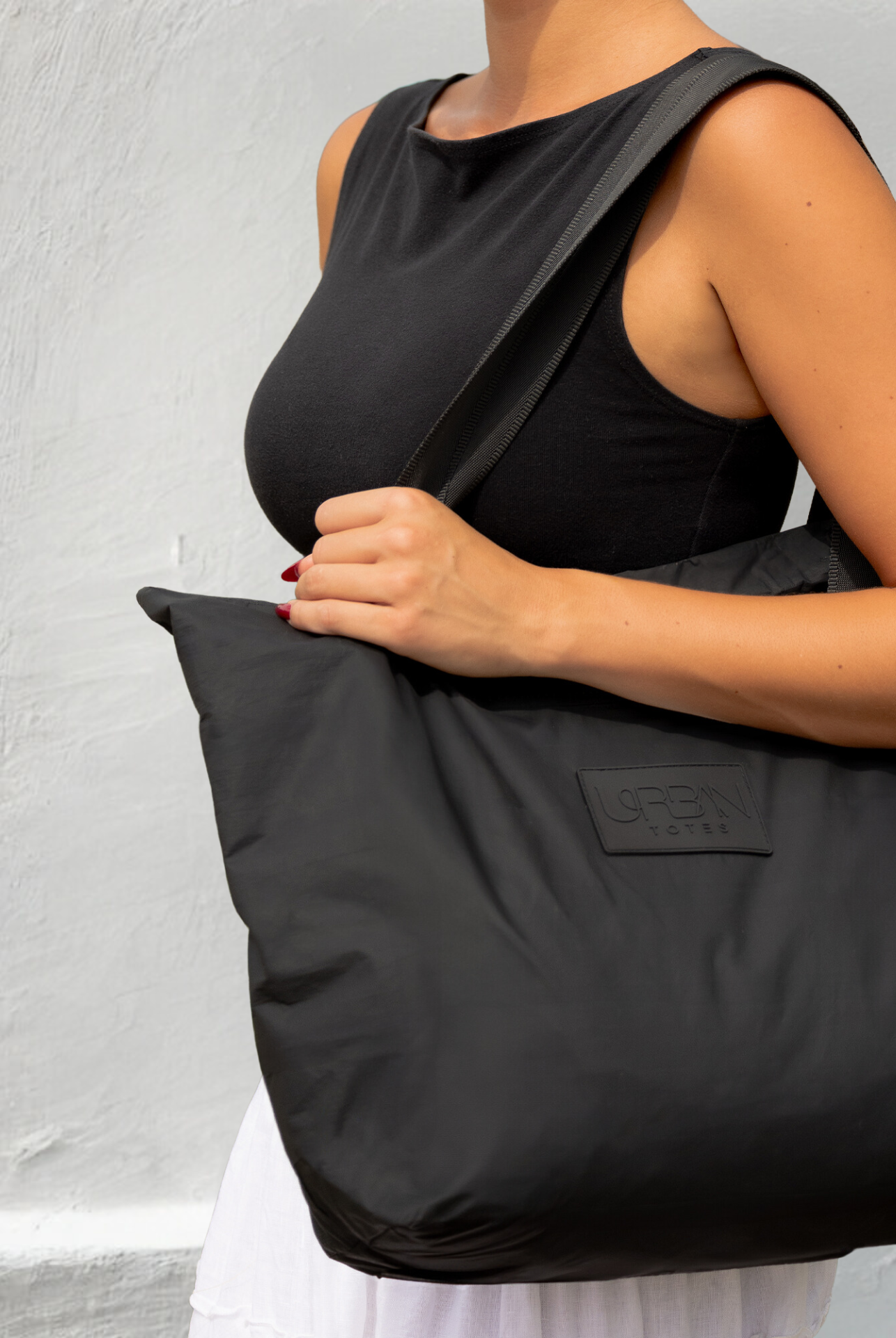
- Comfort: Silky straps support shoulder carry without adding a complicated harness system.
- Maintenance: Easy-to-clean materials suit beach days, errands, and everyday spills.
- Flexibility: Foldable construction makes the tote useful when you need a spare carry option.
Urban Totes isn't a replacement for a highly structured briefcase when rigid laptop suspension is your top requirement. If your priority is a lightweight, stylish, water-resistant everyday carry that can cross from work to travel and errands, its format is more adaptable.
Go Anywhere. Tote Everything. Choose a bag that fits the actual shape of your life, not just the outfit you plan to wear to work.
Your Final Checklist Before You Buy
Before purchasing a work tote with laptop compartment, check the actual internal measurements against your laptop's width, height, and thickness. Add margin for a case, and make sure the computer won't press against the side or bottom seam.
Then review the protection and carry details:
- Laptop clearance: Confirm the interior dimensions, not only the advertised screen size.
- Padding and suspension: Look for dense padding on both sides, a sleeve raised above the base, and enough structure to keep the compartment stable.
- Organization: Prioritize multiple zones, a secure zip pocket, and dedicated spaces for small essentials.
- Weight: Compare the empty bag's weight with the materials used and the amount you'll carry every day.
- Closure security: Choose a main zipper if your commute includes public transit, flights, or frequent movement.
- Comfort: Check that the straps sit naturally on your shoulder and that the tote stays close to your body.
- Flexibility: Packable, foldable, water-resistant construction helps the bag transition from office to errands and travel.
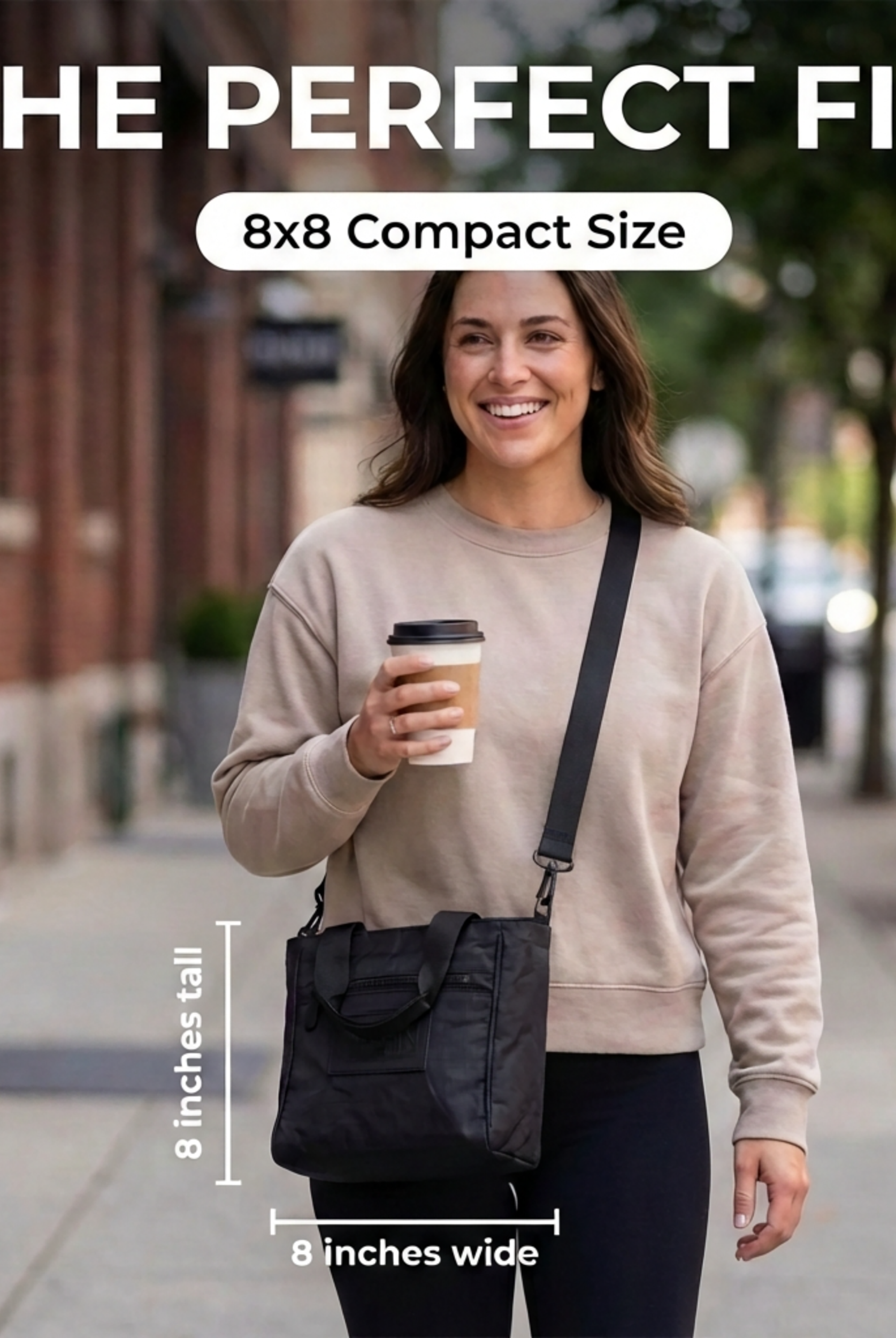
For compact everyday carry, ergonomic guidance commonly places tote dimensions around 30 to 38 cm wide, 24 to 32 cm high, with a depth no greater than 15 cm, as outlined in Bagsrain's ergonomic bag design guide. Use that as a reference, then prioritize your own laptop and routine.
Choose the tote that protects your computer, keeps your essentials visible, and feels comfortable before it's fully loaded. Urban Totes offers water-resistant, lightweight, packable, foldable bags with zipper closures and thoughtful compartments for workdays that turn into errands, travel, or family adventures. Visit Urban Totes to find a go-anywhere tote that keeps your laptop and everyday essentials organized wherever the day takes you.