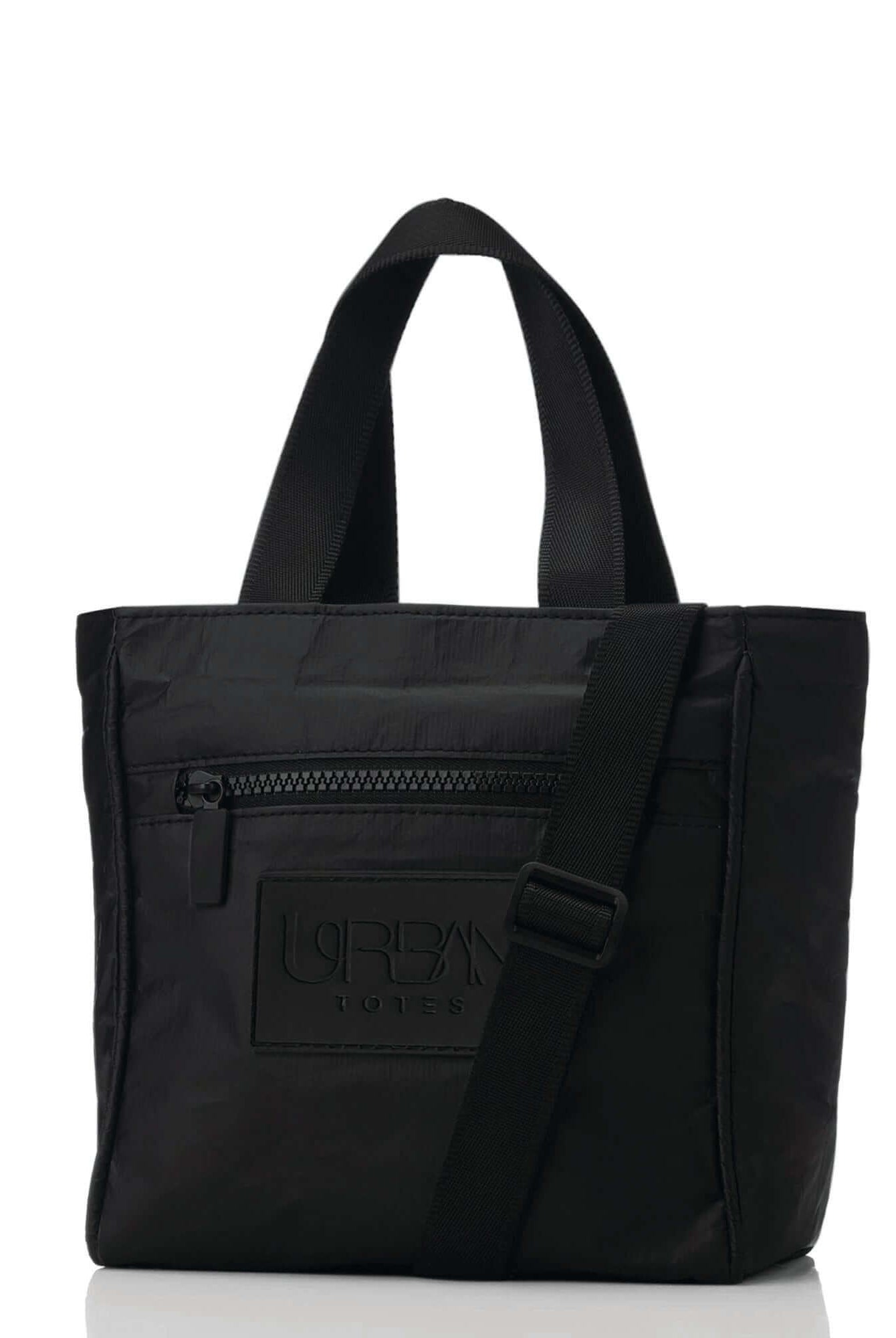
You're at the front door with coffee, keys and a laptop that seems to slide into your tote just fine. Later, at the airport gate, you add the charger and try to close the zipper. The corners catch, the fabric pulls, and that supposedly compatible bag suddenly isn't.
Choosing a 15-inch laptop bag shouldn't involve that kind of guesswork. The trick is to treat the label as a starting category, then check the details that matter when your bag is full: usable space, padding, pocket placement, straps and access.
Table of Contents
- What a 15-Inch Laptop Really Measures
- How to Measure Your Laptop and Match a Bag
- Padding, Sleeves and Water Resistance That Matter
- Pockets for Chargers, Phones and Keys That Work
- Straps and Comfort When Your Bag Is Full
- Packing and Flying With a 15-Inch Laptop
- Choose the Right 15-Inch Bag for Your Week
What a 15-Inch Laptop Really Measures
The number describes the screen, not the whole computer. Screen size is measured diagonally, corner to corner. It does not tell you how wide the closed machine is, how far the hinge projects, or whether the body will clear a bag opening.
That gap matters because bezels, hinges, ports and structural edges make the body larger than the visible rectangle. Shopping by display dimensions leaves you short on width, depth and zipper allowance. You need space for the closed computer plus the sleeve, padding and dividers around it.
A 15-inch label works like a category for a spread of real footprints. A slim chassis and a deeper, thicker chassis can share the same screen label and still need different compartments. Protection, pocket layout, loaded comfort and flight fit all follow from that difference.
Laptop 15-inch reference measurements
These reference values describe the category, not a guaranteed fit. To ground the category, Volt and Wise's screen-size guide defines the 15.6-inch 16:9 screen size behind the typical chassis spread summarized below. Use the table to understand listings, then replace it with your own machine's measurements.
| Measurement | Typical value | Why it matters for a bag |
|---|---|---|
| Labeled screen size | 15.6 in diagonal, about 39.6 cm | A category label, not a bag dimension |
| Visible screen area, 16:9 | 13.6 x 7.7 in, or 34.5 x 19.4 cm | Screen only; bezels add to the footprint |
| Chassis width | 13.0 to 14.5 in | Sets the minimum compartment width |
| Chassis depth | 9.0 to 10.5 in | Sets the minimum compartment depth |
| Chassis thickness | 0.7 to 0.8 in | Sets the sleeve and zipper allowance |
| Example: Dell Inspiron 15 5515 | 14.02 x 9.01 in | Shows a real model's footprint |
The difference shows in practice. The Dell example sits near the lower end of the depth range, while another 15.6-inch machine built to the top of the range needs roughly an extra inch of compartment depth. Width alone will not settle the question when depth and thickness shift the fit.
Shopping rule: Use the size label to narrow your options. Use the actual dimensions to decide.
A broad tote opening does not guarantee a roomy laptop section. Padding and interior dividers take up space inside the outer shell, and the opening shape controls whether the hinge end slides in cleanly. Before buying, get the dimensions of the usable laptop compartment, not just the bag's exterior. I recommend writing down width, depth and thickest point with any fitted case, then comparing those three figures to the compartment listing.
How to Measure Your Laptop and Match a Bag
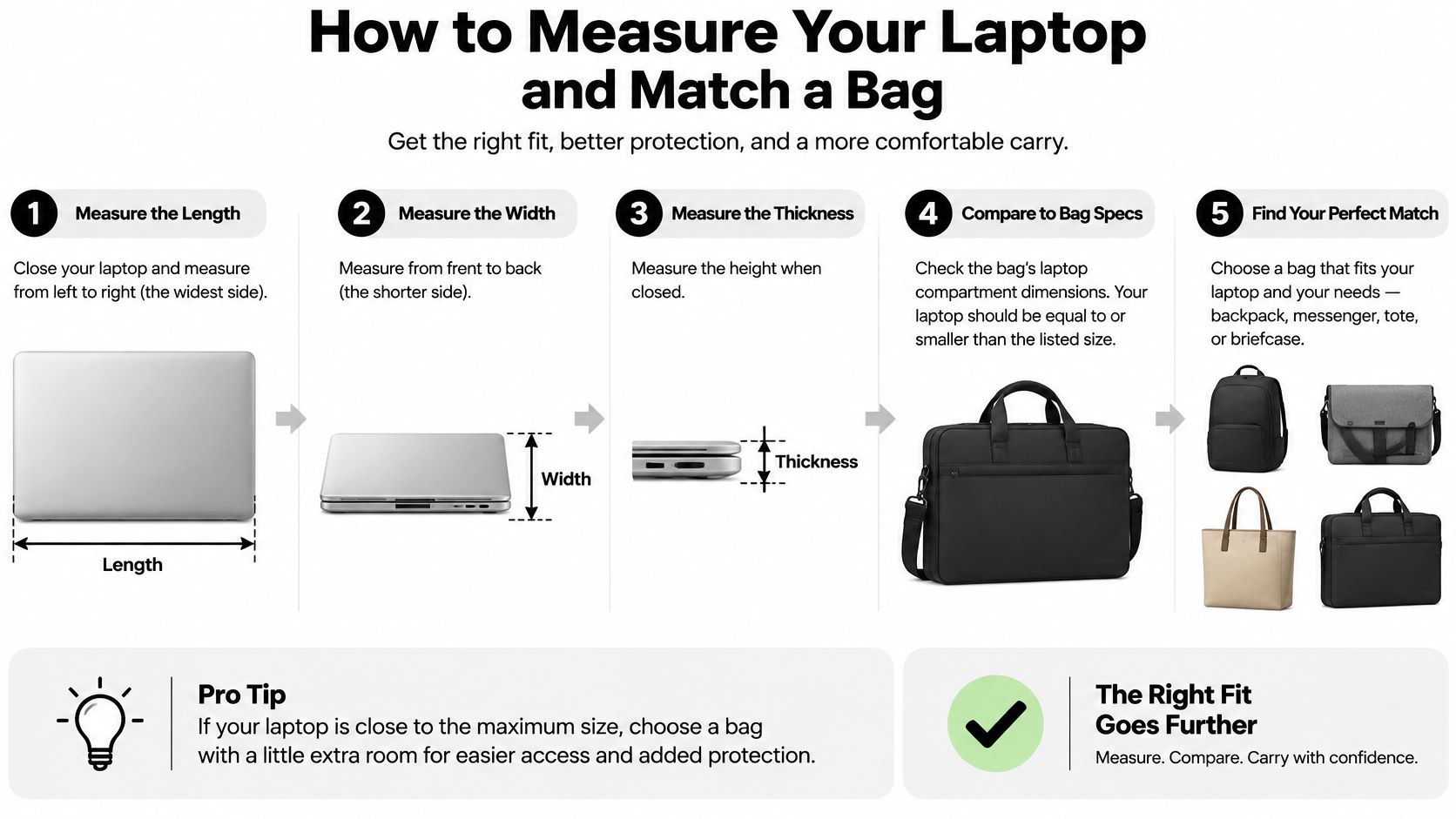
You have the reference ranges for the category. Now make them specific to your machine, because a 15-inch label covers slim ultrabooks and deep workstation chassis that need different compartments. Size the compartment to your laptop's largest closed footprint, including any case you leave fitted.
For background on how those chassis sizes vary, see GadgetsFeed's laptop sizing guide. Your own measurements should determine the purchase.
Worked example before you measure
Take a 14.02-by-9.01-inch chassis with a fitted 0.8-inch thick shell. The bag compartment needs an internal width above 14.02 inches, not exactly 14.02, plus depth above 9.01 inches for the hinge and feet. Look for a sleeve or divider with stated internal width around 14.3 to 14.5 inches and thickness allowance above 0.9 inches. That clearance lets the sleeved computer slide in without force. It still holds firm once closed.
Use a rigid ruler for straight edges. A tape measure helps for checking an existing sleeve or bag.
Check the computer, opening and loaded fit
- Close the lid and measure the width. Measure edge to edge at the widest point, keeping the ruler straight rather than following a curved corner.
- Measure front to back. Include any rear hinge projection, since that protrusion still needs to pass through the opening.
- Find the thickest point. Check the hinge area, feet and any fitted protective shell rather than measuring only the thin front edge.
- Allow for your sleeve and clearance. If you use a slim sleeve, measure the sleeved computer and leave enough room for it to slide in without force.
- Compare with usable compartment dimensions. Check the product page or ask the seller for internal measurements, including the opening if it narrows near the zipper. The outer bag size will mislead you.
- Test insertion and closure. The laptop should rest flat while the zipper closes freely, without bulging fabric or pressure on the lid.
- Add your normal work essentials. Load the charger and notebook, lift the bag and tilt it gently. Noticeable sliding suggests the compartment needs a closer-fitting sleeve or retention feature.
Don't add a generous allowance just because a larger compartment sounds more protective. Extra lateral room lets the computer travel farther before contacting the padding during an abrupt stop or drop. Snug is useful; squeezed isn't.
Ask for the missing measurement
A seller may list the bag's height and width without describing the laptop compartment. Ask specifically for the maximum supported device width, depth and thickness, and whether those dimensions allow for a sleeve. I recommend writing those three numbers down before you shop, so listings get a yes or no in seconds.
Also check how the compartment opens. A laptop can fit inside the body of a bag yet be awkward to angle past a short zipper opening. That is especially frustrating when you are holding a boarding pass or balancing a bag on a cafe chair.
When comparing a work bag with a laptop compartment, look for a clear distinction between storage space and dedicated device space. A good fit feels easy and controlled. The computer slides in, stays settled and comes out without wrestling the lining.
Padding, Sleeves and Water Resistance That Matter
A fabric divider separates your laptop from other belongings. Padding cushions contact. Those aren't interchangeable features, even when both are described as a laptop pocket.
Feel around the compartment's edges and base, not just its broad panels. Look for cushioning where the corners sit, a closure or retaining tab that limits movement, and a raised or suspended base that keeps the computer from resting directly on the bottom of the bag.
Protect the whole laptop zone
An unpadded tote can still be an everyday carry option when paired with a properly fitted protective sleeve. The trade-off is that the sleeve consumes space and adds another item to remove when you sit down to work.
Back-panel padding also gives you a buffer between your body and the laptop's hard edges. Keep chargers, keys and metal accessories outside that zone, and place a water bottle where it can't press against the lid.
Padding isn't a reason to pack harder objects against the screen. Give the laptop its own space.
Water resistance is not an immersion promise
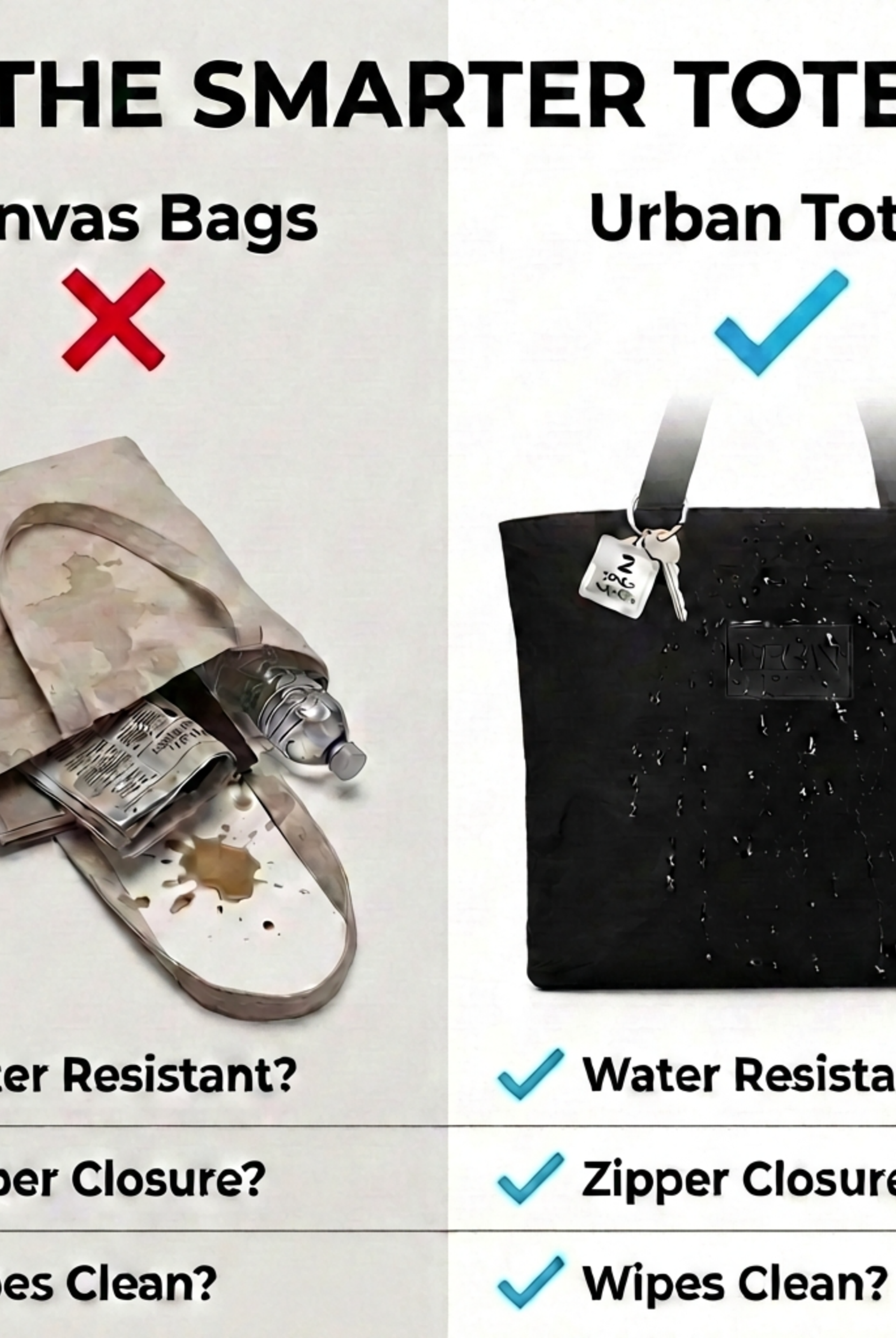
Water-resistant describes a useful lifestyle feature, but it doesn't establish a standardized protection rating. Fabric, seams and closures all matter, so a water-resistant shell shouldn't be treated as permission to leave electronics in a puddle.
The OEM Waterproof Bags guide to water-protection testing distinguishes the IEC 60529 ratings and ISO 811 fabric benchmark below. These are testing references, not ratings claimed for any bag discussed here.
| Rating or test | What it measures | Practical meaning |
|---|---|---|
| IPX4 | Splashing water from any direction | Splash exposure and light-rain conditions, not immersion |
| IPX5 | Water jets from a 6.3 mm nozzle | Harder spray, still not submersion |
| IPX6 | Stronger jets from a 12.5 mm nozzle | Heavy jets of water |
| IPX7 | Immersion to 1 m for 30 minutes | A submersion test, rarely relevant to everyday tote use |
| Fabric hydrostatic head, ISO 811 | Water pressure a shell resists, with a cited 10,000 mm benchmark | Shell resistance, separate from any IP rating |
The X means no dust-protection rating was claimed. A fabric test also doesn't establish how an assembled bag's zipper or seams will behave. The distinction between water-resistant and waterproof matters when your work computer is inside.
Thin shells and slim padding keep a bag lightweight and packable. More substantial cushioning takes up room, so match the construction to your weather, walking route and handling habits rather than buying bulk automatically.
If a display is already cracked, extra padding won't repair it. Readers nearby can find MacBook screen specialists in Sheffield through Steel City IT before putting the device back into regular travel use.
Pockets for Chargers, Phones and Keys That Work
A 15-inch setup needs five addresses: laptop, charger, phone, keys, water. List those before you count pockets, because a layout that keeps hard and wet items off the computer beats a longer feature list.
Give everyday essentials a home
- Laptop sleeve: Choose a dedicated, secured space with the computer separated from exposed zipper hardware.
- Charger and cables: Use an adjacent zippered pocket where the power brick rests beside the sleeve, not pressing on the lid.
- Phone: Look for a top or outer pocket you can reach while standing in a queue.
- Keys and small items: Keep them in a small zippered pocket so they do not migrate beneath everything else.
- Water bottle: Use a side or outer slot away from electronics, and check the bottle lid before packing.
Route by weight and frequency. Charger brick sits in the middle zone where it cannot slide into the screen. Phone goes high and outside for quick retrieval. Keys stay zipped and isolated from the sleeve lining. Water stays on the outer wall, with the cap facing up and the electronics on the opposite side.
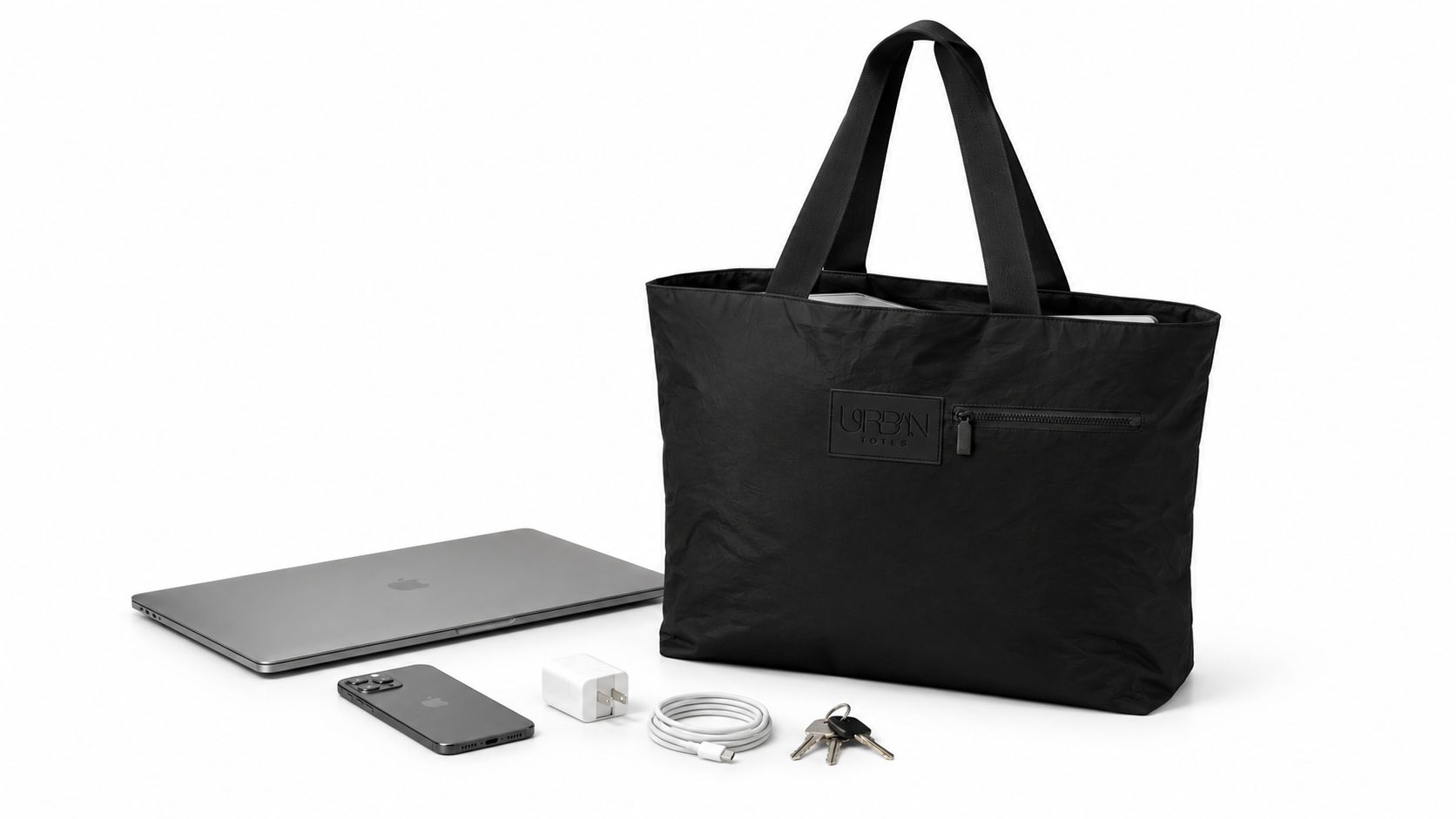
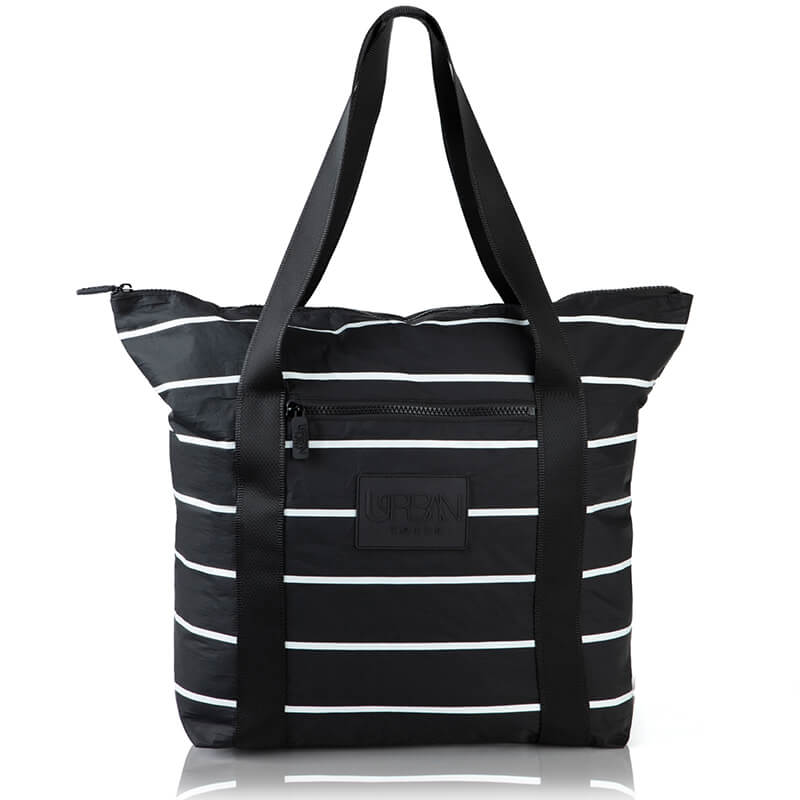
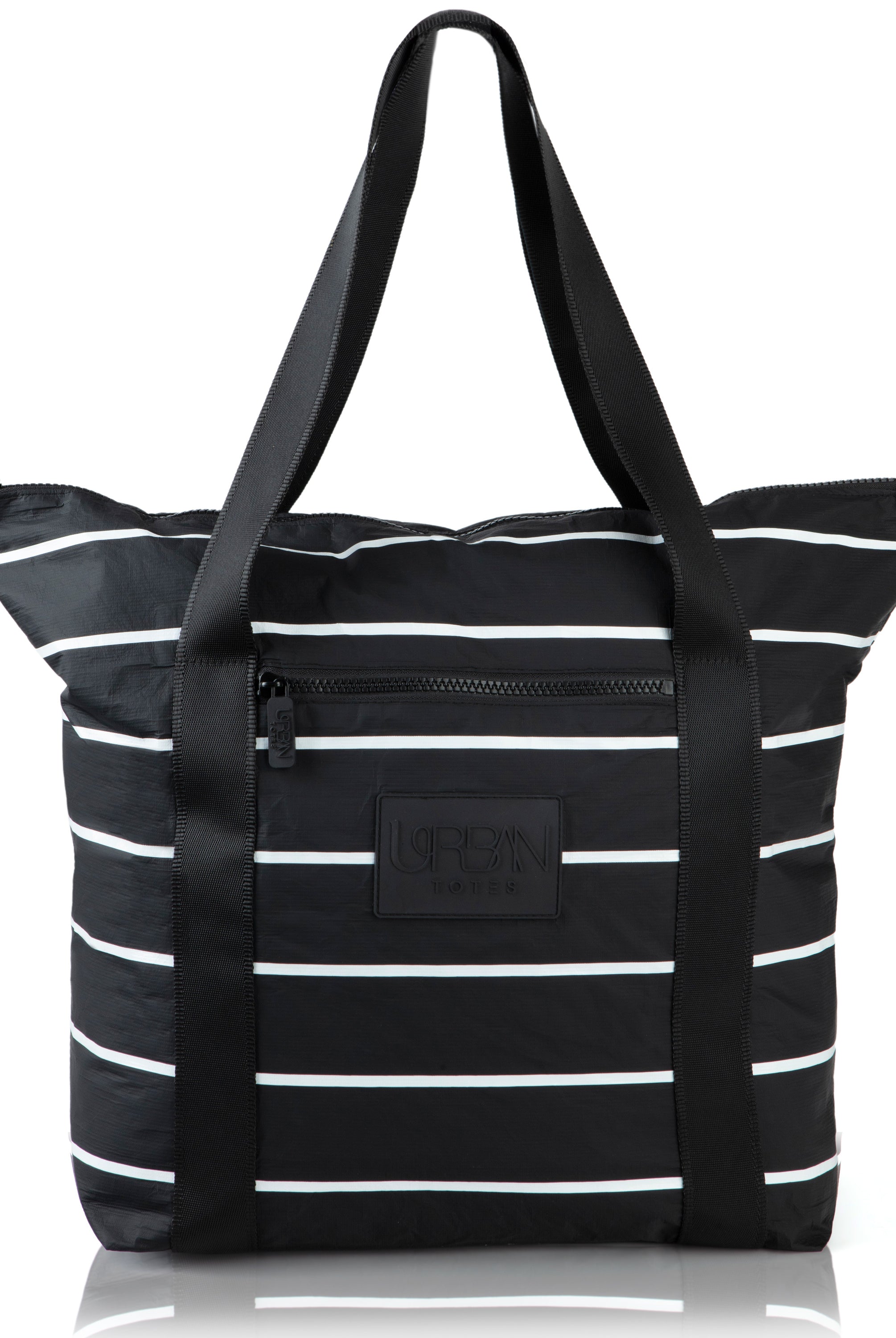
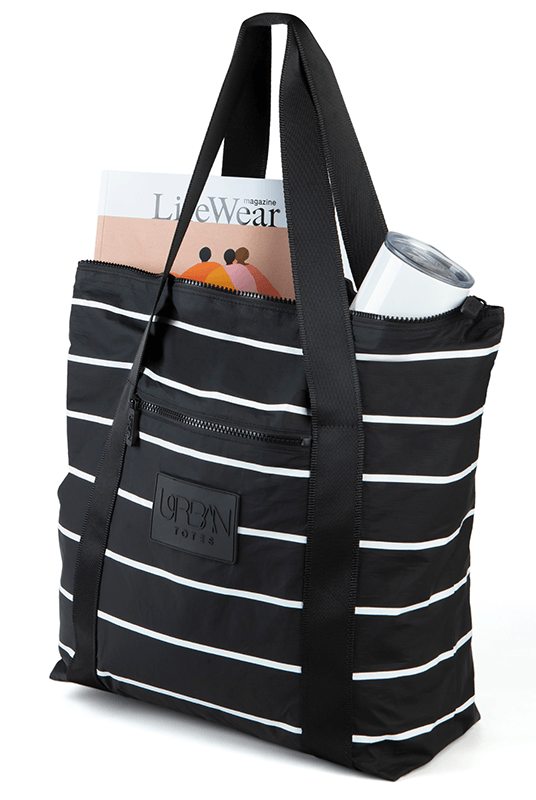
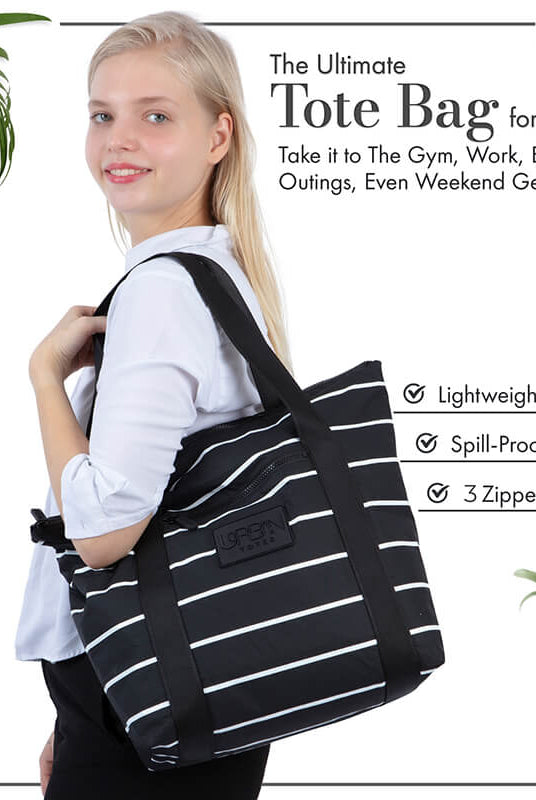
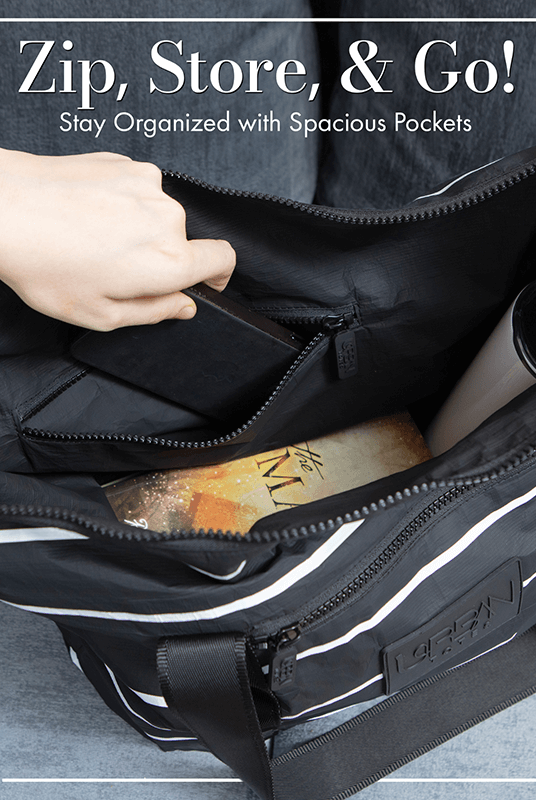
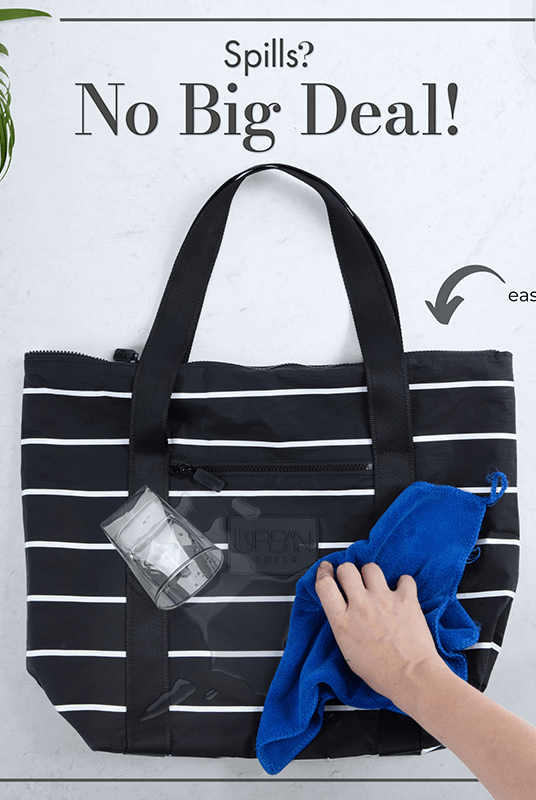
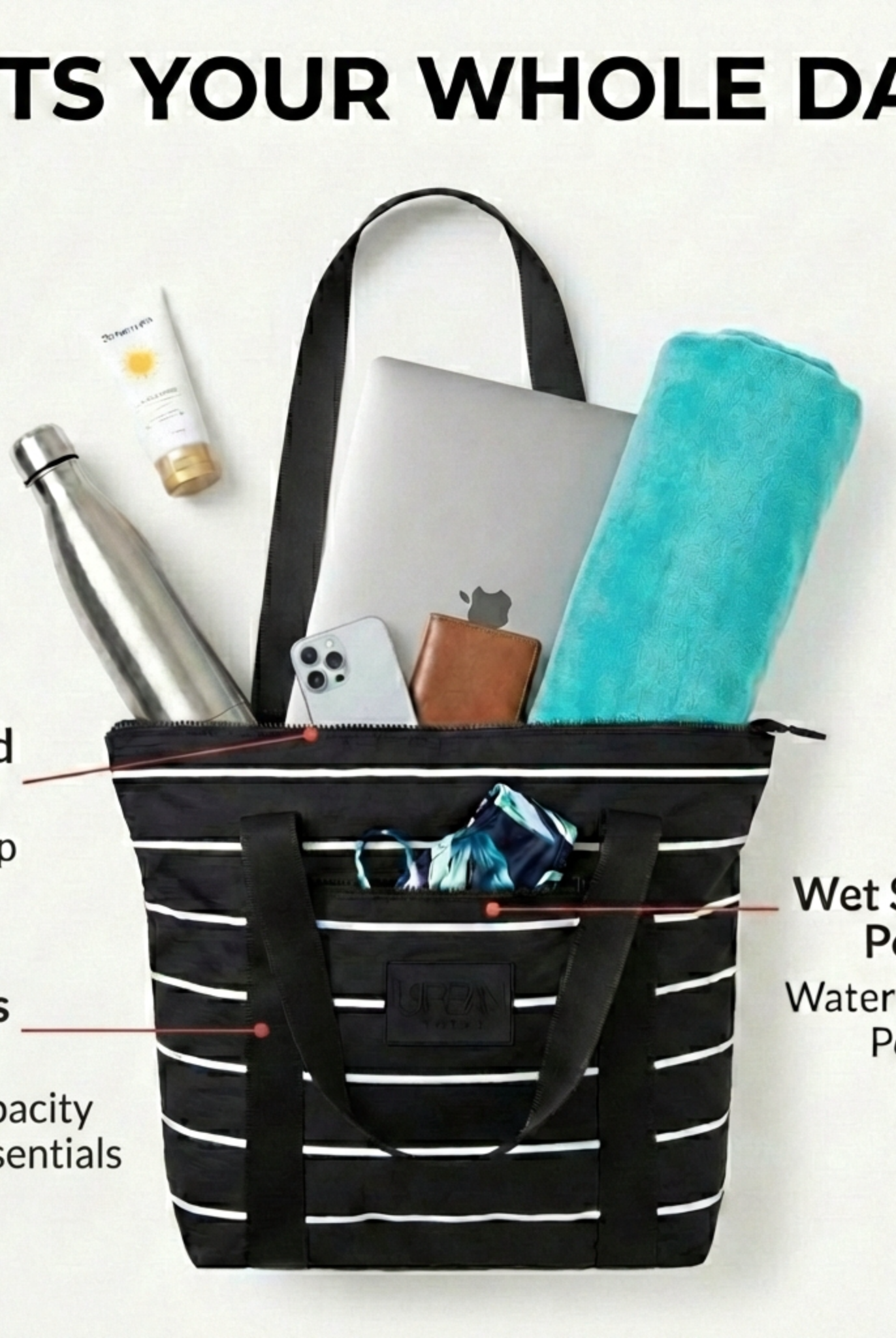
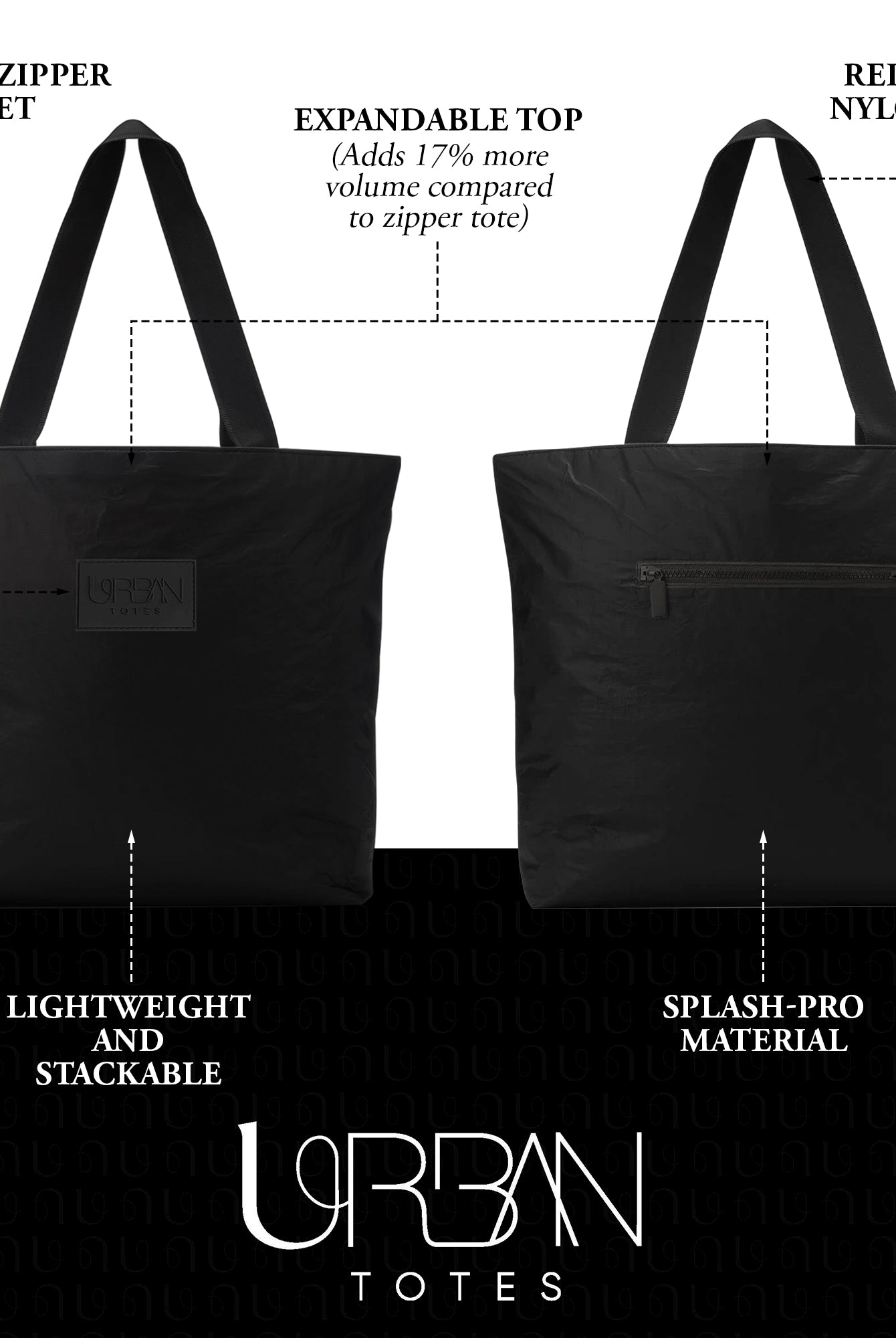
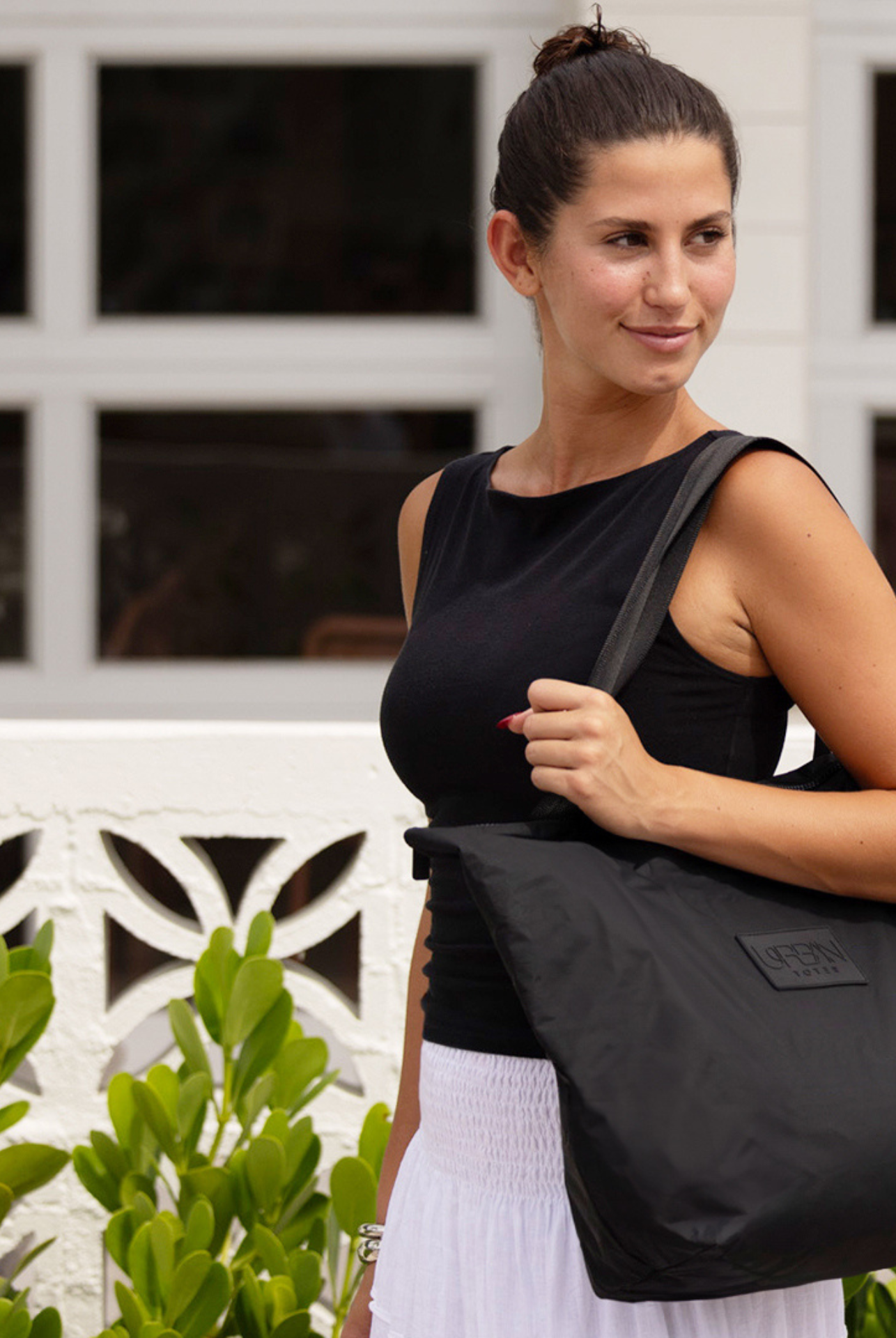
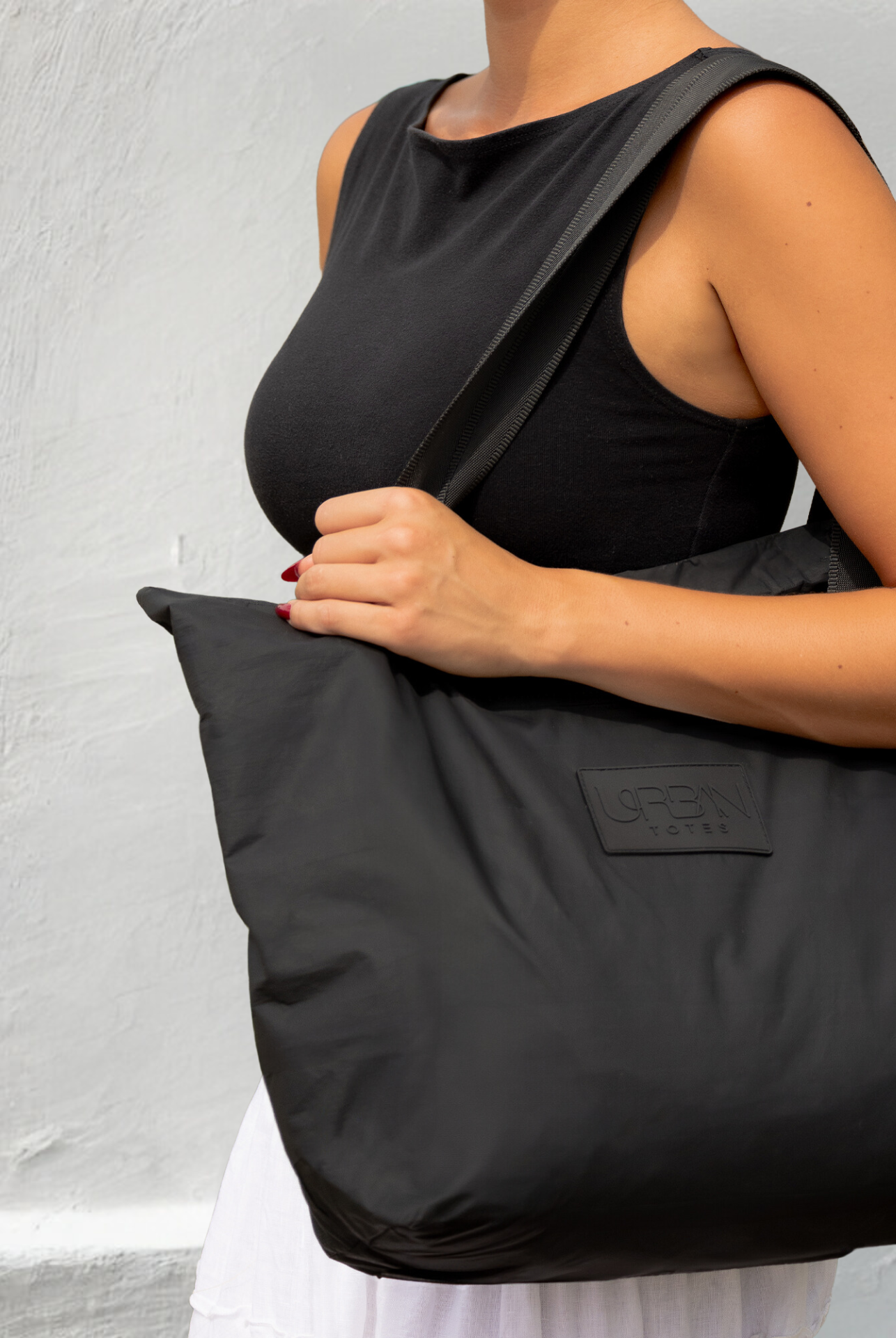
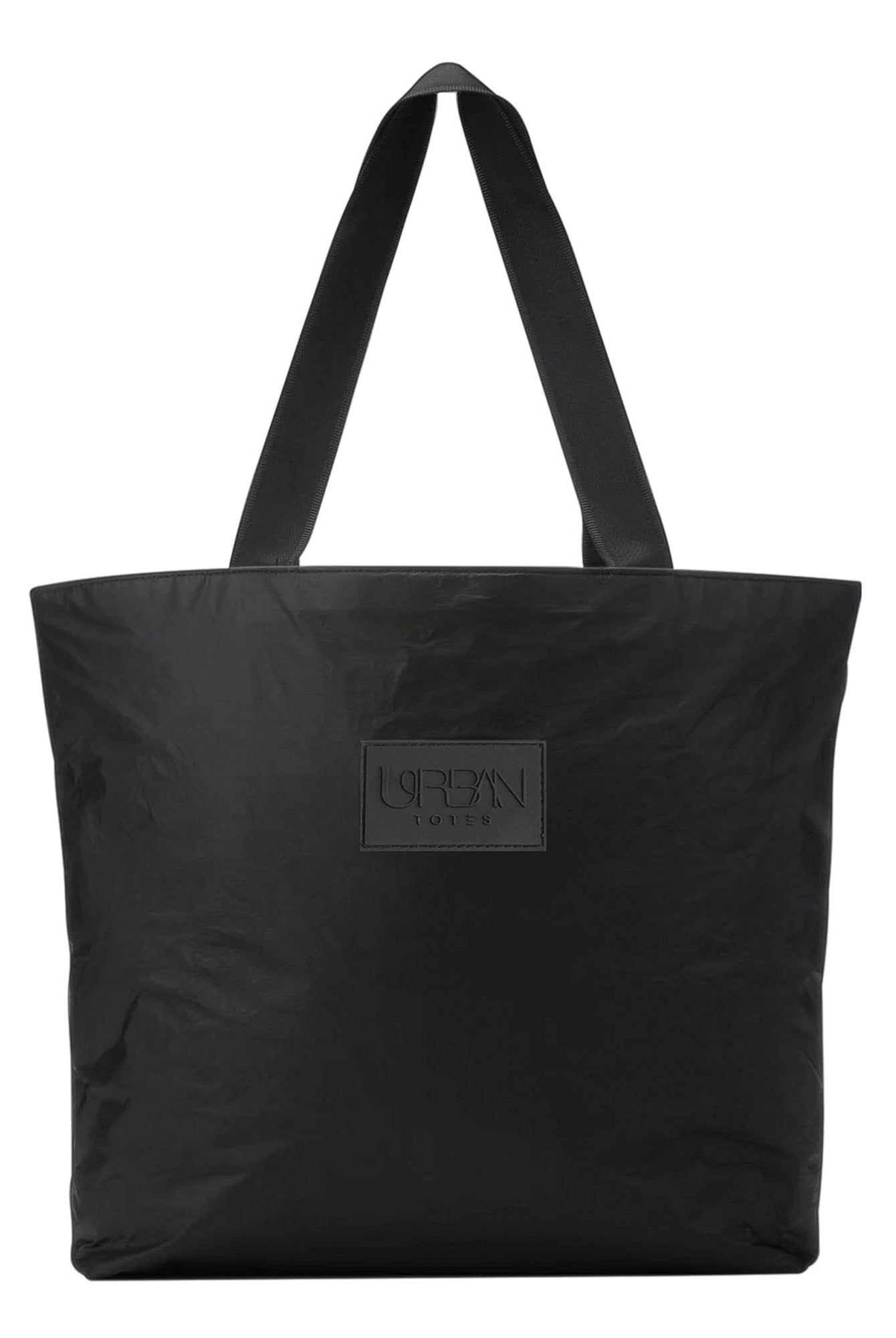
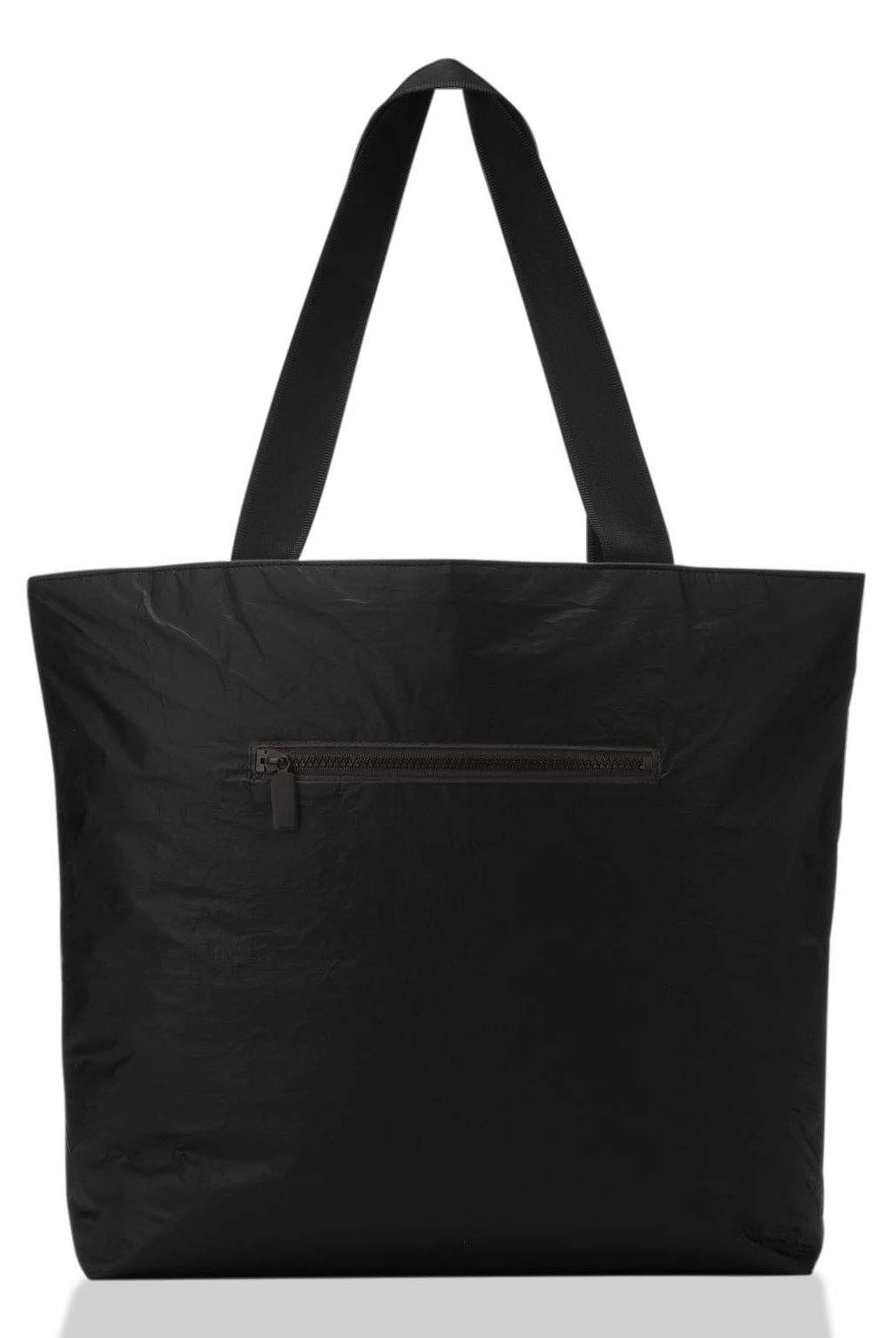
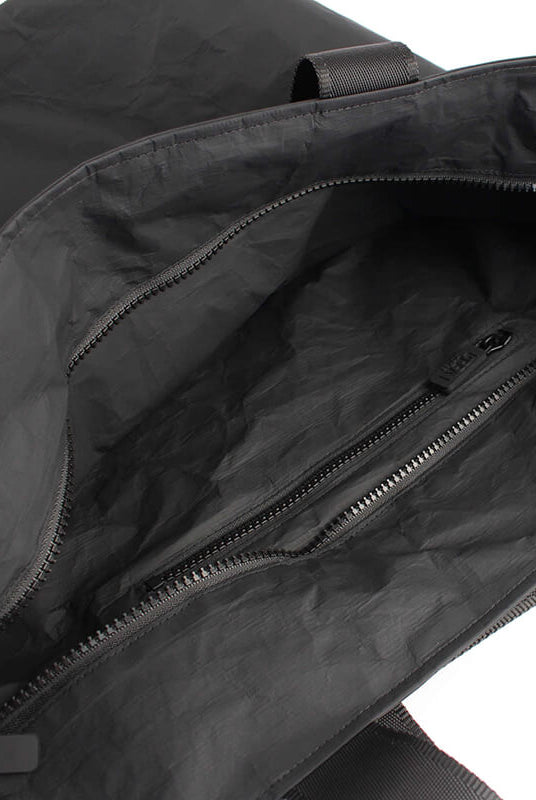
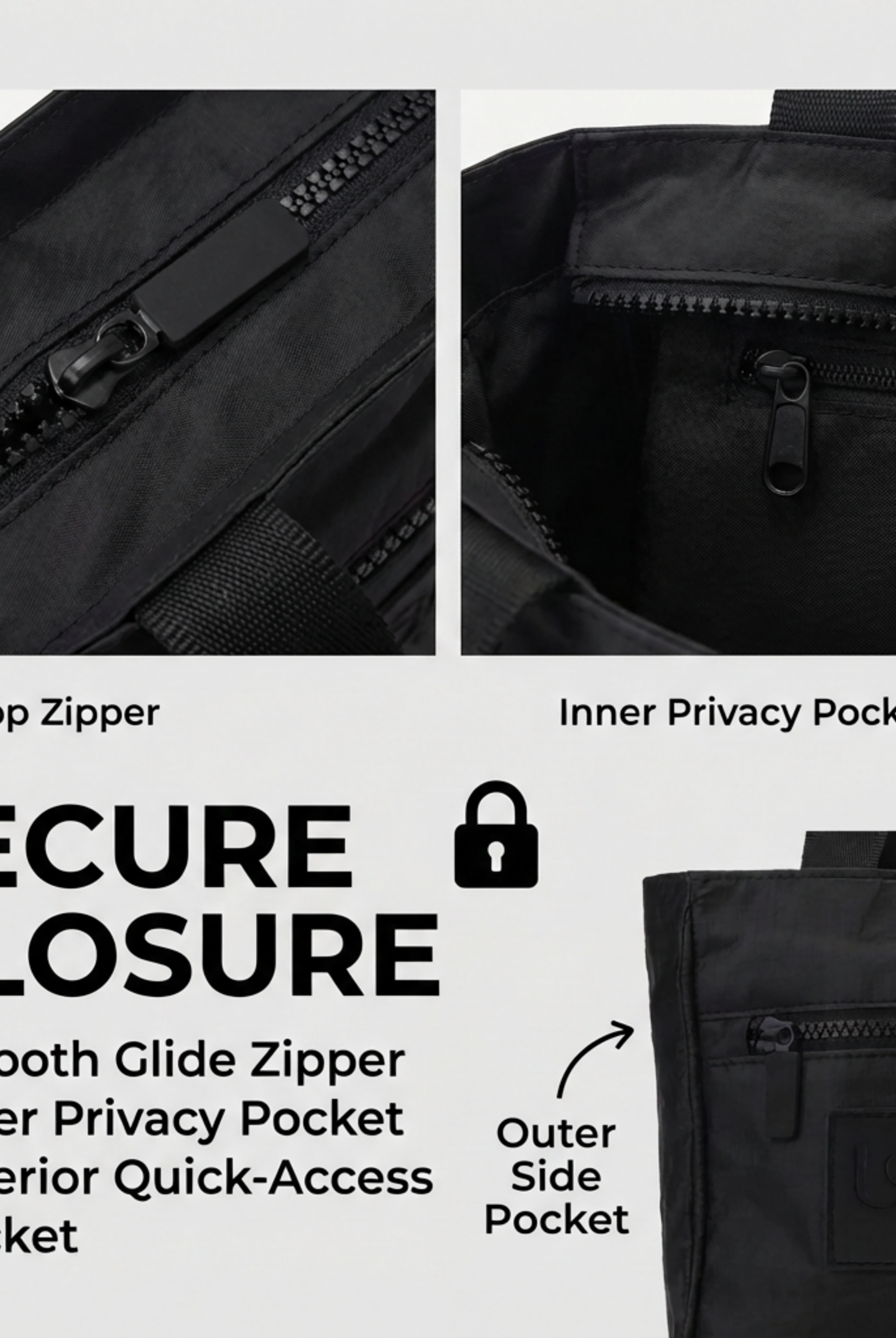
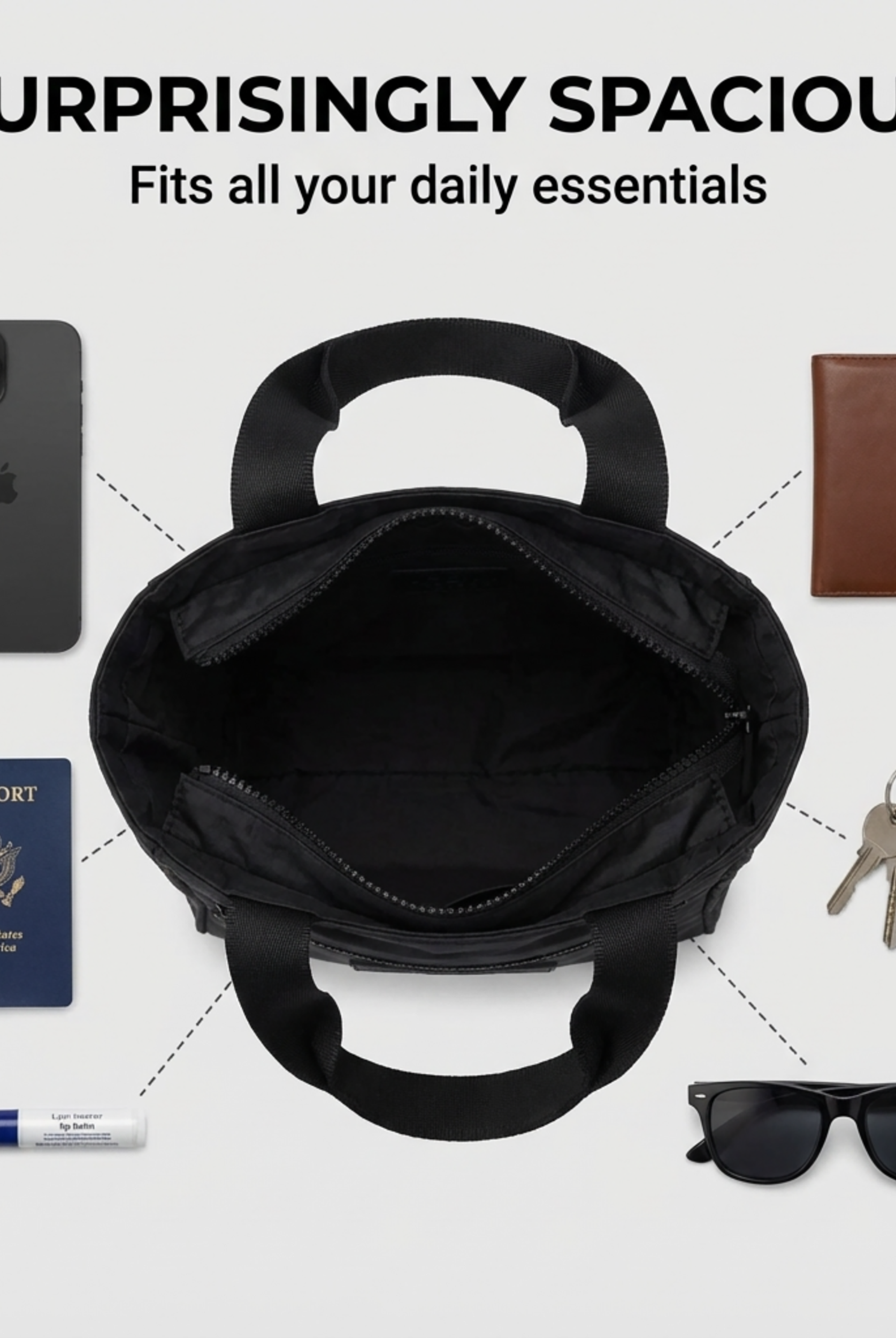
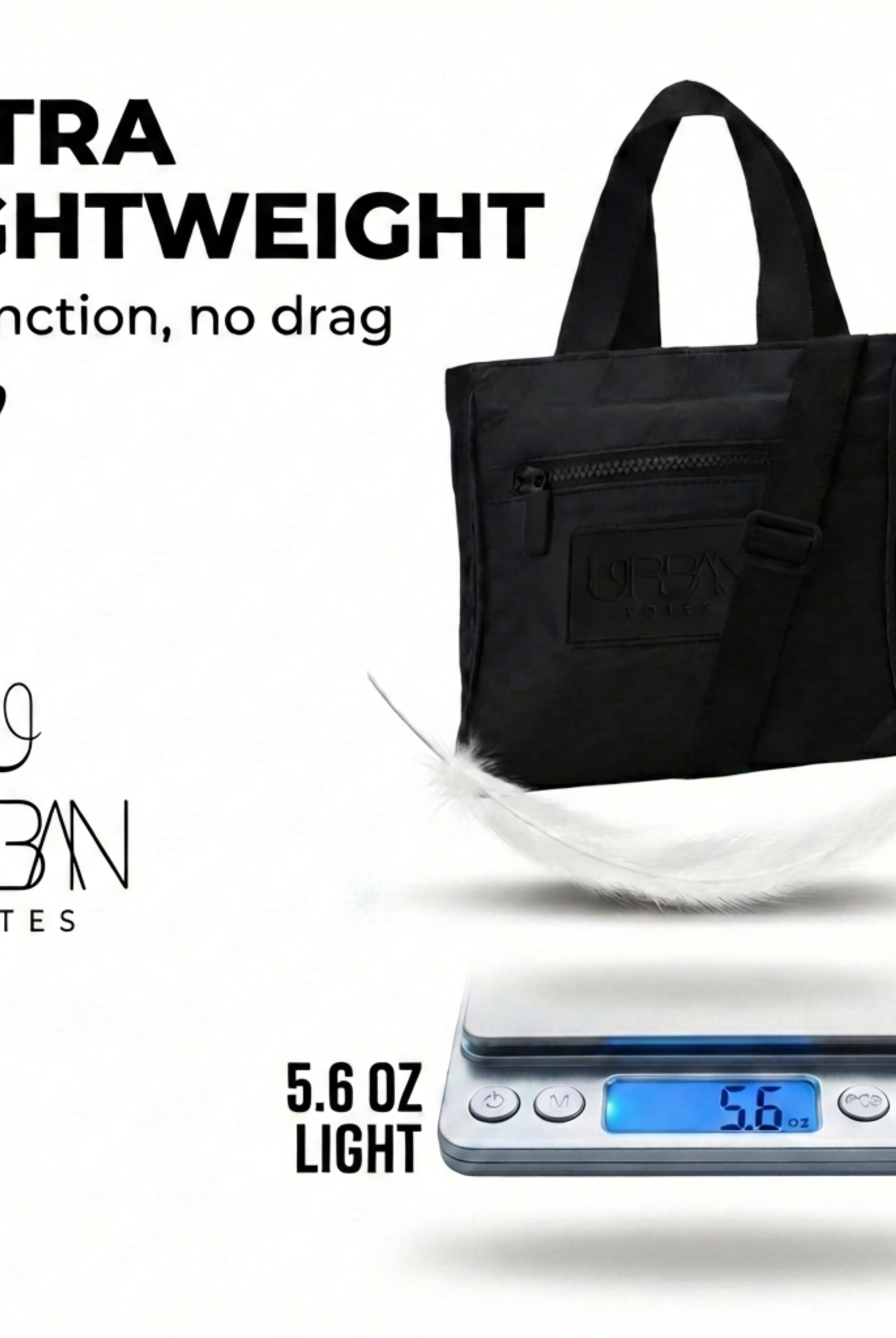
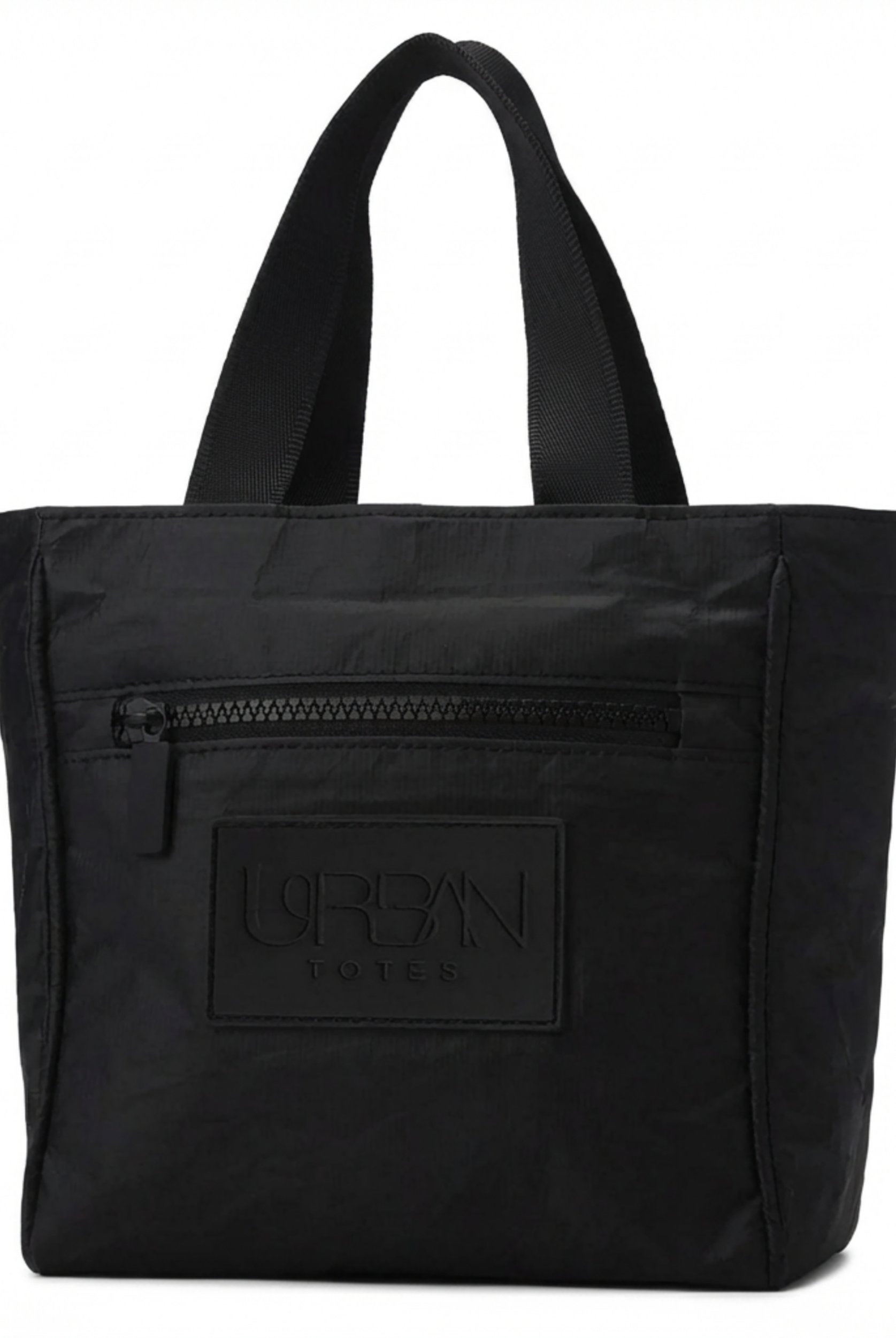
For an organization example, The Go Anywhere Day Trip Tote Bag by Urban Totes provides multiple zippered compartments plus dedicated phone and key pockets. Read that as storage and carrying options, not confirmed laptop compatibility or padding.
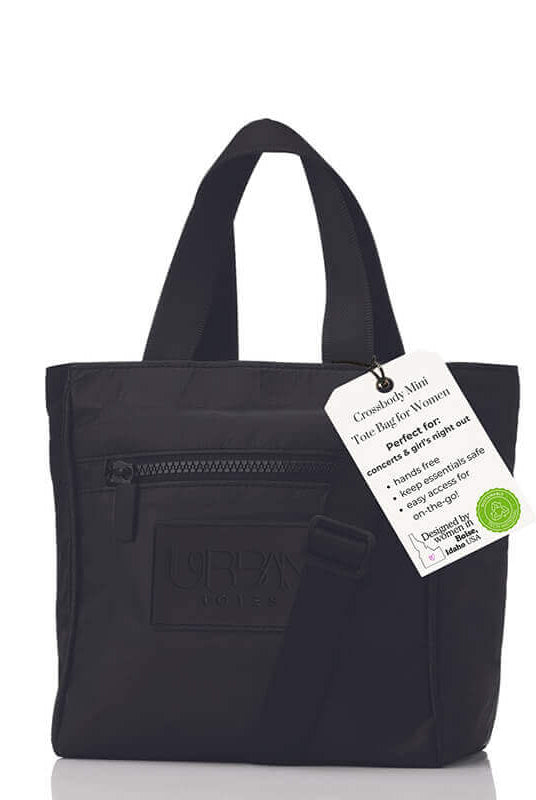
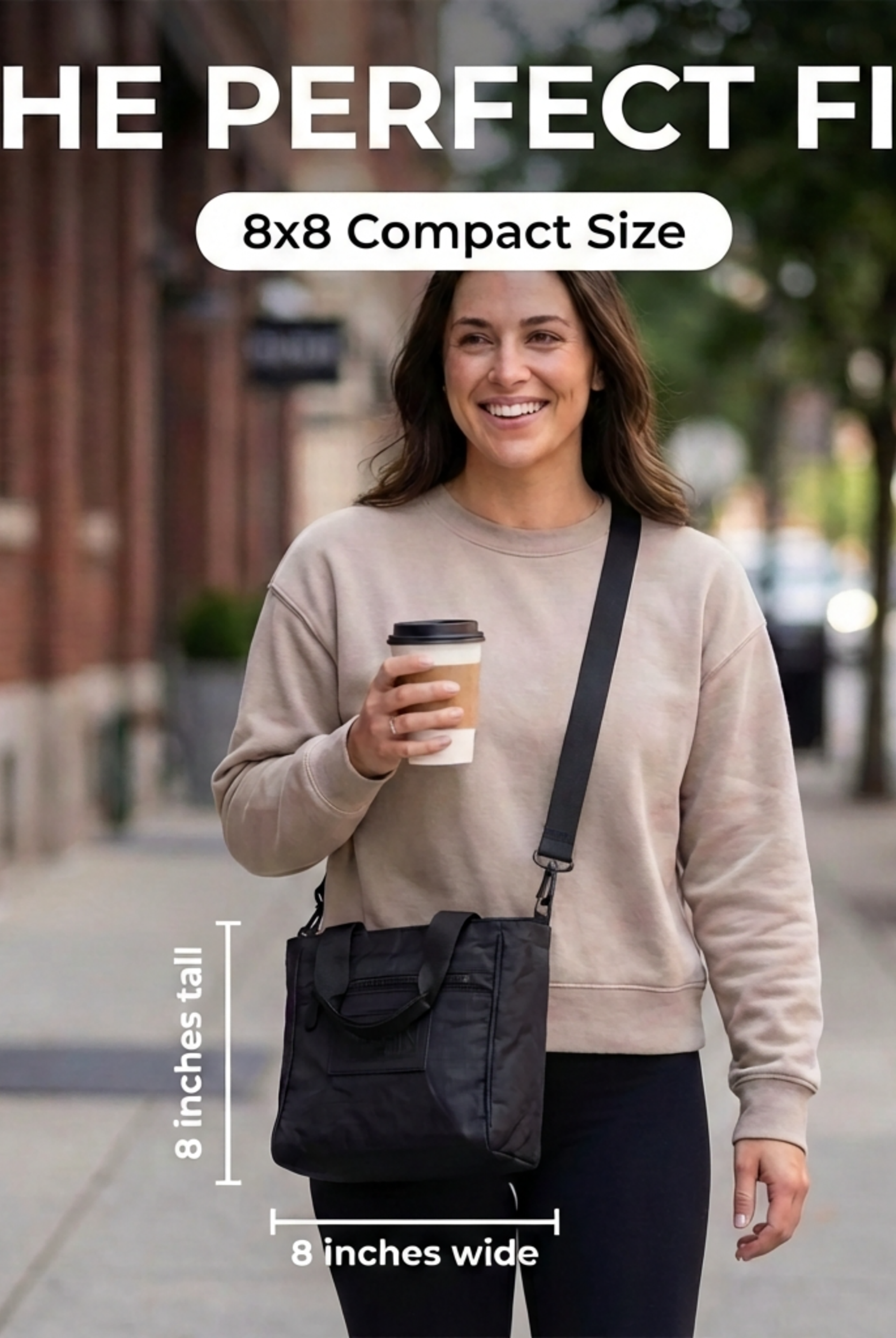
The Crossbody Tote Bag Mini Purse offers a quick-access phone pocket, an inside zipper pocket and a removable strap. It works as a small-essentials organization example, not a laptop carrier.
A well planned bag with compartments keeps the laptop sleeve clear while each accessory has a fixed spot. Test it packed. If the filled charger pocket bulges into the computer bay, the separation has failed.
More pockets are not automatically better. Small organizers can crowd the main compartment when filled. I recommend choosing Useful separation beats a high pocket count as your buying rule, then checking that zips run smooth and nothing sharp faces the laptop.
Straps and Comfort When Your Bag Is Full
A laptop bag rarely carries only a laptop. Add lunch, a full water bottle, a gym top and a child's spare clothes, and the comfortable empty tote becomes a different carrying proposition.
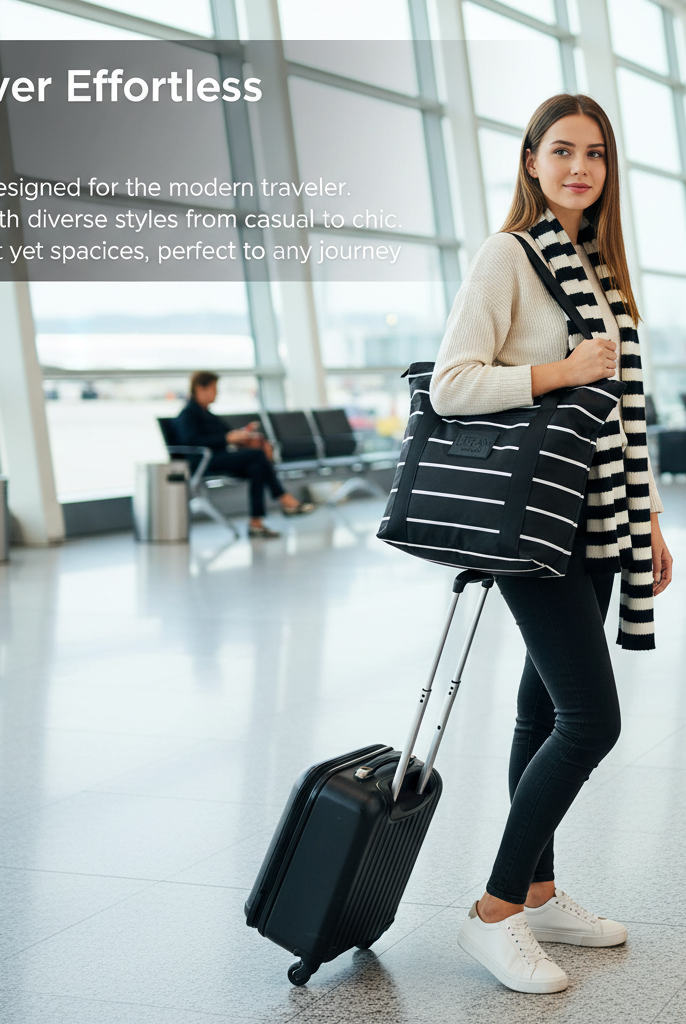
Judge the loaded bag over your longest routine walk, not just the quick lift from a shop counter. A stylish strap that feels fine between the car and office may be distracting across a terminal.
Use weight guidance carefully
Codemotion's commuting guide cites a University of California Ergonomics Program reference suggesting a backpack load of roughly 15% of body weight, with more conservative advice around 10%; for a hypothetical woman weighing 140 pounds, that calculates to 14–21 pounds.
That guidance concerns backpacks, not permission to carry the same load on one shoulder. It also considers duration, distance, posture and load distribution, so don't treat the percentages as a safety cutoff or a target to fill.
Comfort check: Pack for the day you actually have, then remove anything you're carrying only because there's an empty pocket.
Test the carry style you'll use
- Shoulder carry: Convenient when you need a free hand. Check strap width, padding and drop length over your usual coat, and don't assume it will suit a long walk with a heavy load.
- Crossbody carry: Can keep a suitable bag closer and steadier on transit. Check that the strap adjusts to your torso and clothing rather than choosing by maximum strap length alone.
- Hand handles: Useful for short transfers and quick pickups. Test clearance around your hand and whether the handles remain comfortable with the full load.
Use the handles and strap specifications listed earlier as fit details, not guarantees of comfort. A bag-strap adjustment guide can help you check positioning, but adjustment won't solve an unnecessarily heavy load.
Place heavier items close to your body and balance accessories so the bag doesn't lean outward. Keep the charger in its assigned pocket rather than moving it into whatever gap remains. If you're constantly hitching the bag upward or changing hands, reassess the load and carry style before choosing a larger tote.
Packing and Flying With a 15-Inch Laptop
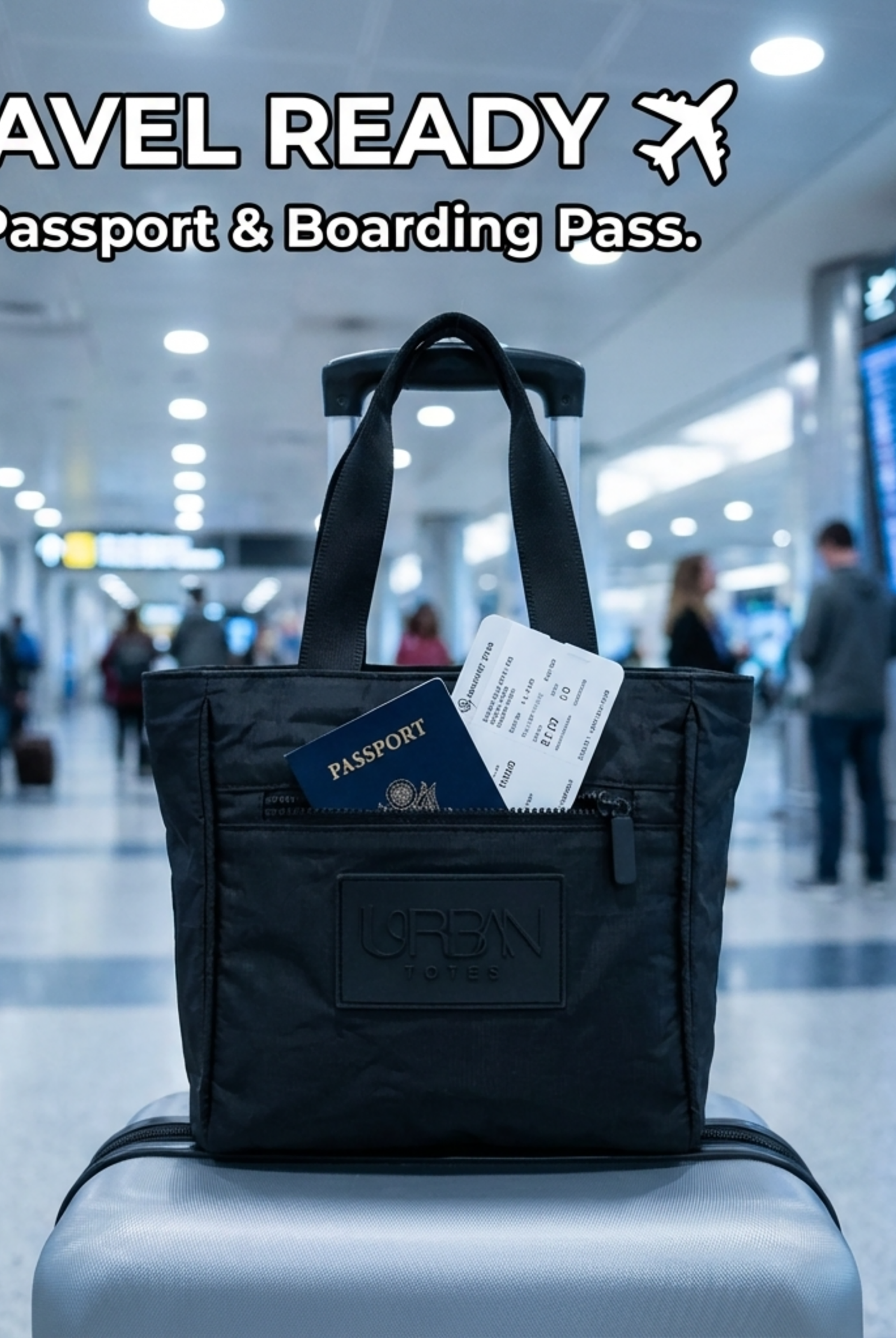
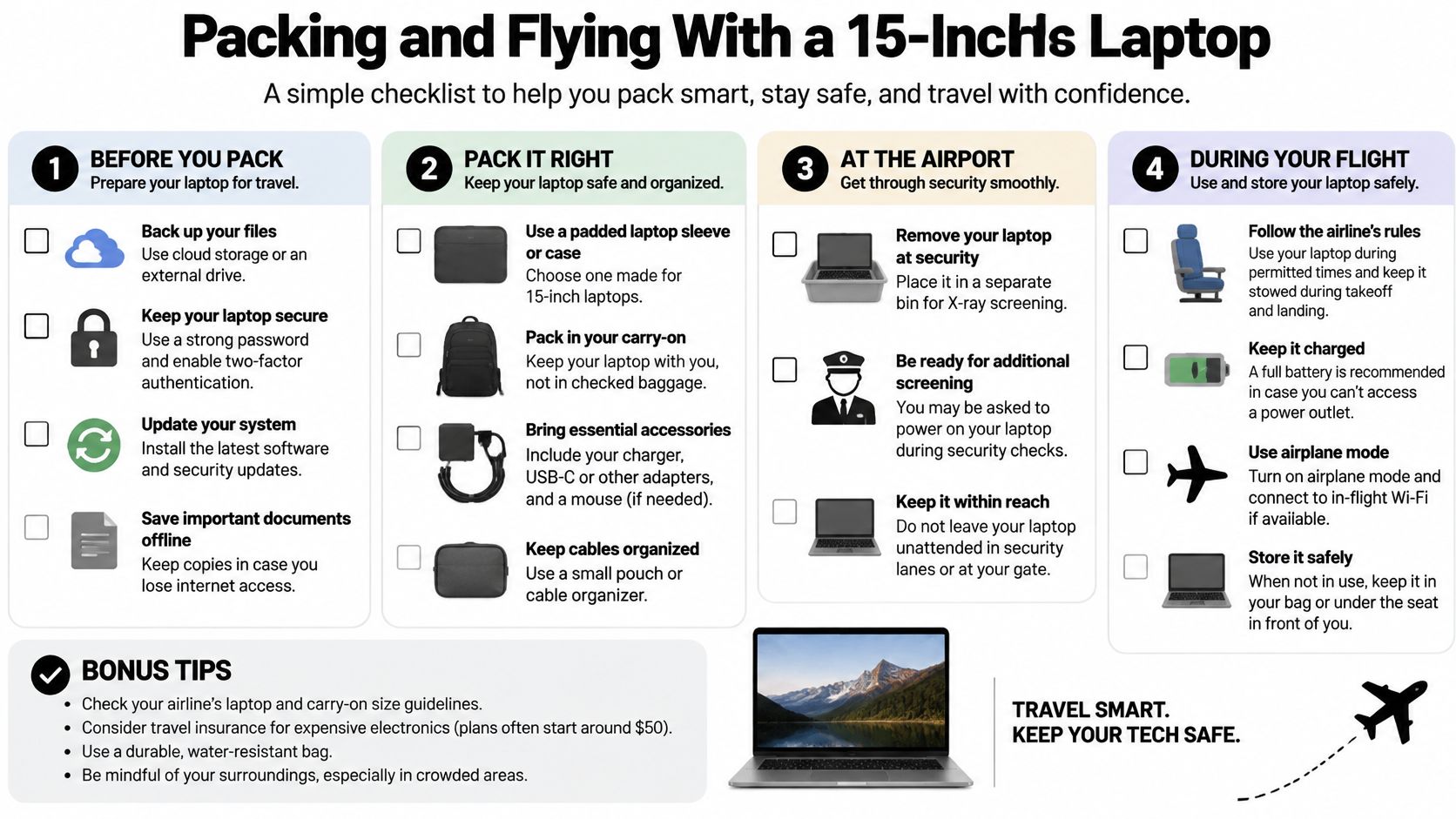
The FAA's passenger battery guidance recommends carrying laptops with lithium batteries in carry-on baggage: up to 100 Wh is generally allowed, 101–160 Wh requires airline approval, and batteries above 160 Wh are forbidden on passenger aircraft. Spare lithium batteries and power banks must remain in carry-on baggage and be protected against short circuits. A 15-inch label does not change that rule, since screening and cabin storage depend on the fitted size and the battery inside.
If your bag is gate-checked, remove the laptop, spare batteries and power banks and keep them in the cabin, consistent with the FAA guidance for portable electronic devices. Pack so removal takes seconds. Put the computer in an outside facing compartment with its own zip, the power bank in a protective nonconductive pouch, and clothing and lunch in a separate zone that stays closed.
Use this departure routine before you leave home:
- Confirm the battery rating. Find the watt-hour rating on the battery label or manufacturer specification sheet and obtain airline approval where required.
- Keep the laptop reachable. Use a compartment you can open without disturbing lunch, clothing or other supplies.
- Separate the power bank. Protect exposed terminals from contact with metal objects.
- Measure the packed bag. Check its actual exterior, including filled outer pockets, against the allowance for your itinerary.
Example carrier size limits for laptop bags
A slim tote that slides under the seat on one flight can be sent to the overhead bin or the hold on another. Confirm the operating carrier current policy before departure.
| Carrier | Size or rule | What it means for a 15-inch bag |
|---|---|---|
| United | Under-seat personal item with set limits | Laptop bags are listed as typical examples, check the packed exterior |
| Southwest | Carry-on with set limits | A laptop case is recognized as an example, but a carry-on limit is not an under-seat promise |
| Delta | One free personal item if it fits under the seat | A laptop bag qualifies if it fits beneath the seat |
Delta's carry-on baggage policy explicitly includes a laptop bag as a personal-item example when it fits under the seat. Airline-specific restrictions still apply, including any stricter battery policies.
Before you decide what size bag fits under an airplane seat, measure the bag packed as you will fly it. Travel-ready means accessible as well as compact. I recommend a layout where the computer comes out clean at screening and goes back in without repacking the whole tote.
Choose the Right 15-Inch Bag for Your Week
A morning train, an office afternoon, Saturday errands and a weekend flight do not place identical demands on a bag. The 15-inch label covers machines with different widths, depths and corner shapes, so fit stays the filter for every other choice. Choose for the routine you repeat most, then confirm the occasional trip still works without repacking everything.
Tuesday can be the test for commuting. The bag needs a slim profile for a crowded seat, a quick access pocket for the phone, and a strap setup that keeps the load stable while you hold a rail. Saturday changes the load. The same bag then carries the laptop plus lunch, a bottle and extra layers, so handles and shoulder options both need to feel workable when the weight rises.
Bag priorities by everyday situation
| Situation | Decision rule to apply |
|---|---|
| Commuting on transit | If the packed width crowds your seat, drop an outer pocket from the load or switch to crossbody carry |
| Office workday | If charger, cables and bottle do not each have a set zone, the laptop compartment will collect loose items |
| Airport trip | If the filled exterior plus laptop sleeve exceeds the personal item box, use it as the carry on or repack |
| School drop-off and errands | If kids supplies push the laptop against the zip, carry fewer extras or choose a larger capacity layout |

Make the final decision
- Measure your laptop in the case or sleeve you use day to day.
- Choose for your longest carrying day, not the shortest transfer.
- List your daily essentials and assign each a practical pocket zone.
- Check your carrier's allowance if the bag will fly with you.
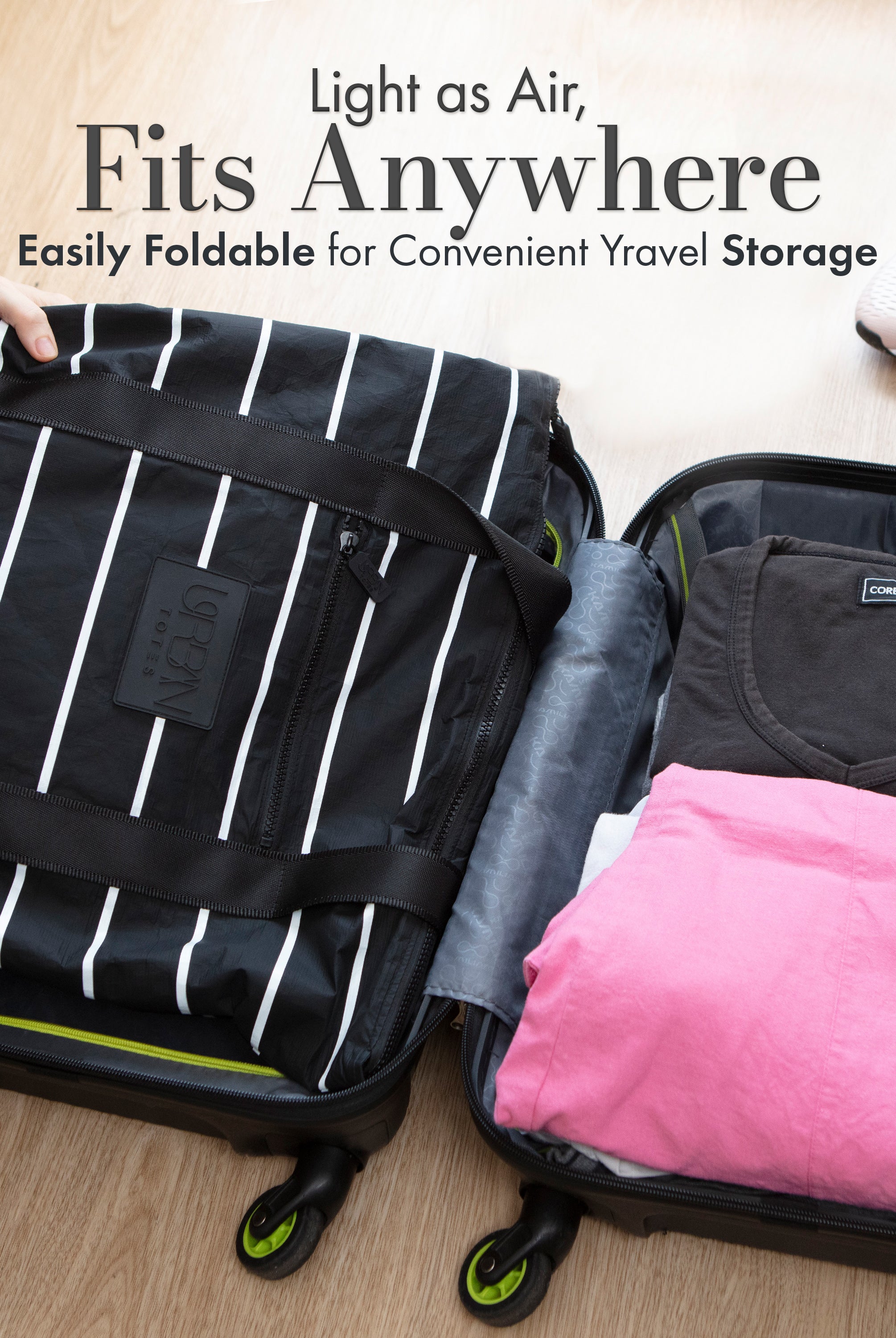
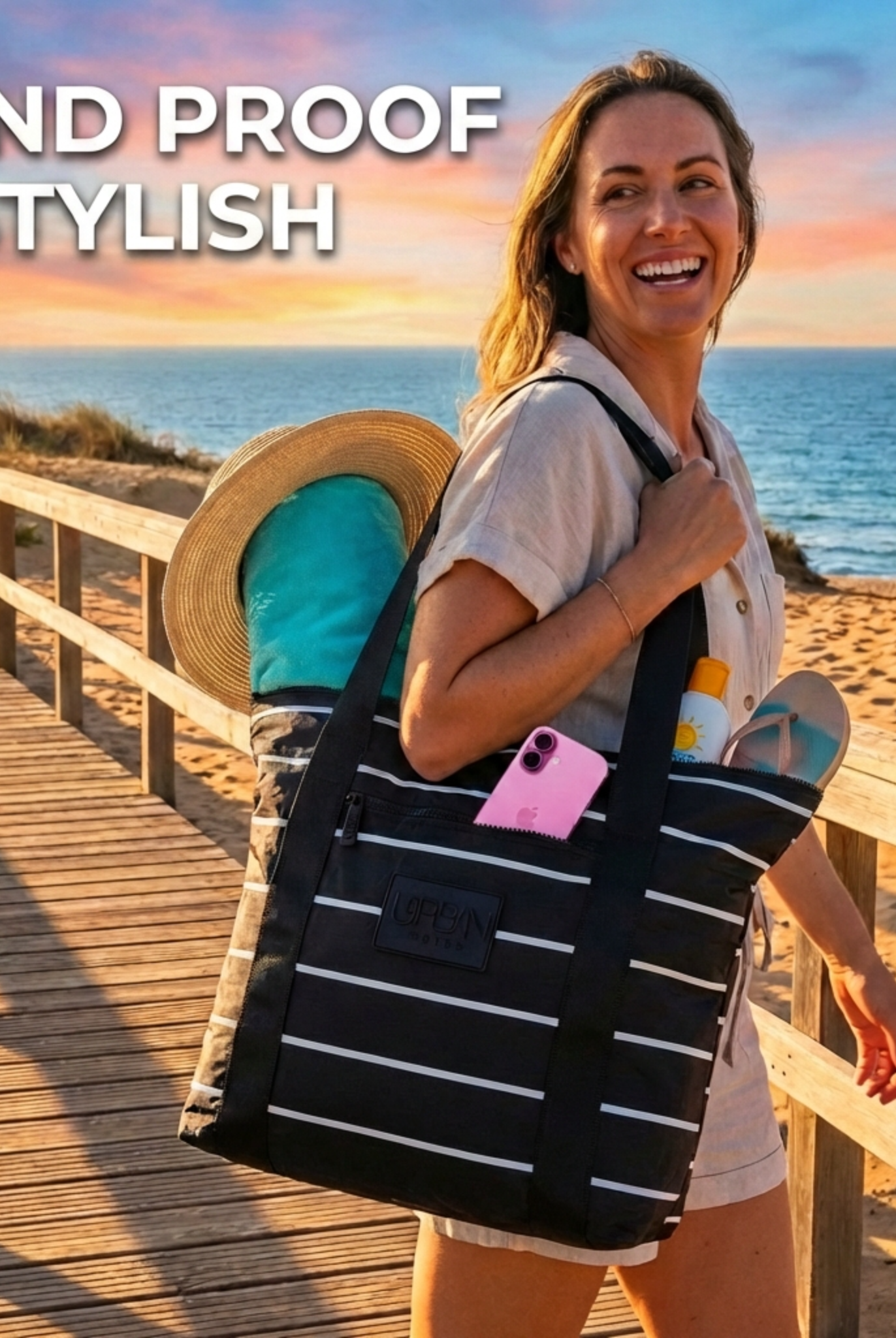
Urban Totes is an independent, woman-owned brand based in Boise, Idaho, with tote and crossbody designs focused on organization for daily carry. Look for water resistance, low empty weight and separate pockets when you compare options. Packable and foldable features are useful, but laptop fit and protection still need their own check.
Urban Totes offers stylish, functional tote and crossbody options with zipper closures and organized storage for busy everyday carry. Visit Urban Totes to find your go-anywhere bag, and check each product page's compartment dimensions against your laptop measurements before ordering; ask for internal dimensions if they aren't listed. Go Anywhere. Tote Everything.